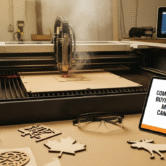


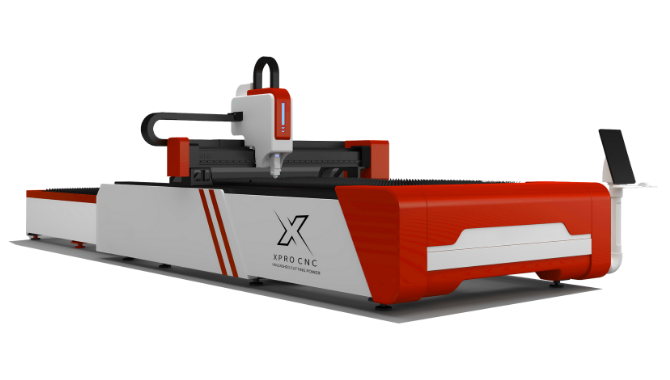
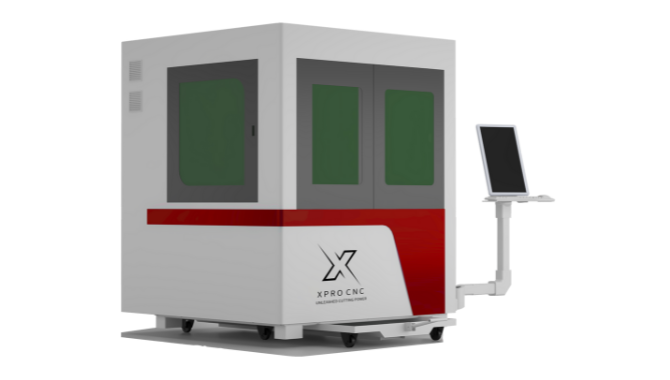
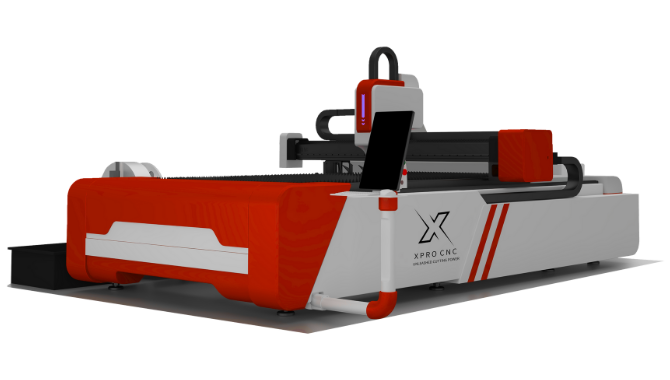
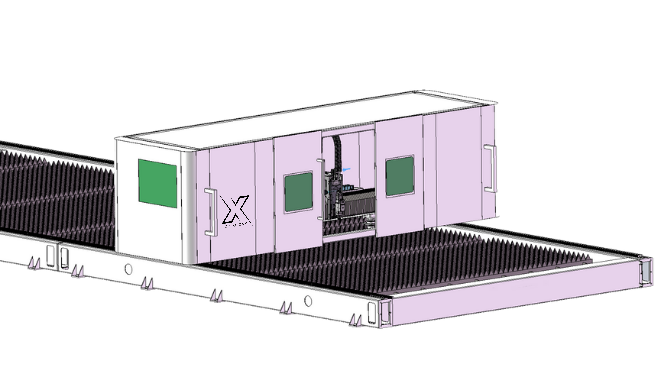
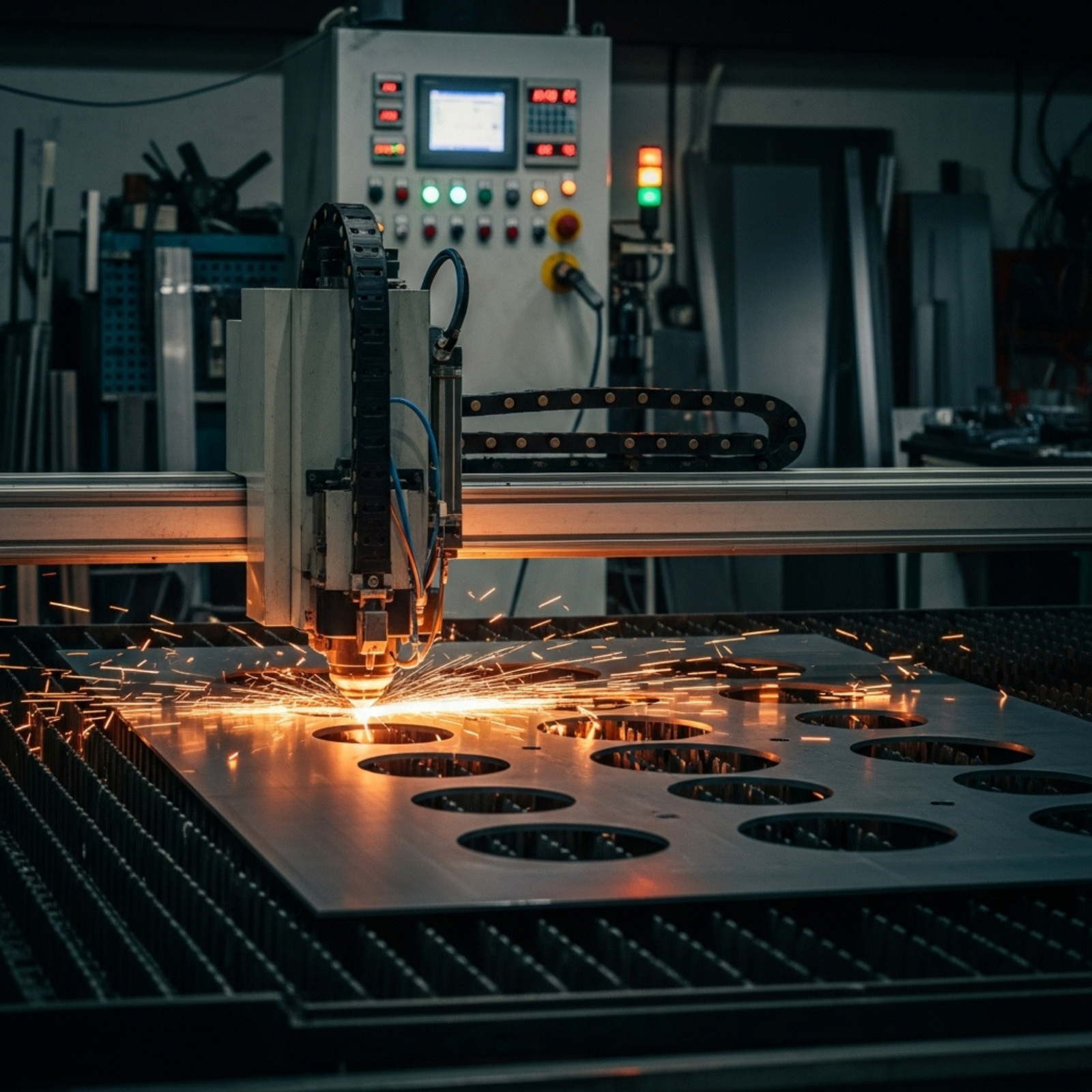
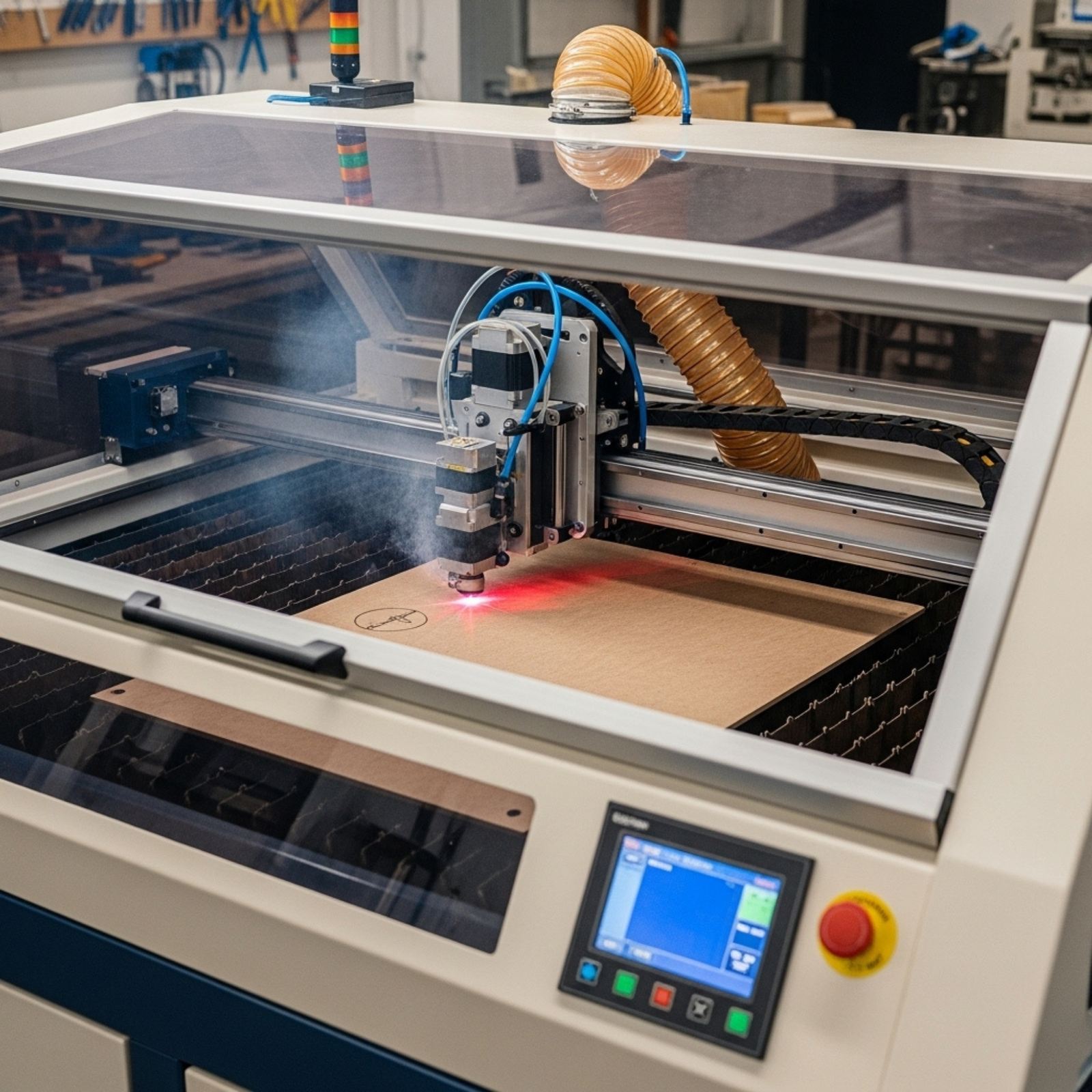
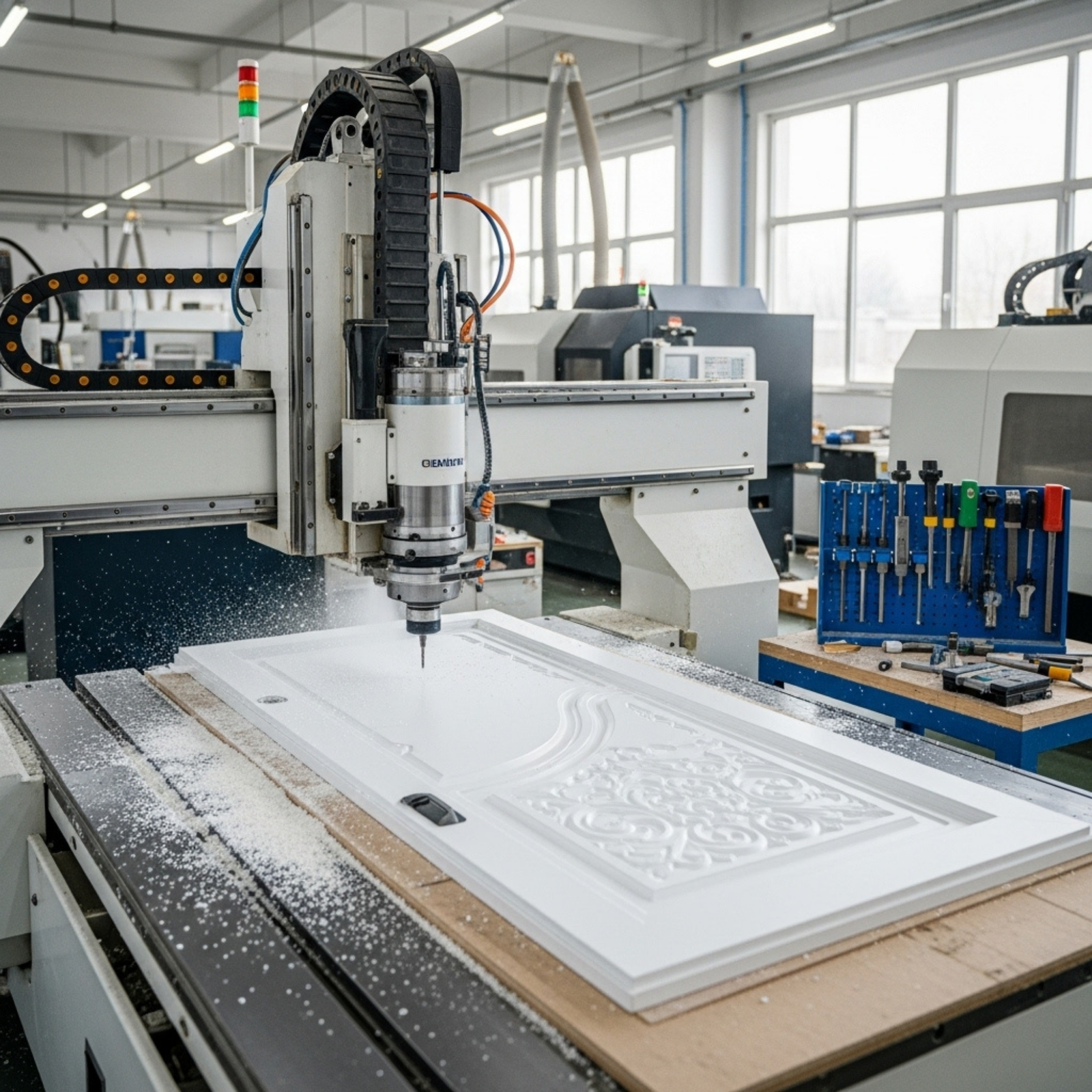

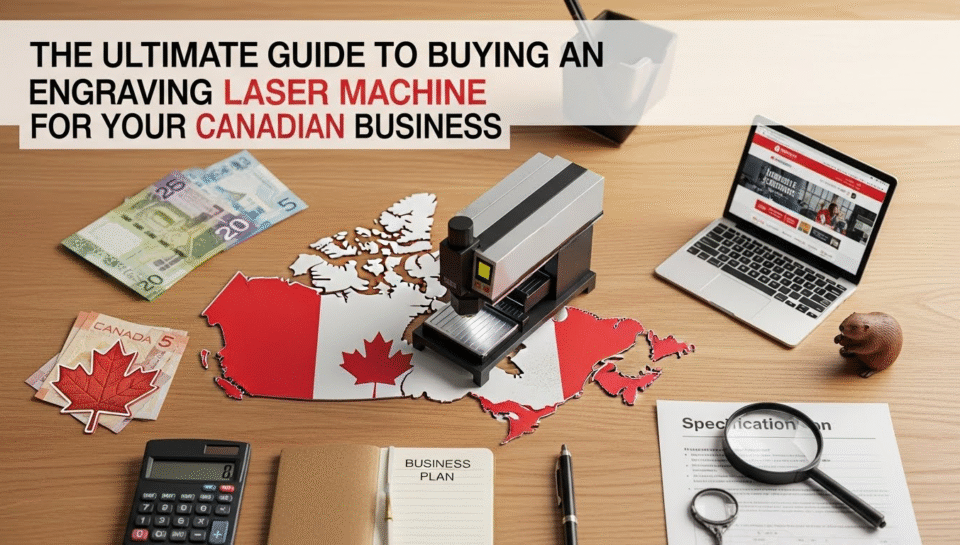
If you are looking to scale your manufacturing capabilities, customize products in-house, or start a high-margin personalization service, an engraving laser machine is likely the most versatile tool you can add to your workshop. From Vancouver to Halifax, Canadian businesses are adopting laser technology to cut production times and open new revenue streams.
But the market is flooded with options—ranging from cheap hobbyist diode lasers to industrial-grade fiber beasts. For a business owner, the wrong choice isn’t just a sunk cost; it’s a production bottleneck.
This guide goes beyond the basic specs. We will explore the specific considerations for Canadian buyers, including import regulations, Health Canada safety compliance, and the tax advantages of purchasing manufacturing equipment in 2025. Whether you are engraving anodized aluminum tags for the oil and gas sector in Alberta or cutting intricate acrylic signage in Toronto, this article will ensure you invest in a machine that works as hard as you do.
2. The Business Case: ROI and Applications in Canada
High-Margin Customization
The primary driver for buying an engraving laser machine is the ability to command higher prices through personalization. A standard stainless steel tumbler might wholesale for $10, but with a custom laser-engraved logo, it can retail for $35-$50.
- Corporate Gifting: Real estate agents and corporate firms constantly seek branded, high-quality items (slate coasters, cutting boards).
- Industrial Marking: Tool tracking and serial number engraving for sectors like aerospace and automotive are legally required and highly lucrative services.
Speed and Repeatability
Unlike CNC routing or manual etching, laser engraving is non-contact. This means no tool wear and incredibly consistent results. Once a file is set up in software like LightBurn, you can reproduce the design on thousands of units with identical precision.
Pro Tip: Calculate your ROI by estimating “table time.” If a machine costs $15,000 and you charge $2 per minute of laser time, you need roughly 125 hours of billable engraving to break even on the hardware.
3. Understanding the Technology: CO2 vs. Fiber vs. Diode
To choose the right tool, you must understand the light source. The wavelength determines what materials you can cut or engrave.
CO2 Laser Engravers (10,600 nm)
These are the workhorses for organic materials.
- Best For: Wood, acrylic (clear and colored), leather, glass, stone, and coated metals.
- Limitations: Cannot engrave bare metal (requires a marking spray like Cermark).
- Business Use: Signage, architectural models, custom gifts, rubber stamps.
Fiber Laser Markers (1,064 nm)
Fiber lasers use a solid-state source that is pumped through a fiber optic cable. They are far more efficient and require zero maintenance (no mirrors to align).
- Best For: Bare metals (stainless steel, aluminum, brass, gold, silver) and some hard plastics.
- Limitations: Will pass right through clear acrylic and wood without marking them.
- Business Use: Jewelry, medical devices, firearms, industrial part serialization, tumblers.
Diode Lasers (450 nm)
Often marketed to hobbyists, these blue-light lasers are cheaper but significantly slower and less powerful.
- Best For: Entry-level experimentation, very thin wood, paper.
- Business Verdict: Generally not recommended for volume production due to slow speeds and short lifespan, though they are useful for portable, on-site engraving at events.
Alt text: Diagram comparing CO2 vs Fiber laser engraving machine wavelengths and material compatibility for wood, acrylic, and metal.
4. Key Specs That Matter for Production
When reading a spec sheet from suppliers like Trotec, Epilog, or Thunder Laser Canada, focus on these three metrics:
Power (Wattage)
- Engraving Speed: Higher wattage doesn’t just mean cutting thicker material; it means engraving faster. A 100W CO2 laser can engrave at high speeds without losing depth, whereas a 60W laser might need to run slower to achieve the same dark mark.
- Cutting Depth: For cutting 1/4″ (6mm) acrylic or wood efficiently in a production setting, 80W is the practical minimum.
Bed Size & Pass-Through
Do you need to engrave a logo on a finished door or a 4×8 sheet of plywood?
- Standard Business Size: 24″ x 36″ (approx 600mm x 900mm) is the “sweet spot” for most workshops.
- Pass-Through Doors: Essential if you plan to work with oversized materials that extend beyond the machine’s bed.
Motion Control System
Stepper motors are standard, but servo motors (found in high-end Western machines) offer closed-loop feedback, meaning they never lose their position even at maximum speeds (up to 4000mm/s for raster engraving).
5. Canadian Safety Regulations: What You Must Know
Operating a Class 4 laser in Canada comes with responsibilities under the Radiation Emitting Devices Act (REDA).
FDA vs. Health Canada Compliance
Many cheap imports from overseas marketplaces do not meet Canadian safety standards. If a machine has an open bed and no interlocks, it is a Class 4 device.
- Interlocks: A business-grade machine must stop firing immediately if the lid is opened. This makes it a Class 1 device (safe for use without protective eyewear) during normal operation.
- Electrical Certification: Ensure the machine has a cUL, CSA, or Intertek (ETL) sticker. Insurance companies in Canada may deny claims for fires caused by non-certified equipment.
6. Sourcing in Canada: Local Support vs. Direct Import
The Value of Local Dealers
Buying from a Canadian distributor (e.g., in Calgary, Mississauga, or Montreal) usually costs 20-30% more than importing directly from China, but it buys you uptime.
- Parts Availability: If a laser tube dies during the Christmas rush, waiting 3 weeks for a shipment from Shenzhen is a disaster. Local dealers stock power supplies, lenses, and mirrors.
- Tech Support: Time zones matter. Troubleshooting a motherboard issue at 2 PM EST is easier with a tech in Toronto than one in Beijing.
Direct Import Considerations
If you choose to import directly (brands like OMTech or generic Weike/Redsail clones):
- Be prepared to pay GST/HST upon entry.
- You act as the importer of record, meaning you assume liability for safety compliance.
- Budget for a dedicated “learning curve” period where you are the technician.
7. Unique Insight: Tax Implications for Canadian Buyers (2025-2026)
This is the section your accountant wants you to read. In Canada, manufacturing machinery is treated favorably by the CRA.
CCA Class 53 (Manufacturing & Processing)
Laser engraving machines acquired for manufacturing goods for sale or lease typically fall under Class 53.
- Accelerated Investment Incentive: For eligible property acquired after November 20, 2018, and before 2026, you may be eligible for an enhanced first-year allowance.
- 2025 Budget Measures: Watch for “Immediate Expensing” rules. The federal government often allows up to 100% write-off in the first year for Class 53 assets to stimulate productivity. This means a $20,000 laser could reduce your taxable income by $20,000 immediately, rather than depreciating slowly over years.
Note: Always consult a CPA to confirm eligibility based on your specific business structure.
8. Essential Accessories: The Hidden Costs
The machine price is just the entry fee. To run a safe and efficient shop, you need the following “LSI” (Latent Semantic Indexing) components:
1. Fume Extraction
Laser cutting acrylic and leather releases toxic fumes (methyl methacrylate, hydrogen cyanide).
- Vent to Outside: The cheapest option, requiring inline fans and ducting.
- Fume Filtration Units: Essential for malls or offices without external venting. Expect to pay $1,000-$3,000 for a unit with HEPA and activated carbon filters.
2. Air Assist
A compressor that blows air at the cutting point.
- Benefit: Extinguishes flare-ups (preventing charred edges on wood) and clears debris for a cleaner cut. Never operate a CO2 laser without it.
3. Rotary Attachment
Required for engraving cylindrical objects like tumblers, wine glasses, and rolling pins.
- Chuck Rotary: Grips the item (better for mugs with handles).
- Roller Rotary: The item rests on rollers (faster for simple cylinders).
Alt text: Close-up of a chuck rotary attachment gripping a stainless steel tumbler inside a laser engraving machine.
9. Software: The Brain of the Operation
Hardware is useless without good software.
- LightBurn (Industry Standard): If your machine supports it, get it. It costs roughly $160 CAD but is vastly superior to proprietary Chinese software (RDWorks). It offers camera integration, nesting tools, and intuitive design features.
- Proprietary Drivers: Brands like Epilog and Trotec use print driver-based software that works directly from Adobe Illustrator or CorelDRAW. This fits well into established design workflows.
10. Maintenance: Keeping Your Beam Sharp
A laser machine requires regular preventative maintenance to maintain “burstiness” in production speed and quality.
Optics Cleaning
Smoke and resin build up on mirrors and the focus lens. If not cleaned, the laser beam hits the dirt, heating it up and cracking the expensive optic.
- Frequency: Clean the focus lens daily; check mirrors weekly.
Chiller Maintenance
CO2 glass tubes are water-cooled.
- Use Distilled Water: Tap water causes mineral buildup and can short out high-voltage connections.
- Temperature: Keep water between 16°C and 24°C. A CW-5000 or CW-5200 active chiller is recommended over passive radiators for Canadian summers.
11. Material Safety: What NOT to Cut
This is critical for safety and machine longevity.
- PVC / Vinyl: Never cut these. They release Chlorine gas, which turns into hydrochloric acid in the machine, destroying the electronics and damaging your lungs.
- Polycarbonate: It cuts poorly (yellow, sticky edges) and catches fire easily.
- ABS: Can emit cyanide gas; requires powerful ventilation.
12. Top Laser Brands for Canadian Business
A quick landscape of who is who:
| Brand Category | Examples | Pros | Cons |
|---|---|---|---|
| Premium Western | Trotec, Epilog | Blazing speed, top reliability, excellent local support. | Very expensive ($30k – $80k+ CAD). |
| Mid-Range Import | Thunder Laser, Aeon | Good balance of quality/price, local Canadian dealers exist. | Slower than premium, glass tubes (consumable). |
| Budget Import | OMTech, Monport | Lowest price entry point. | DIY support, varied build quality, often requires tinkering. |
13. Financing and Leasing
In Canada, equipment leasing is a popular route for lasers.
- Lease-to-Own: Allows you to expense the monthly lease payments as an operating cost.
- Grants: Look for the Canada Digital Adoption Program (CDAP) or provincial manufacturing grants. A laser machine often qualifies as “digital technology” because it is CNC (Computer Numerical Control) driven.
14. Quick Takeaways
- Match the Source: Use CO2 for wood/acrylic and Fiber for metals.
- Safety First: Ensure the machine is Class 1 compliant (interlocked) and has CSA/electrical certification for insurance.
- Power Up: 80W-100W is the standard for production cutting; 30W Fiber is standard for metal marking.
- Ventilation is Key: Budget at least $1,000 for proper fume extraction.
- Tax Breaks: Leverage CCA Class 53 for accelerated write-offs in Canada.
- Local Support: buying from a Canadian dealer minimizes downtime risks.
- Software: LightBurn compatibility is a massive advantage for workflow efficiency.
15. Conclusion & Next Steps
Investing in an engraving laser machine is a transformative move for a business. It shifts you from “handmade” to “agile manufacturing.” For Canadian business owners, the combination of strong demand for personalized goods and favorable tax incentives for machinery makes 2025 an ideal time to buy.
However, the “best” machine isn’t the one with the highest wattage or the lowest price tag—it’s the one that fits your material needs and comes with support you can rely on when the orders pile up.
Ready to move forward?Call to Action: Don’t guess on your ROI. Create a list of the top 5 products you intend to sell, estimate their laser run-time, and compare that against the monthly lease cost of a machine from a local Canadian dealer.
Frequently Asked Questions (FAQs)
1. Can I use a CO2 laser to engrave metal tumblers? Directly, no. A CO2 laser beam bounces off bare metal. However, you can use a marking spray (like Cermark) or anodized aluminum. The laser bleaches the dye in the anodized coating, leaving a permanent white mark. For deep engraving on bare steel, you need a fiber laser.
2. How long does a CO2 laser tube last? A standard glass DC laser tube typically lasts 2,000 to 4,000 operating hours, depending on the power percentage you run it at (running at 100% shortens life). RF (Radio Frequency) metal tubes found in high-end machines (Epilog/Trotec) can last 20,000+ hours and can be refilled.
3. Do I need a license to operate a laser engraving machine in Canada? You do not need a personal license to operate one, but the machine itself must comply with the Radiation Emitting Devices Act. If you have employees, you must follow provincial OHS guidelines, which often include providing laser safety glasses (OD rated) and safety training.
4. What is the difference between a “laser cutter” and a “laser engraver”? Technically, they are the same machine. “Engraving” refers to rastering (scanning back and forth to create an image), while “cutting” refers to vectoring (following a line to cut through). Machines sold as “engravers” might have lower wattage (40W) suitable for marking but struggling to cut, while “cutters” usually start at 60W-80W.
5. Is LightBurn software compatible with all machines? No. LightBurn works with most DSP controllers (Ruida, Trocen) used in OMTech, Thunder, and Aeon machines. It does not work with most Epilog or Trotec machines (which use their own driver software) or Glowforge (which uses cloud-based software).
We Want to Hear From You!
Are you a Canadian business owner considering your first laser, or are you upgrading from a hobby diode? What is the biggest barrier preventing you from pulling the trigger—price, space, or technical fear? Let us know in the comments or share this article with your maker community!
References
- Government of Canada. Radiation Emitting Devices Act (R.S.C., 1985, c. R-1). Retrieved from laws-lois.justice.gc.ca
- Canada Revenue Agency. Classes of Depreciable Property (CCA). Retrieved from canada.ca/en/revenue-agency
- Health Canada. Safety of Laser Products (IEC 60825-1). Retrieved from canada.ca/en/health-canada
- Trotec Laser Canada. Industrial Laser Materials Guide. Retrieved from troteclaser.com
- LightBurn Software. Camera and Controller Compatibility Documentation. Retrieved from lightburnsoftware.com