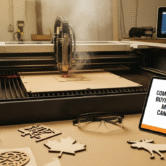


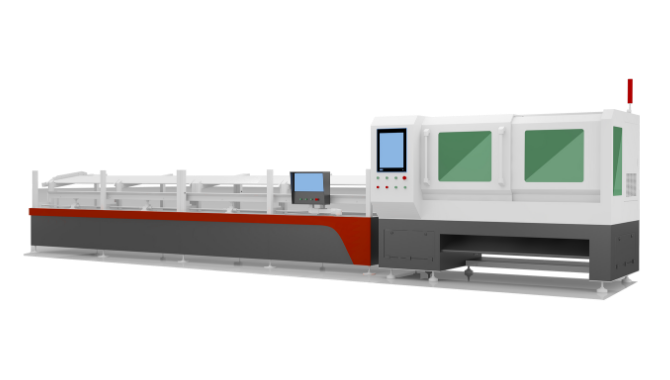
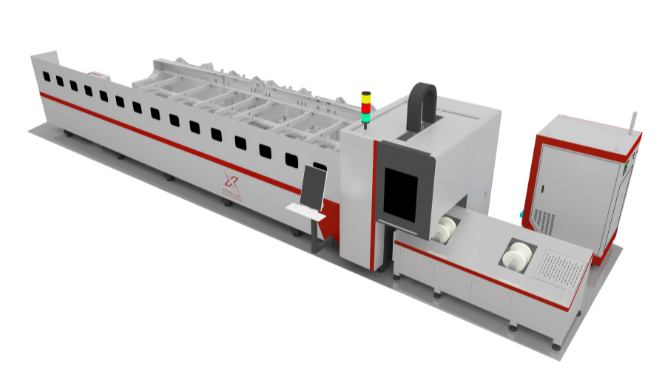
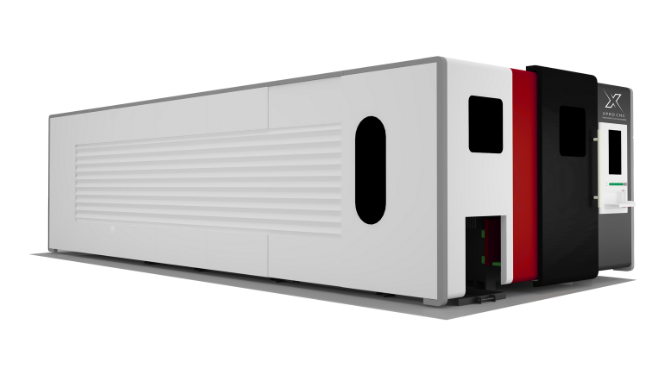
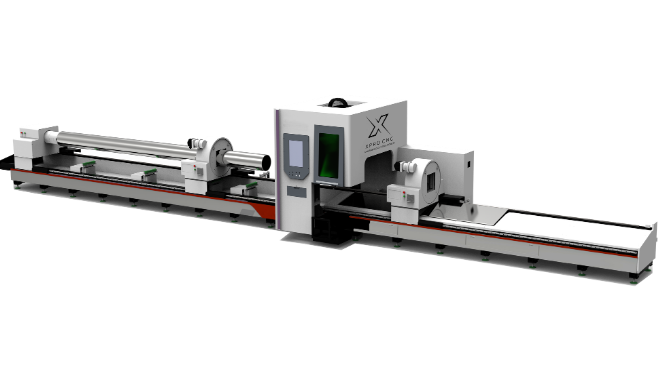

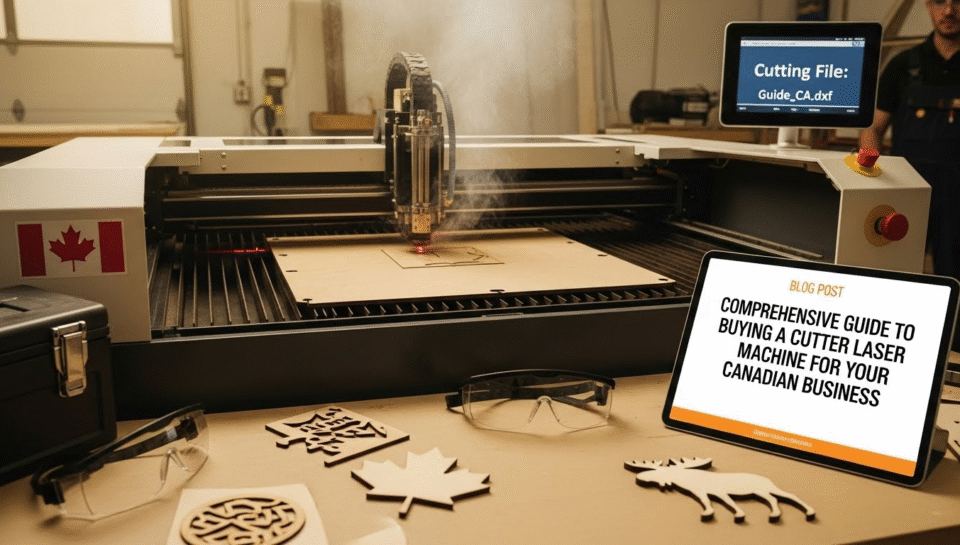
In the rapidly evolving landscape of Canadian manufacturing and custom fabrication, precision is the currency of success. Whether you are a signage shop in Toronto, a bespoke furniture maker in Vancouver, or an industrial parts supplier in Montreal, investing in a high-quality cutter laser machine can be the pivot point that scales your operations from local to national.
Laser technology has democratized manufacturing. Gone are the days when laser cutting was the exclusive domain of massive aerospace conglomerates. Today, a “cutter laser machine” is an accessible, versatile tool that can slice through acrylic, engrave detailed patterns on hardwood, or mark serialized codes onto stainless steel with micron-level accuracy.
However, the market is flooded with options—from cheap imported desktop units to six-figure industrial workhorses. For a Canadian business owner, the decision is further complicated by import tariffs, safety regulations (specifically Health Canada’s RED Act), and the logistical challenges of maintaining sensitive optics in our fluctuating climate.
This guide goes beyond the brochure. We will dissect the technology, analyze the total cost of ownership in a Canadian context, and provide you with a roadmap to choosing the machine that doesn’t just cut materials, but cuts costs and boosts profitability.
2. Decoding the Technology: CO2, Fiber, or Diode?
The first decision you will face when shopping for a cutter laser machine is choosing the laser source. This is not merely a technical detail; it dictates everything from what materials you can process to how much profit you can generate per hour.
CO2 Laser Cutters: The Versatile Workhorse
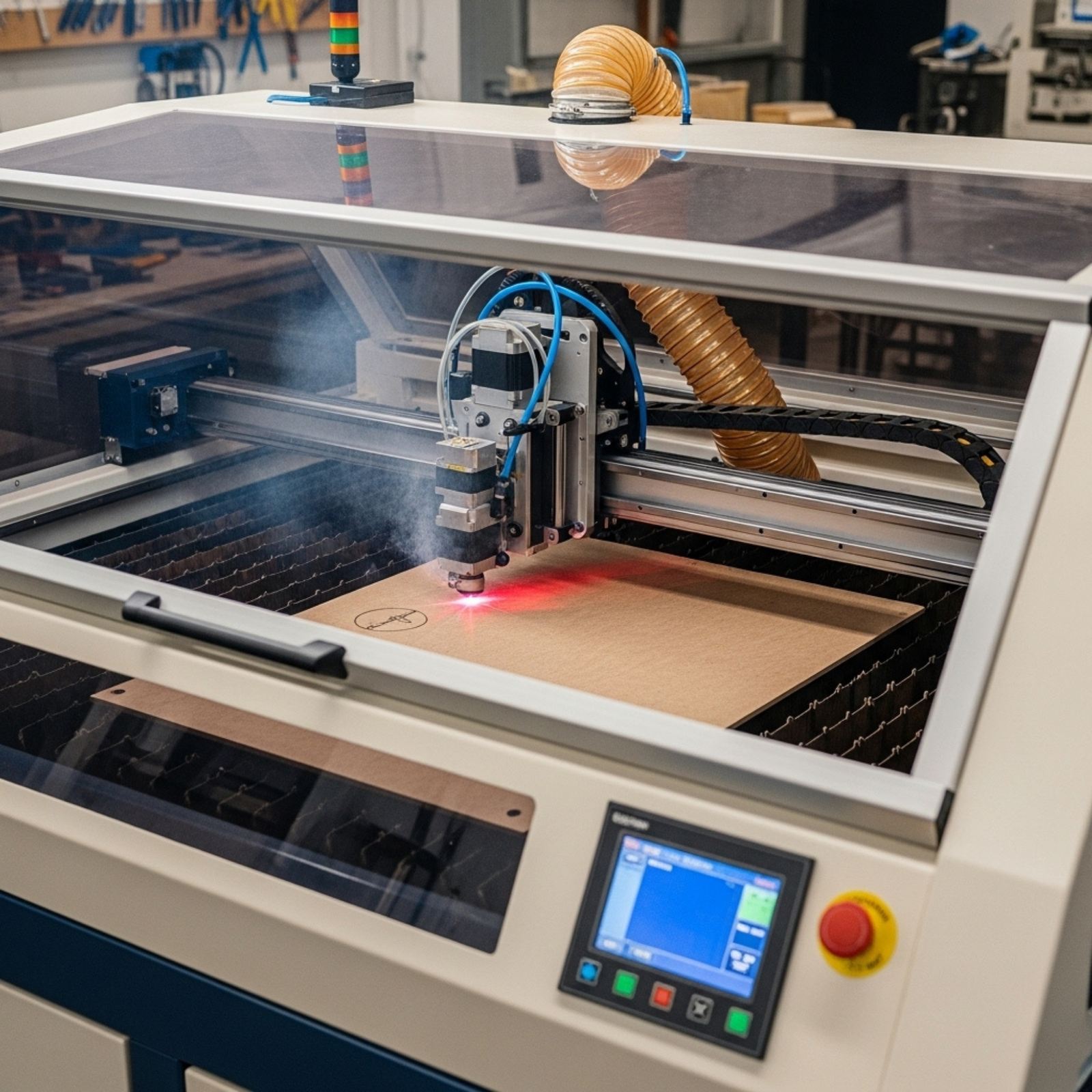
CO2 lasers generate a beam by running electricity through a gas-filled tube. They are the industry standard for non-metallic materials.
- Best For: Wood, acrylic, leather, glass, fabric, and rubber.
- Pros: They leave a polished edge on acrylic (flame polishing) and cut wood quickly. They are generally more affordable per watt of power than fiber lasers.
- Cons: They require more maintenance (mirrors need alignment, tubes degrade over time) and are generally inefficient for cutting metal unless you invest in very high-wattage (150W+) oxygen-assisted systems.
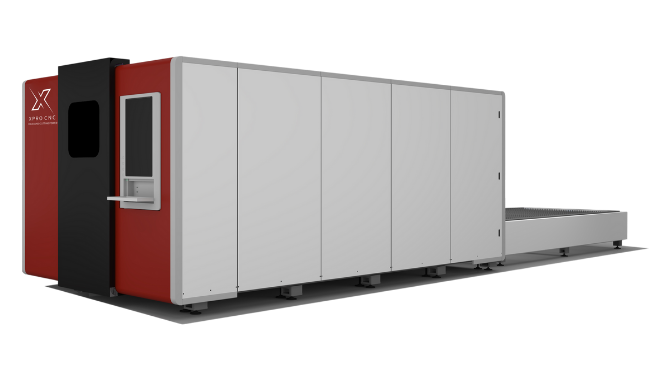
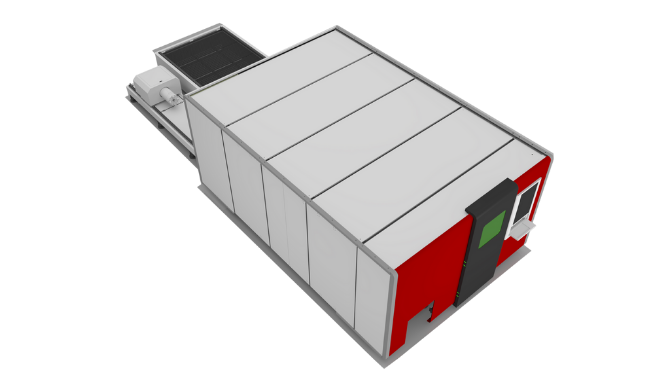
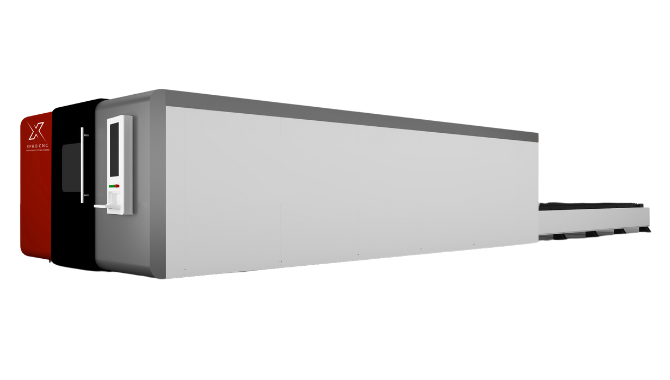
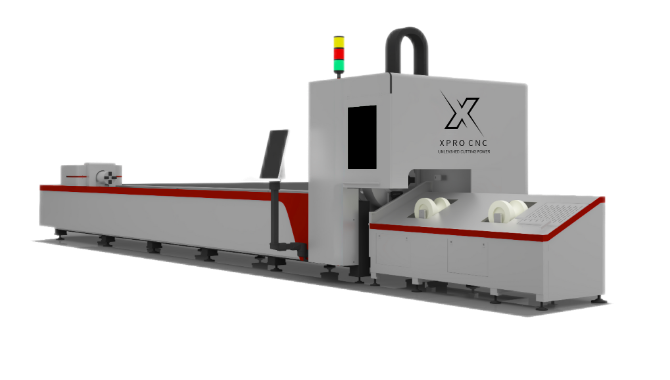
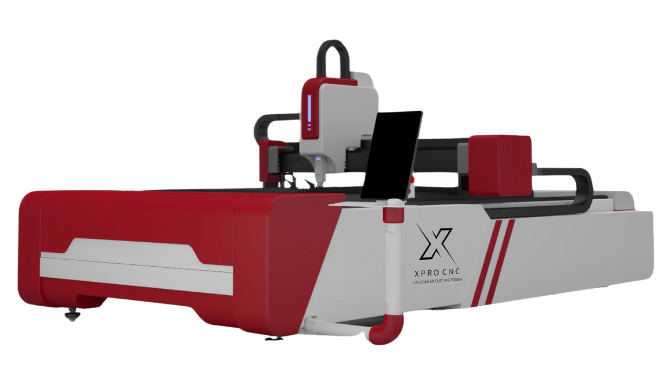
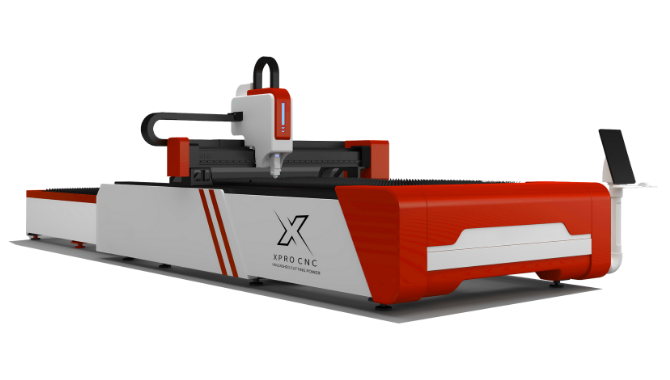
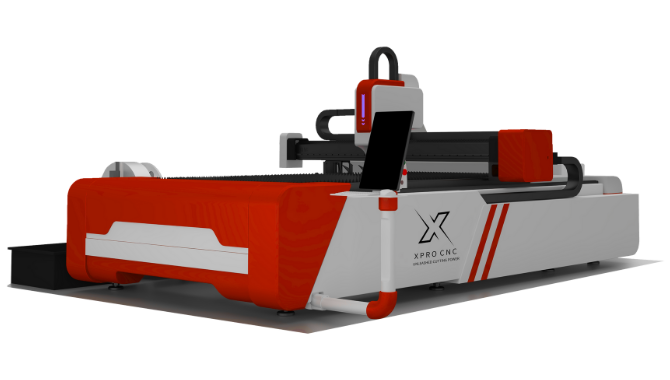
Fiber Laser Cutters: The Metal Masters
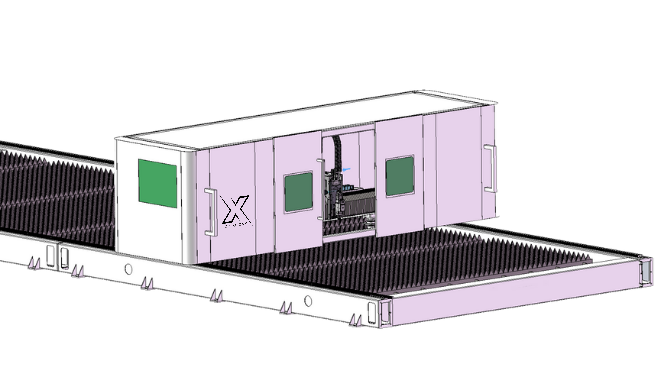
Fiber lasers use optical fibers doped with rare-earth elements to amplify light.
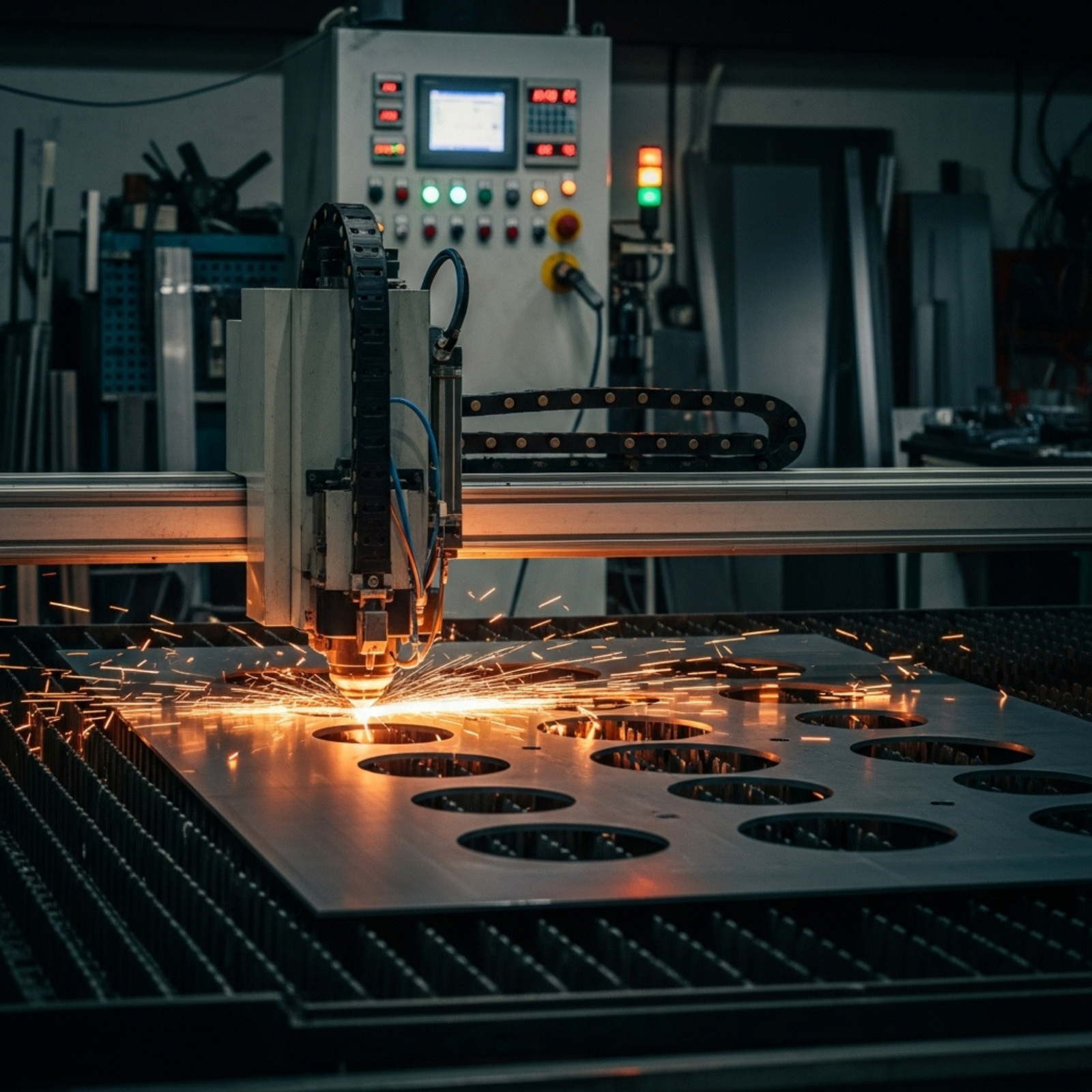
- Best For: Metals (Stainless steel, aluminum, brass, copper).
- Pros: Incredible speed and energy efficiency. A fiber laser can cut thin steel 3-4 times faster than a CO2 laser of equivalent power. They are solid-state, meaning no moving mirrors and virtually zero maintenance on the source.
- Cons: High upfront cost. They generally cannot cut transparent materials like clear acrylic because the wavelength passes right through without cutting.
Diode Lasers: The Entry Point
Often found in hobbyist or “prosumer” desktop units (like xTool or localized brands).
- Best For: Thin wood, paper, and engraving.
- Pros: extremely cheap and portable.
- Cons: Very slow and low power. Not recommended for high-volume commercial production in Canada where labour costs are high; you can’t afford to wait 45 minutes for a single cut.
Key Takeaway: If you are a sign shop, get a CO2 laser. If you are a machine shop, get a Fiber laser.
3. Power and Speed: Balancing Wattage with Throughput
When evaluating a cutter laser machine, “wattage” is the headline spec, but “throughput” is the business metric that matters.
Power (Watts):
- 40W – 60W: Good for engraving and cutting thin materials (3-6mm plywood/acrylic).
- 80W – 100W: The “sweet spot” for most small businesses. Cuts 10mm acrylic comfortably and works fast enough for production runs.
- 130W – 150W+: Required for thick materials (up to 20mm wood) or faster production speeds.
However, power isn’t everything. A 100W machine with slow stepper motors will bottle-neck your production. You need to look at acceleration (measured in Gs) and cutting speed (mm/s).
The Canadian Efficiency Factor: In Canada, electricity costs vary by province (cheap in Quebec, pricier in Ontario). A higher wattage machine consumes more power but runs for less time per job. For high-volume shops, a faster, higher-wattage machine often lowers the cost per part despite the higher energy draw, simply because you are paying your operator for fewer hours to produce the same batch.
Pro Tip: Don’t just buy the highest wattage you can afford. A 150W CO2 tube often has a larger “spot size” than an 80W tube, meaning it cannot engrave as fine details. If your business does 50% photo engraving and 50% cutting, a dual-source machine or two separate machines might be better.
4. The “Hidden” Costs of Ownership in Canada
Most brochures tell you the price of the machine. They rarely tell you the price of running the machine, specifically in the Great White North.
Ventilation and Climate Control
Laser cutters expel smoke and fumes. In a Canadian winter, venting 500 CFM (cubic feet per minute) of warm air outside means you are also sucking freezing air into your shop to replace it.
- The Cost: Your heating bill will spike.
- The Solution: Invest in a high-quality recirculating fume extractor (filtration unit) so you don’t have to vent outdoors in January. Alternatively, install an HRV (Heat Recovery Ventilator) system for your shop exhaust.
Tube Longevity and Temperature
CO2 laser tubes are glass vessels filled with water. If your shop heating fails over a weekend in February and the temperature drops below freezing, the water inside the tube will expand and shatter the laser tube.
- Prevention: You must use a water chiller with an alarm system, and if your shop isn’t heated 24/7, you need to mix laser-safe antifreeze into your cooling system.
Customs and Brokerage
If you buy a machine directly from overseas (China) to save money, be prepared for:
- Import tariffs (depending on the HS code).
- Brokerage fees.
- Port storage fees if there are delays. Buying from a Canadian distributor (like Thunder Laser Canada or Trotec Canada) might appear 20% more expensive upfront, but it eliminates these surprise bills and provides you with a warranty that is actually enforceable in your province.
5. Canadian Regulatory Landscape: The RED Act
This is a critical section often ignored by generic guides. In Canada, laser products are regulated under the Radiation Emitting Devices (RED) Act.
Health Canada has strict guidelines regarding the importation and sale of Class 3B and Class 4 lasers (which most industrial cutters are).
- Safety Interlocks: The machine must have fail-safe interlocks that kill the laser immediately if the lid is opened.
- Labelling: Proper bilingual warning labels are required.
- Certification: While Canada doesn’t “certify” lasers like the FDA in the US, compliant machines must meet specific engineering standards (IEC 60825-1).
Risk: If you import a cheap “cutter laser machine” from a marketplace that doesn’t meet these standards, and you have a workplace accident, your business insurance may be void, and you could face heavy fines from provincial labour boards (like WSIB in Ontario or CNESST in Quebec). Always ask your supplier for their compliance documentation before purchase.
6. Software Compatibility: The Brain of Your Operation
A laser cutter is only as good as the software driving it.
LightBurn
LightBurn has become the industry standard for generic CO2 and diode lasers. It is intuitive, powerful, and costs a fraction of proprietary software.
- Feature Check: Does the machine you are looking at support LightBurn? If the answer is “No” (often true for proprietary brands like Glowforge or high-end industrial units), ensure their proprietary software fits your workflow.
Proprietary Software (Trotec JobControl / Ruby)
High-end European brands often use their own software.
- Pros: Tightly integrated with the hardware, offering features like “job time estimation” that are dead accurate.
- Cons: You are locked into their ecosystem.
Design Workflow
Your laser operator will likely design in Adobe Illustrator, CorelDRAW, or AutoCAD. The ability to import .DXF, .AI, and .SVG files seamlessly is non-negotiable. For Canadian businesses dealing with architectural firms, being able to handle complex CAD files without data loss is a key competitive advantage.
7. Bed Size and Pass-Through Doors
How big is big enough?
- Small (12″ x 20″): Good for stamps, small awards, and jewelry.
- Medium (24″ x 36″): The standard for small job shops. Fits standard quarter-sheets of material.
- Large (48″ x 96″): “Full sheet” capacity. Essential for furniture, large signage, or architectural cladding.
The Pass-Through Feature: If you cannot afford a massive machine, look for a cutter with pass-through doors (front and back). This allows you to slide a long sheet of material (e.g., an 8-foot board) through a smaller machine (e.g., a 3-foot bed) and cut it in sections. This is a crucial feature for maximizing the utility of a smaller footprint machine in high-rent urban workshops in cities like Vancouver or Toronto.
8. Visualizing the Setup: Image Concepts
To enhance understanding, here are descriptions of visual aids that would be included in this article.
[Image Concept 1: The Anatomy of a CO2 Laser Cutter]Description: A detailed diagram of a laser machine with the outer casing made semi-transparent. Labels:
- Laser Tube: Located at the rear.
- Mirrors (1, 2, & 3): Showing the path of the beam bouncing to the head.
- Focus Lens: Inside the cutting head.
- Gantry: The moving rail.
- Chiller Loop: Blue lines showing water entering and leaving the tube. Alt Text: Diagram of cutter laser machine internal components showing beam path and cooling system.
[Image Concept 2: Laser Source Comparison Chart]Description: A bar graph comparing cutting speeds of CO2 vs Fiber for different materials. Data:
- Acrylic: CO2 bar is high, Fiber bar is near zero.
- Stainless Steel: Fiber bar is very high, CO2 bar is low.
- Wood: CO2 bar is high, Fiber bar is low/scorched. Alt Text: Chart comparing CO2 vs Fiber laser cutting speeds for wood, acrylic, and steel.
[Image Concept 3: The Canadian Winter Ventilation Setup]Description: An illustration of a workshop wall. Details: Shows the laser cutter connected to a fume extractor. The extractor vents to the outside, but an “Air Intake” vent is shown nearby with a heater coil (Make-up Air Unit) warming the incoming cold air. Alt Text: Diagram of proper laser cutter ventilation system for Canadian winter climate to prevent heat loss.
9. Top Brands Available in Canada
Based on service reputation, parts availability, and price:
- Trotec Laser Canada:
- Tier: High-end Industrial.
- Pros: Incredible speed, best-in-class support, local showrooms in major Canadian cities.
- Cons: Very expensive.
- Thunder Laser Canada:
- Tier: Mid-Range Professional.
- Pros: Excellent balance of price and performance, strong Canadian support network (often cited in forums), LightBurn compatible.
- Cons: Stepper motors (slower than Trotec’s servos).
- OMTech (via Canadian Warehouses):
- Tier: Budget / Entry-Level.
- Pros: Cheapest option for the wattage.
- Cons: Support can be hit-or-miss; you may need to be your own technician.
- Boss Laser:
- Tier: Mid-Range.
- Pros: US-based support (accessible timezone), reliable hardware.
10. Pricing Tiers: What to Expect
Budgeting is about more than the sticker price.
| Category | Price Range (CAD) | Typical Wattage | Target User |
|---|---|---|---|
| Desktop / Hobby | $500 – $4,000 | 5W – 40W | Home crafters, side hustles. |
| Professional / Small Biz | $8,000 – $20,000 | 80W – 130W | Sign shops, awards, makerspaces. |
| Industrial Format | $25,000 – $100,000+ | 150W – 3kW+ | Metal fabricators, mass production. |
Note: Always reserve ~15% of your budget for ancillaries: Chiller, Exhaust Fan, Rotary Attachment, and extra lenses.
11. Maintenance: The Daily Ritual
A cutter laser machine is not “set it and forget it.”
- Daily: Clean the focus lens and mirror #3 (on the head). Smoke residue here will burn onto the optics, destroying them.
- Weekly: Clean the rails and lubricate the bearings. Check water levels in the chiller.
- Monthly: Check beam alignment. In Canada, seasonal temperature shifts can slightly warp metal frames, throwing alignment off by a millimeter—enough to kill your cutting power.
12. Importing vs. Buying Local: The Verdict
Scenario A: The Direct Import You find a machine on Alibaba for $4,000 USD.
- Shipping: $800
- Customs/Duty: $300
- Brokerage: $150
- Liftgate Delivery: $200
- Total: ~$7,500 CAD.
- Risk: If the tube arrives broken, you wait 4 weeks for a replacement.
Scenario B: The Local Dealer You buy a similar spec machine for $9,500 CAD delivered.
- Value: Installation support, liability insurance compliance, and a phone number to call when the machine stops working on a Tuesday morning with a deadline looming.
Verdict: For a business relying on the machine for revenue, buy local. The downtime cost of waiting for parts from China exceeds the upfront savings.
13. Material Guide: What Can You Cut?
Safe to Cut:
- Wood (Plywood, MDF, hardwoods)
- Acrylic (Cast acrylic engraves white; Extruded cuts smooth)
- Paper/Cardboard
- Leather (Vegetable tanned is best)
- Delrin (for seals/gaskets)
NEVER Cut (Toxic/Corrosive):
- PVC / Vinyl: Releases Chlorine gas. This turns into Hydrochloric Acid in your lungs and destroys the machine’s metal components.
- Polycarbonate (Lexan): Melts badly and produces thick yellow smoke.
- Carbon Fiber: Releases conductive dust that can short out electronics.
14. Future Trends: AI and Camera Systems
The newest generation of cutter laser machines is getting smarter.
- Camera Integration: Machines like the xTool P2 or Trotec Vision use internal cameras to overlay your design onto the material on your screen. This reduces waste significantly—you can nest new cuts onto scrap pieces perfectly.
- AI Auto-Focus: Sensors that detect material thickness and adjust the focal length automatically, reducing operator error.
For a business, these features reduce material waste (saving money) and setup time (saving labour).
15. Conclusion: Making the Cut
Investing in a cutter laser machine is a transformative step for any Canadian fabrication or design business. It brings production in-house, reduces lead times, and opens new revenue streams in personalization and rapid prototyping.
However, the purchase is just the beginning. Success lies in balancing the “Iron Triangle” of laser cutting: Power, Speed, and Support. Don’t sacrifice support for raw power. In the Canadian market, where logistics can be slow and regulations are strict, having a partner who can keep your machine running is worth more than an extra 20 watts of power.
Your Next Step: Before you click “buy,” request a sample kit. Send your specific file and material to the vendor and ask them to cut it and mail it to you. Inspect the edge quality. If they can’t cut your sample to your standard, they can’t support your business.
Quick Takeaways
- Match Tech to Material: Use CO2 for wood/acrylic; Fiber for metals.
- Respect the Cold: In Canada, you must protect water-cooled laser tubes from freezing temperatures.
- Safety First: Ensure your machine complies with Health Canada’s RED Act and has proper interlocks.
- Ventilation Matters: Budget for a proper fume extraction system to avoid venting your shop’s heat outdoors.
- Software is Key: Look for LightBurn compatibility for ease of use and broad community support.
- Buy Local: The premium paid to a Canadian dealer is often recovered in the first instance of required support or warranty claim.
- Test Before Buying: Always demand a sample cut on your specific material.
Frequently Asked Questions (FAQs)
Q1: What is the best laser cutter for a small business in Canada?A: For versatility, a 80W-100W CO2 laser (like a Thunder Laser Nova or Trotec Speedy series) is ideal. It offers enough power to cut 1/4″ acrylic and plywood quickly while remaining precise enough for engraving.
Q2: Can I legally import a laser cutter into Canada myself?A: Yes, but you act as the importer of record. You are responsible for ensuring the machine meets the Radiation Emitting Devices (RED) Act standards. If Customs inspects it and finds it non-compliant (e.g., missing safety labels or interlocks), they can seize and destroy it.
Q3: How much does it cost to run a laser cutter per hour?A: Excluding operator wages, the running cost (electricity + tube depreciation + lens wear) is typically between $1.50 and $4.00 CAD per hour depending on the machine’s wattage and the local cost of electricity.
Q4: What is the difference between a glass tube and an RF metal tube?A: Glass tubes (common in budget machines) use water cooling and last ~2,000-4,000 hours. RF Metal tubes (common in high-end machines like Epilog or Trotec) are air-cooled, engrave much faster with higher detail, and can last 10,000+ hours, but cost 5-10x more to replace.
Q5: Do I need a special electrical outlet for a laser cutter?A: Most entry-level and mid-range machines (up to 100W) run on a standard 110V/15A household outlet. However, industrial machines or those with heavy-duty chillers and exhaust fans may require a dedicated 220V circuit.
We Want Your Feedback!
Are you currently running a laser business in Canada? What has been your biggest challenge—sourcing materials or managing machine maintenance in the winter?
Share your story in the comments below or tag us on social media with your best laser projects!
References
- Health Canada. “Guidance for laser products under the Radiation Emitting Devices Act.” Canada.ca.
- University of Toronto. “Guidelines for Purchasing, Modifying, and Transferring Laser Products.” Environmental Health & Safety.
- Trotec Laser. “Diode vs CO₂ vs Fiber Lasers: Ultimate Comparison Guide.”
- MakerFlo. “The Best Laser Engravers to Up Your Small Business Game (2026).”
- WordStream. “Long-Tail Keywords: What They Are & How to Use Them.”