


In the competitive landscape of Canadian manufacturing and personalization, precision isn’t just a luxury—it’s the baseline. Whether you are an automotive parts manufacturer in Ontario needing compliant serial number tracking or a boutique jewelry designer in Vancouver looking to scale, a laser etching machine is the pivot point between manual labor and automated excellence.
This guide moves beyond the basics. We won’t just tell you what a laser is; we will break down the crucial differences between etching and engraving, navigate the specific regulatory landscape of Health Canada’s 2025 laser safety updates, and help you calculate the ROI for your shop floor. If you are ready to stop outsourcing your marking needs and start building equity in your own production line, read on.
1. What is a Laser Etching Machine? (and What It Isn’t)
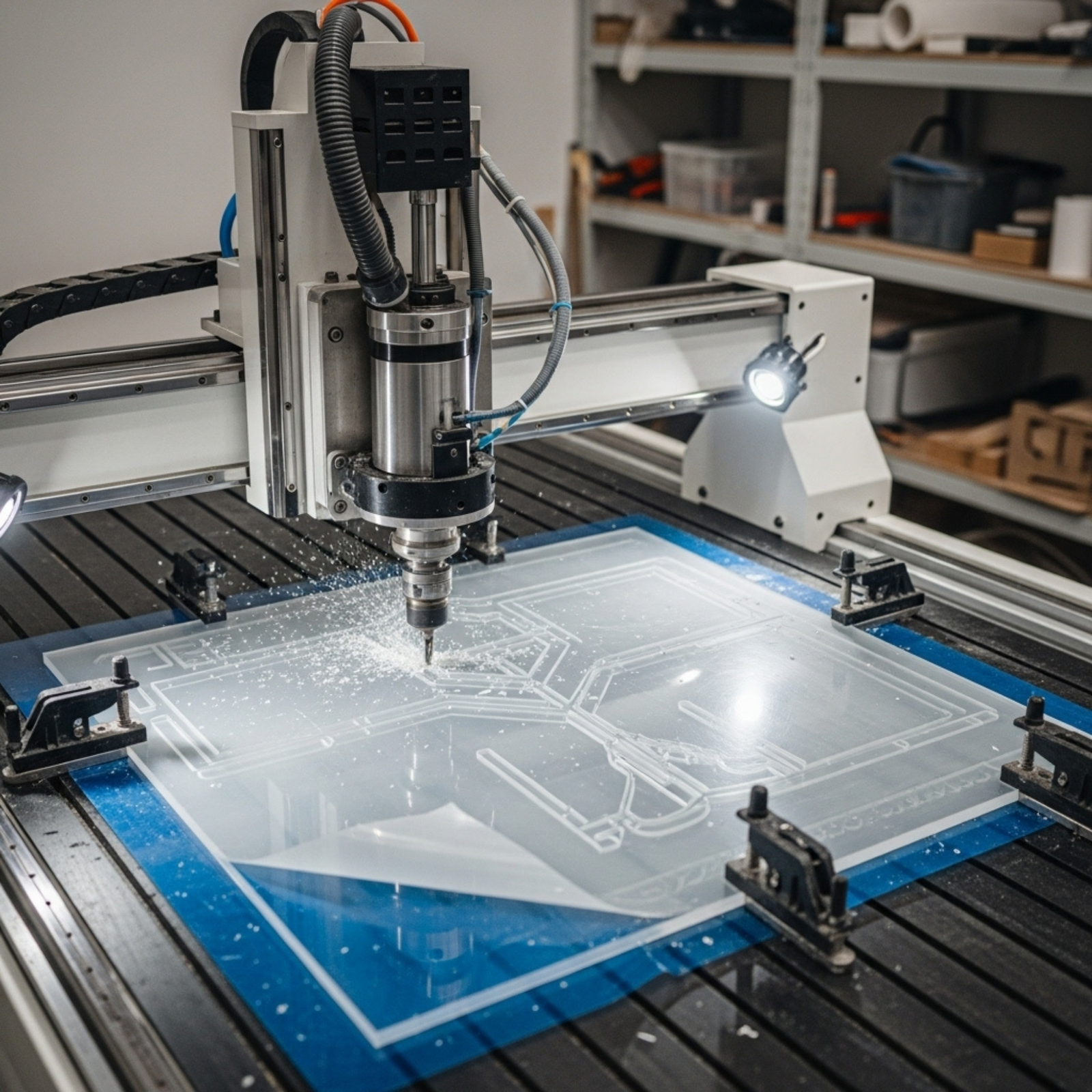
Many business owners use the terms “etching,” “engraving,” and “marking” interchangeably, but technically, they are distinct processes. A laser etching machine specifically uses a beam to deliver high energy into a small area, melting the surface of the material.
- The Science: The laser beam creates a high-heat event that melts the micro-surface. As it cools, the material expands, creating a raised mark.
- The Result: A high-contrast, permanent mark (often black, white, or gray) without removing significant material weight.
- Why it Matters: Because etching alters the surface rather than digging into it, it is generally faster than engraving and ideal for thin materials where structural integrity must be maintained.
Description: A cross-section diagram comparing “Laser Etching” (showing a melted, slightly raised surface bump) vs. “Laser Engraving” (showing a deep cavity/trench where material was removed). The diagram uses arrows to indicate “Surface Melting” for etching and “Vaporization” for engraving.
2. The Great Debate: Laser Etching vs. Laser Engraving
Understanding this distinction is vital for choosing the right machine wattage and type.
- Depth: Engraving cuts a cavity (0.001″ to 0.125″ deep). Etching alters the top 0.001″ or less.
- Speed: Laser etching machines are typically faster because they require less energy to melt than to vaporize.
- Durability: Engraving is better for parts exposed to high abrasion (like oil rig drills). Etching is preferred for parts requiring high readability without surface damage (like medical devices).
3. The Three Giants: Fiber, CO2, and UV Lasers
Not all lasers are created equal. Buying the wrong source is the most expensive mistake a Canadian business owner can make.
Fiber Laser Marking Machines
The industrial workhorse. If you work with metals (stainless steel, aluminum, brass, titanium) or engineered plastics, you need a Fiber laser.
- Best For: Barcodes, serial numbers, automotive parts, firearms, and jewelry.
- Lifespan: Solid-state technology means these sources often last 100,000+ hours.
CO2 Laser Systems
The “organic” specialist. These lasers run on gas mixtures and are the standard for non-metallic materials.
- Best For: Wood, glass, acrylic, leather, and paper.
- Note: A CO2 machine cannot etch metal directly without a marking spray (like Cermark), which adds labor cost.
UV and MOPA Lasers
The precision specialists. UV lasers (“cold marking”) use high-energy photons to break chemical bonds without heat, preventing burning.
- Best For: Delicate plastics, silicon wafers, and glass where micro-cracking is a risk.
Shutterstock
Description: A visually appealing chart listing materials on the left (Wood, Steel, Glass, Plastic, Copper). Three columns represent “CO2,” “Fiber,” and “UV.” Checkmarks indicate compatibility. For example, Steel has a checkmark under Fiber but an X under CO2.
4. Navigating the Canadian Market: Regulations & Compliance
Here is the unique insight for our Canadian audience: In October 2025, Health Canada updated the Radiation Emitting Devices Regulations (Laser Products).
- The Change: Canada has aligned more closely with IEC 60825-1 international standards.
- What to Look For: Ensure your machine supplier provides CSA (Canadian Standards Association) approval or equivalent field evaluation labels.
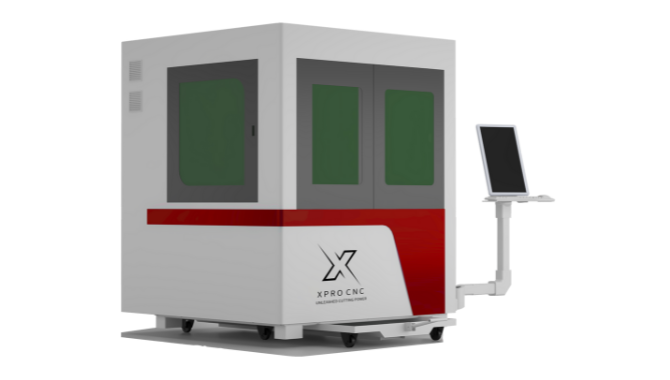
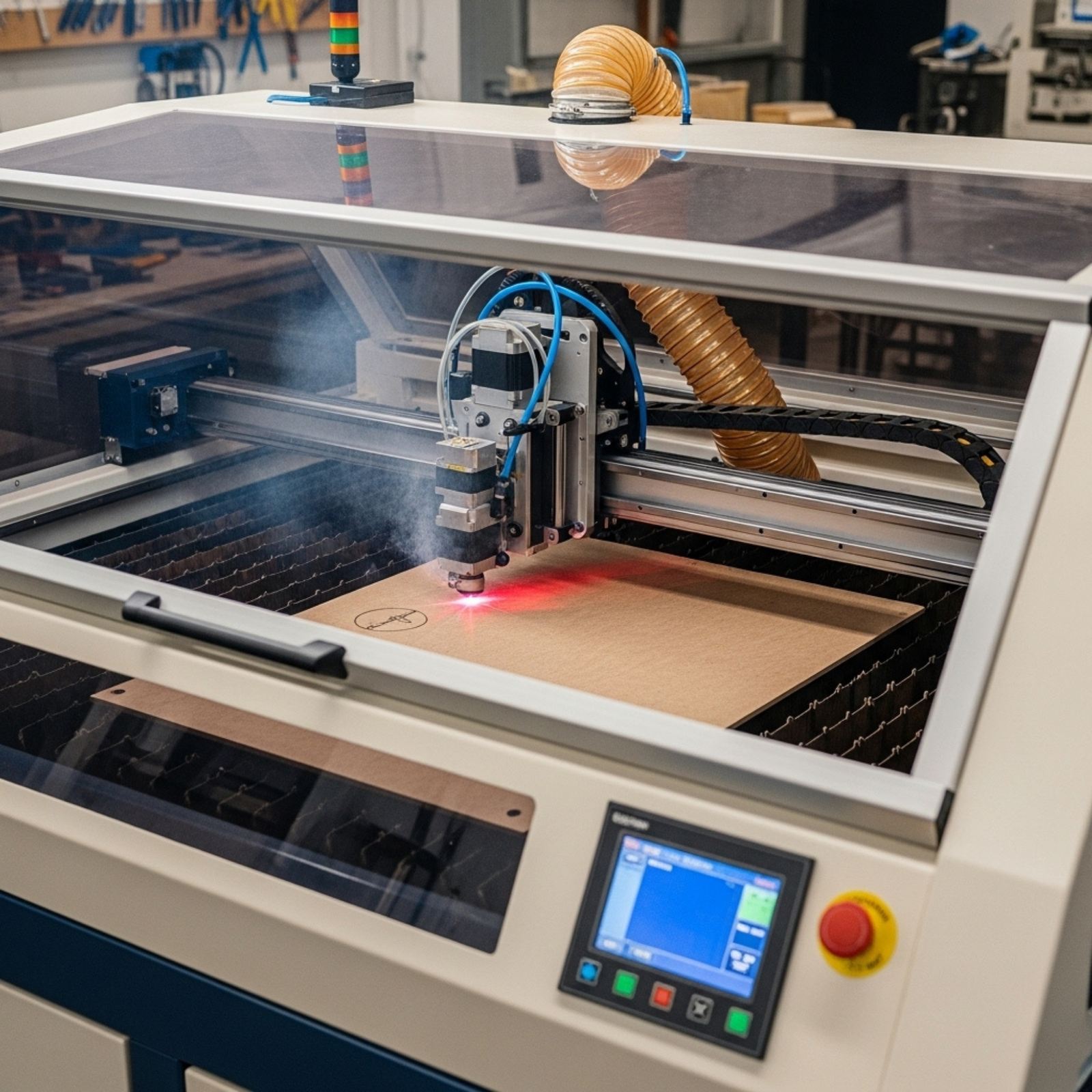
- Class 4 vs. Class 1: Many open-frame machines are Class 4 (dangerous, require safety officer). Enclosed “Class 1” machines are safer for standard employees and retail environments. Importing a non-compliant laser from overseas can result in seizure at the border.
5. Key Applications for Canadian Industries
- Aerospace & Automotive (Ontario/Quebec): Direct Part Marking (DPM) for traceability (VIN numbers, QR codes) that withstands heat and oil.
- Oil & Gas (Alberta): Deep engraving on drill bits and pipes that must survive harsh down-hole environments.
- Medical Devices: Annealing stainless steel surgical tools to create black marks without creating crevices where bacteria can hide.
6. Critical Specs: Power (Wattage) and Speed
- 20W – 30W: Standard for surface etching on metals. Good entry point for small businesses.
- 50W – 60W: The “sweet spot” for deep engraving and high-speed production lines.
- 100W+: Heavy industrial cutting and deep removal.
- Insight: Don’t overbuy wattage for simple etching. A 100W fiber laser might be too aggressive for delicate marking, causing warping.
7. The Importance of the Galvo vs. Gantry System
- Galvo (Galvanometer): Uses high-speed mirrors to steer the beam. Extremely fast (up to 10,000 mm/s) but small work area (typically 100mm x 100mm to 300mm x 300mm). Perfect for laser etching.
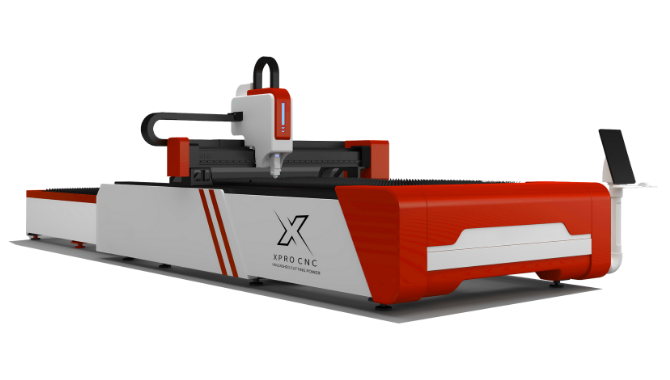
- Gantry: The laser head physically moves on rails (like a CNC). Slower, but huge work areas. Better for cutting large sheets.
8. Software: The Brain Behind the Beam
Your hardware is only as good as the software driving it.
- EzCad2/EzCad3: The industry standard for fiber lasers. Functional but has a steep learning curve.
- LightBurn: The gold standard for user experience. If you are buying a machine, ask if it is “LightBurn compatible.” It will save your operators hours of training time.
9. Rotary Attachments: Expanding Your Product Line
To etch cylindrical objects (tumblers, pipes, rings), you need a rotary axis.
- Chuck Rotary: Grips the object (better for heavy items).
- Roller Rotary: The object sits on top (faster setup for tumblers).
- LSI Keyword: Laser engraving tumblers Canada.
10. Pricing Guide: What Does It Cost in Canada?
- Entry-Level (Hobby/Side Hustle): $2,500 – $5,000 CAD. (Often diode or low-end fiber).
- Mid-Range (Small Business): $6,000 – $15,000 CAD. (20W-50W Fiber, proper enclosure, local support).
- Industrial (High Volume): $20,000 – $50,000+ CAD. (Automation ready, MOPA lasers, conveyor integration).
11. Maintenance and Consumables
One of the massive advantages of fiber laser etching machines is the lack of consumables.
- No Ink, No Bits: Unlike CNCs or inkjet, there is no physical tool wear.
- Dust Extraction: You must budget for a fume extractor. Vaporized metal and plastic fumes are hazardous.
- Lens Cleaning: The only regular maintenance is keeping the f-theta lens clean with optical wipes.
12. Safety First: PPE and Enclosures
- Eye Protection: You need specific wavelength-rated glasses (e.g., 1064nm for Fiber). Standard shop goggles will not protect you from blindness.
- Interlocks: Ensure the machine shuts off if the door is opened.
13. ROI Calculator: Is It Worth It?
- Outsourcing Cost: If you pay $5 per part for marking and do 500 parts a month, that’s $2,500/month.
- In-House Cost: A lease on a $10,000 machine might be $250/month.
- The Break-Even: Often less than 6 months. Plus, you gain control over lead times.
14. Buying New vs. Used in Canada
- Used: Risky. Laser sources degrade. If a fiber source is at 90,000 hours of its 100,000-hour life, you are buying a paperweight.
- New: Look for Canadian distributors who stock parts. Waiting 3 weeks for a control board from overseas kills production.
15. Future Trends: AI and Automation
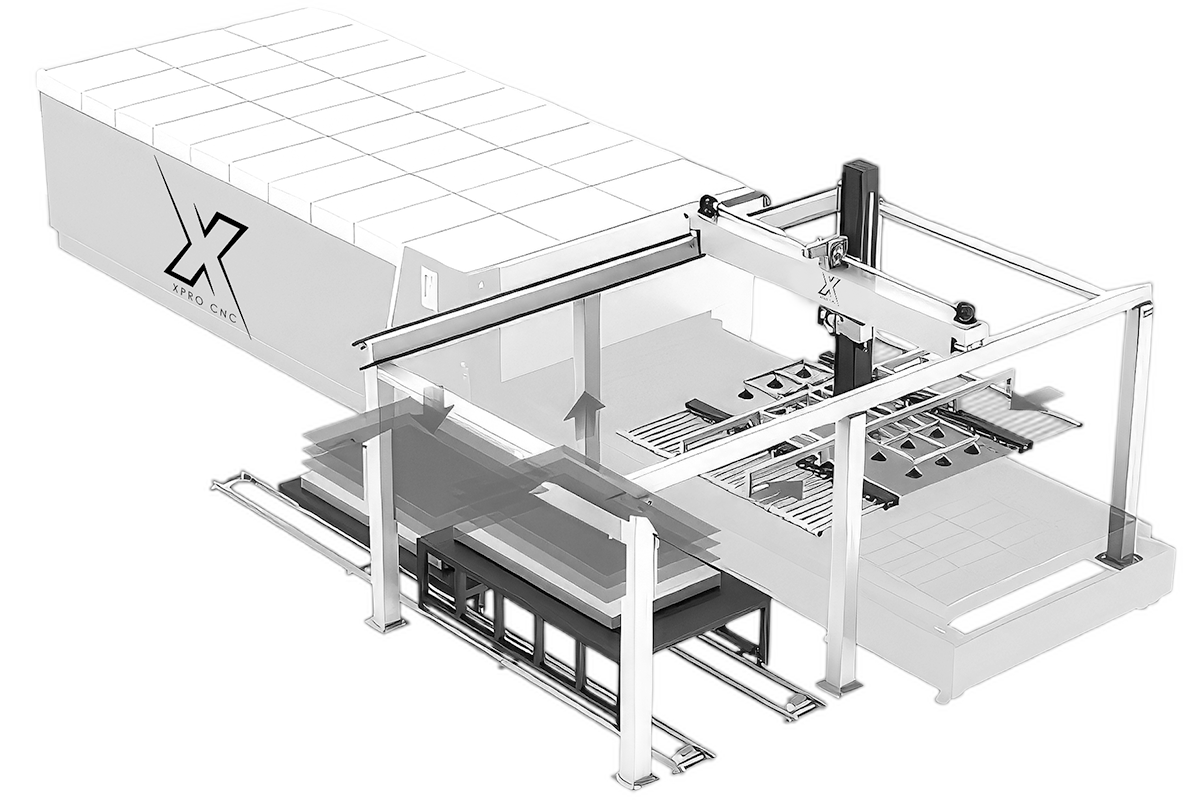
The newest machines feature visual recognition systems. You place a handful of parts on the bed randomly, and the camera identifies them, aligns the artwork, and etches them all automatically.
Quick Takeaways
- Etching ≠ Engraving: Etching melts the surface (fast); engraving removes it (deep).
- Match Material to Source: Fiber for metal, CO2 for wood/acrylic, UV for delicate plastics.
- Check Wattage: 30W Fiber is the standard for general business marking.
- Canadian Compliance: Ensure CSA approval and adherence to new 2025 Health Canada regulations.
- Software Matters: Look for LightBurn compatibility for ease of use.
- Safety: Never skimp on rated eyewear or fume extraction.
- Support: Buy from a vendor with Canadian support to minimize downtime.
Conclusion
Investing in a laser etching machine is more than just buying a tool; it’s about vertically integrating your manufacturing process. For Canadian business owners, the key lies in balancing budget with compliance. While cheap imports exist, the risk of border seizure or non-compliance with Canadian safety standards makes working with a reputable North American supplier the smarter play.
Whether you are marking medical tools in Montreal or customizing tumblers in Toronto, the right machine will reduce your cost-per-part and increase your perceived product value.
Ready to integrate laser precision into your business? Start by auditing your current material needs, then request samples from top Canadian distributors to see the quality firsthand.
FAQs
1. What is the difference between a fiber laser and a CO2 laser? A fiber laser etching machine (1064nm wavelength) is designed for marking metals and hard plastics. A CO2 laser (10,600nm) is best for organic materials like wood, glass, leather, and acrylic. They are generally not interchangeable.
2. Can I use a laser etching machine on all metals? Fiber lasers can etch almost all industrial metals, including stainless steel, aluminum (raw and anodized), brass, copper, and titanium. CO2 lasers generally cannot etch bare metal without a chemical bonding spray.
3. Do I need a license to operate a laser in Canada? You do not typically need a license to operate one in a private business, but the machine itself must comply with the Radiation Emitting Devices Act. If you are using a Class 4 open laser, you may be required to have a designated Laser Safety Officer (LSO) on staff.
4. How long does a fiber laser source last? Fiber laser sources are incredibly durable, often rated for 100,000 hours of operation. If used 8 hours a day, 5 days a week, that is theoretically over 40 years of use before the diode bank fails.
5. What is the “annealing” process in laser etching? Annealing is a specific type of laser marking used on metals (like stainless steel) where the laser heats the metal to change its color (usually to black) without removing material or damaging the protective oxide layer. This is critical for medical and food-grade applications.
We Want to Hear From You
Are you currently outsourcing your part marking? What is the biggest barrier stopping you from bringing a laser etching machine in-house? Drop a comment below or share this article with your production manager to start the conversation!
References
- Health Canada. “Laser Products – Radiation Emitting Devices Regulations.” Canada.ca. (2025).
- Laserax. “Laser Etching vs. Laser Engraving: Which One Should You Choose?” Laserax Blog.
- Xometry. “Laser Marking vs. Engraving vs. Etching – Differences and Applications.” Xometry Resources.
- Canadian Standards Association (CSA). “Electrical Safety Standards for Industrial Machinery.”