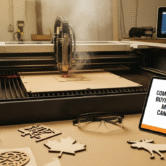



Are you a Canadian business owner looking to scale your production, bring prototyping in-house, or start a profitable fabrication venture? The right laser cutting machine can be a transformative asset, offering precision, speed, and versatility that traditional cutting methods simply cannot match. However, navigating the Canadian market—with its specific mix of distributors, import regulations, and pricing in CAD—can be daunting.
From industrial fiber lasers capable of slicing through thick steel in Alberta’s manufacturing hubs to precision CO2 engravers for boutique design shops in Toronto, the options are vast. This guide cuts through the noise. We will explore the top brands available locally (like Thunder Laser Canada, Trotec, and Aeon), break down real costs in Canadian dollars, and analyze the ROI for small-to-medium enterprises. whether you are upgrading from a hobbyist diode or investing in your first industrial workhorse, this article is your roadmap to making a profitable decision.
1. The Canadian Laser Landscape: What Business Owners Need to Know
The market for laser cutting machines in Canada is unique. Unlike the US, where direct-from-manufacturer purchasing is common, Canadian businesses often rely on a network of regional distributors. This model has a distinct advantage: local support.
- Key Insight: In Canada, you aren’t just buying a machine; you are buying a relationship with a distributor. Companies like CanCam (distributing Aeon) or Thunder Laser Canada provide critical CSA (Canadian Standards Association) compliance checks, which are legally required for business insurance in most provinces.
- The “Grey Market” Risk: Importing a cheap laser directly from overseas might save upfront capital, but it often leads to machines getting stuck at customs or failing electrical inspections. Always prioritize machines with CSA or INTERTEK certification to ensure your shop remains insurable and safe.
2. CO2 vs. Fiber vs. Diode: Choosing Your Engine
Understanding the physics behind the beam is crucial for your ROI.
CO2 Laser Cutters
- Best For: Organic materials (wood, leather, acrylic, glass, paper).
- Mechanism: Uses a gas mixture excited by electricity.
- Business Use: Signage, custom gifts, architectural models, and textile cutting.
- Verdict: The “Jack of all trades” for most small businesses.
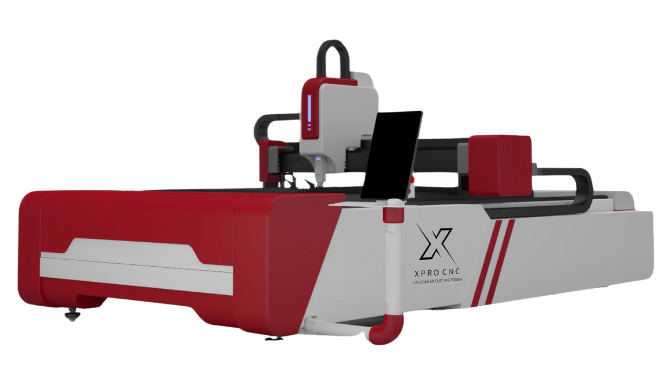
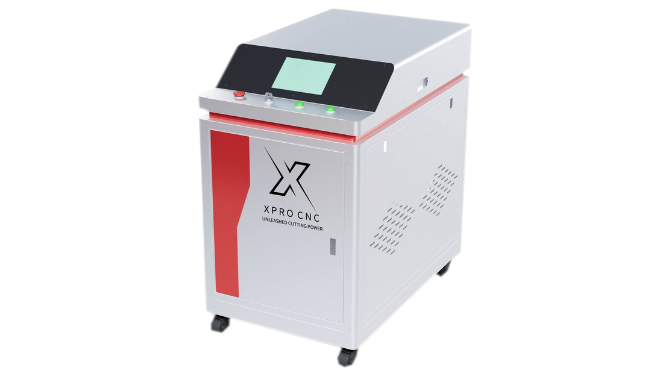
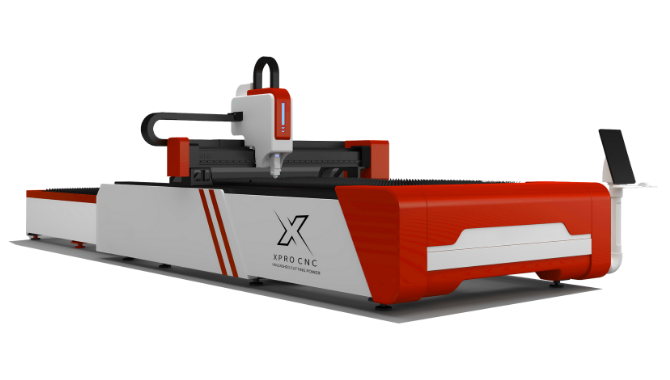
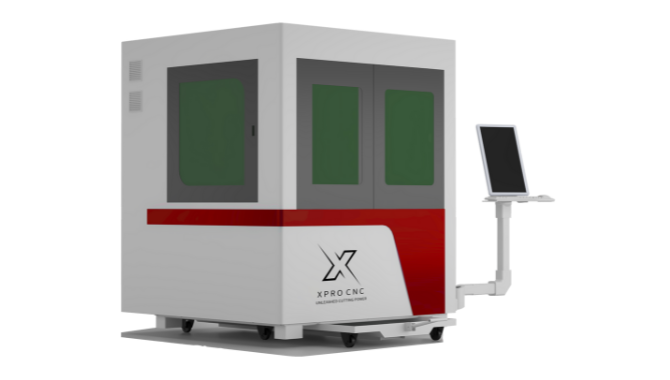
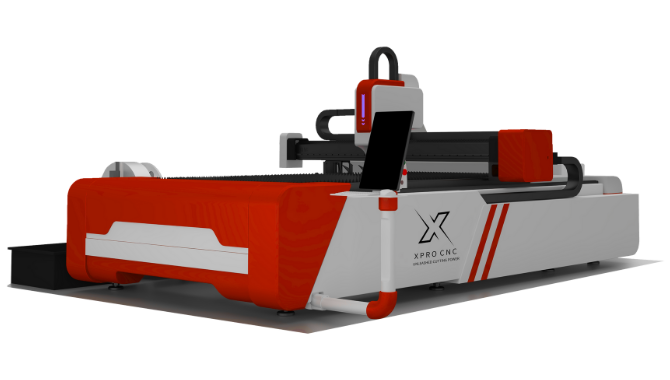
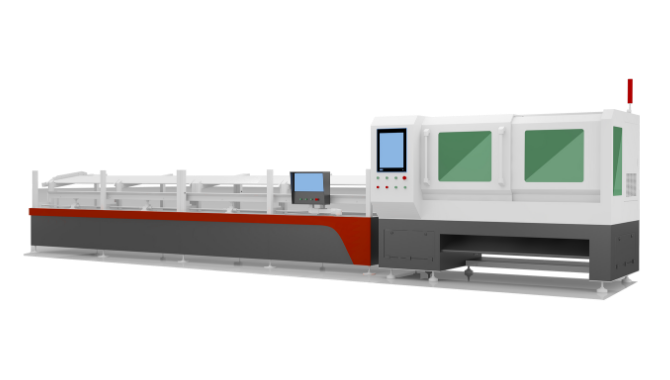
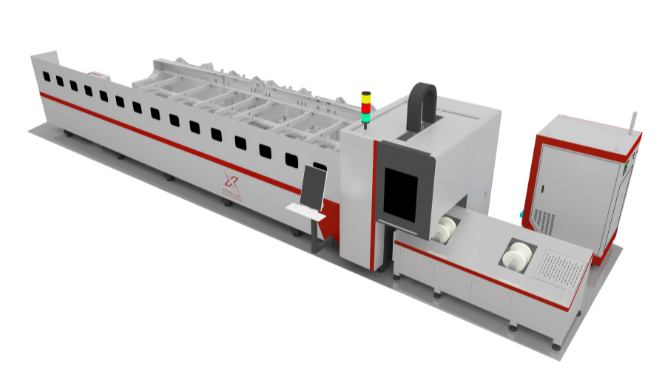
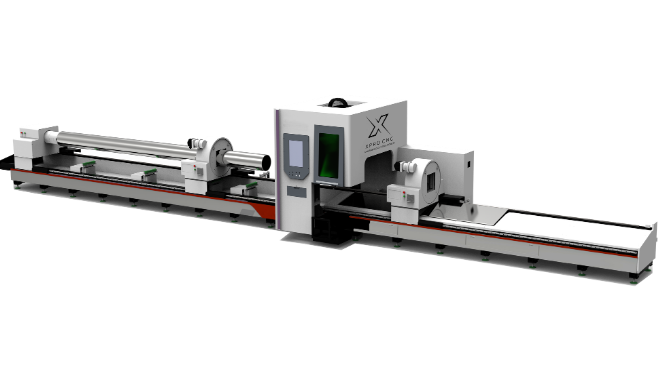
Fiber Laser Machines
- Best For: Metals (stainless steel, aluminum, brass, copper).
- Mechanism: Uses optical fibers doped with rare-earth elements.
- Business Use: Industrial part manufacturing, serial number marking, jewelry, and automotive fabrication.
- Verdict: Essential for metal fabrication shops; 2-3x more energy efficient than CO2 but higher upfront cost.
Diode Lasers
- Best For: Thin materials and engraving.
- Verdict: Generally underpowered for serious production environments. Stick to CO2 or Fiber for commercial throughput.
3. Top Laser Machine Brands Available in Canada
Based on market presence and service reputation, these are the heavy hitters:
Trotec Laser Canada
Known as the “Rolls Royce” of lasers. Their Speedy Series offers the fastest engraving speeds on the market.
- Pros: Incredible speed, Austrian engineering, strong Canadian presence (Mississauga HQ).
- Cons: Premium pricing; parts can be expensive.
Thunder Laser Canada
A favorite among makers and small businesses for balancing performance and price.
- Pros: excellent US/Canada based support, reliable RF tubes (on Odin/Nova models), competitive CAD pricing.
- Cons: Large footprint for some models.
Aeon Laser (via CanCam)
The MIRA and NOVA series are famous for their “all-in-one” Clean Pack design, where water cooling and air assist are built into the chassis.
- Pros: Compact, sleek design, great for retail spaces or small shops.
- Cons: Smaller work bed on the popular MIRA series compared to industrial flatbeds.
4. Analyzing the Cost: What to Expect (CAD Pricing)
Budgeting goes beyond the sticker price. Here is a realistic breakdown of costs in Canadian Dollars.
| Machine Level | Price Range (CAD) | Typical Specs | Target User |
|---|---|---|---|
| Entry-Level Commercial | $5,000 – $9,000 | 40W-60W CO2, Glass Tube | Hobby-to-Business, Etsy shops |
| Mid-Range Professional | $12,000 – $25,000 | 80W-130W CO2, RF Tube | Sign shops, Schools, Prototyping |
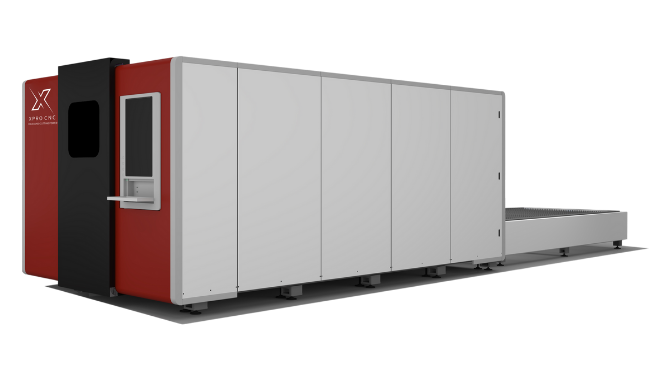
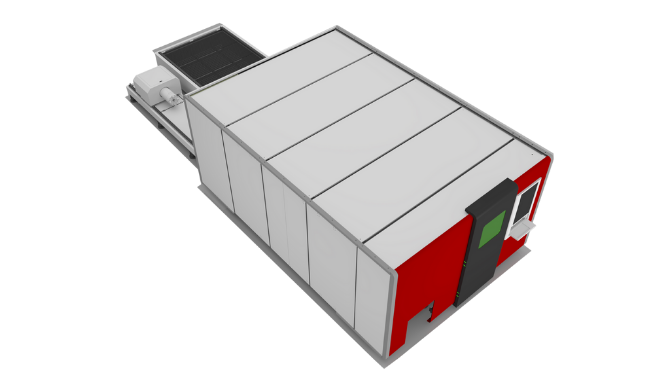
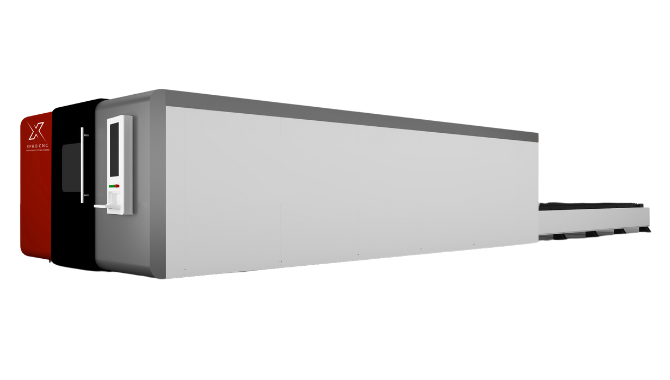
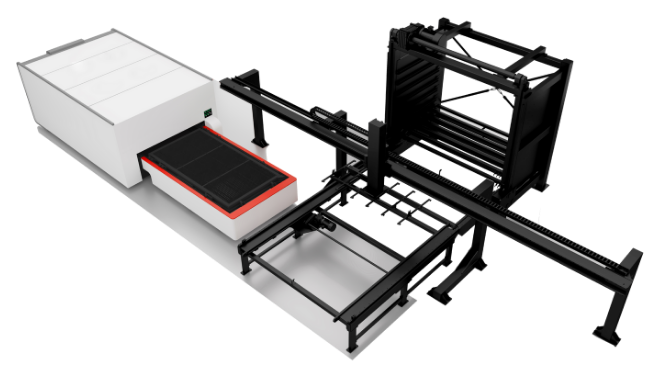
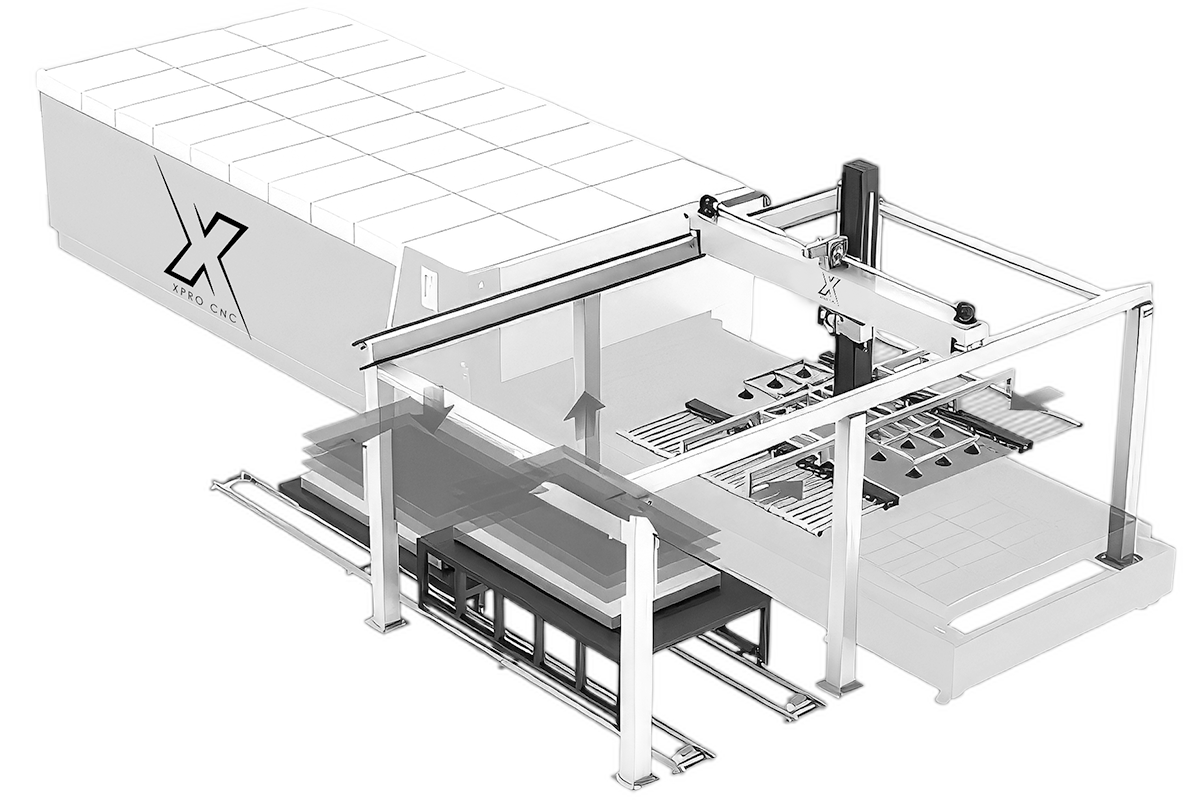
| Industrial Flatbed | $30,000 – $80,000+ | 150W+ CO2 or 1kW+ Fiber | Manufacturing, Metal Fabrication |
Pro Tip: Don’t forget to budget an extra $2,000 – $4,000 CAD for a proper fume extraction system and air compressor, especially if you are venting indoors during Canadian winters where opening a window isn’t an option.
5. Return on Investment (ROI) Calculator
How fast will the machine pay for itself? Let’s assume you purchase a 60W CO2 laser for $12,000 CAD.
- Hourly Shop Rate: $100/hr (standard for laser services).
- Utilization: 10 hours/week (conservative).
- Revenue: $1,000/week or $4,000/month.
- Payoff Period: Approximately 3-4 months of dedicated work, excluding material costs.
High-Margin Niches:
- Industrial Tagging: Marking stainless steel asset tags (requires Fiber or spray).
- Wedding Decor: Custom acrylic names and intricate wood invitations.
- Architectural Models: Precise cutting for firms.
6. Power and Bed Size: Sizing for Success
Don’t buy for what you make today; buy for what you want to make next year.
- Wattage: * 60W: Good for engraving and cutting up to 1/4″ acrylic.
- 100W: The sweet spot. Cuts 1/2″ acrylic and wood comfortably with faster speeds.
- 150W+: Heavy production. Note that higher wattage glass tubes can sometimes have larger spot sizes, reducing engraving detail slightly.
- Bed Size:
- 12″ x 20″: Hobbyist/Desktop.
- 24″ x 36″: The industry standard. Fits “quarter sheets” of material easily.
- 4′ x 8′: Industrial standard for full sheet goods.
Alt Text: Chart comparing laser wattage (40W, 60W, 80W, 100W, 130W) against maximum cutting thickness for wood and acrylic materials.
7. The Importance of the Laser Tube: Glass vs. RF
This is the most technical decision you will make.
- DC Glass Tubes: Water-cooled. Cheaper to replace ($300-$800 CAD). Life span: ~2,000-4,000 hours.
- RF Metal Tubes: Air-cooled (usually). Expensive to refill ($2,000+). Life span: ~10,000-20,000 hours.
- Insight: RF tubes pulse faster, providing much higher detail for engraving. If your business is photo engraving or high-detail typography, RF is worth the investment.
8. Software and Workflow Integration
Your hardware is only as good as the software driving it.
- LightBurn: The industry gold standard for Ruida-based controllers (Thunder, Aeon, OMTech). It costs about $160 CAD and is worth every penny for its design and control features.
- Proprietary Software: Trotec uses Ruby or JobControl, which are powerful but lock you into their ecosystem. Epilog uses a print driver dashboard.
- Design: Most shops design in Adobe Illustrator, CorelDRAW, or AutoCAD and import vector files (DXF, AI, SVG) into the laser software.
9. Maintenance: The Hidden Reality of Ownership
In a Canadian climate, maintenance is critical.
- Winter Warning: If you use a water-cooled glass tube (DC) and your shop heat fails overnight in January, the water in the tube can freeze and shatter the glass. Always use a proper chiller (like the CW-5000/5200) with laser-safe antifreeze or keep the environment climate-controlled.
- Optics Cleaning: Lenses and mirrors need daily wiping with optical solution. Smoke residue kills power output.
- Alignment: Mirrors can drift. Learning to “align the beam” is a rite of passage for every operator.
10. Safety Standards and Ventilation
Laser safety is not optional.
- Class 1 vs. Class 4: A fully enclosed machine with interlocks (stops when the lid opens) is usually Class 1 (safest). Open-bed or pass-through machines can be Class 4, requiring safety officer designation and protective eyewear.
- Fume Extraction: Laser cutting plastic produces toxic fumes (benzene, formaldehyde). You need to vent outside or use a heavy-duty multi-stage filtration unit (HEPA + Activated Carbon).
11. Financing and Leasing Options in Canada
Capital expenditure (CapEx) can be heavy.
- Leasing: Many Canadian distributors partner with equipment financing firms. Leasing offers tax advantages (writing off payments as operating expenses) and preserves cash flow.
- Grants: Look into the Canada Digital Adoption Program (CDAP) or provincial manufacturing grants. Upgrading to CNC/Laser tech often qualifies as digital modernization.
12. Used vs. New: Is the Risk Worth It?
- New: Includes warranty, support, and typically shipping/install.
- Used: Can be 50% cheaper.
- Check: Tube age (is it near death?), controller type (is it obsolete?), and physical alignment.
- Warning: Transferring software licenses and warranties on used machines can be difficult with some brands.
13. Case Study: A Canadian Fabrication Shop
Example: “Northward Signs,” a small shop in Ottawa, started with a single 60W laser. They struggled with slow cutting speeds on 1/4″ acrylic.
- The Pivot: They leased a 100W Thunder Laser Nova 51.
- Result: Cutting speed tripled. They introduced a “same-day” real estate sign service that their competitors couldn’t match. The machine lease ($400/mo) was covered by just two sign orders.
14. Application Spotlight: Metal Marking
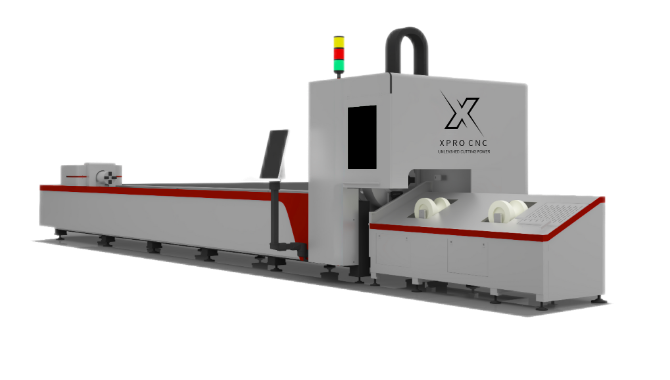
Many businesses mistakenly buy CO2 lasers thinking they can mark metal. They cannot (without expensive sprays like Cermark). If your clients need serial plates, cutlery branding, or industrial tool marking, you must look at a Fiber Galvo Laser. These machines use mirrors to steer the beam at incredibly high speeds, perfect for barcodes and logos on steel.
Alt Text: Split image showing deep dark engraving on maple wood using a CO2 laser versus a precise annealed black mark on stainless steel using a fiber laser.
15. Future Trends: Automation and AI
The laser industry is evolving.
- Camera Systems: Cameras (like those in Glowforge or bolted onto LightBurn setups) allow you to drag and drop designs onto “live” video of your material. This reduces waste significantly.
- AI Design: Generative AI is being used to create intricate vector patterns for laser cutting that would take humans hours to draw manually.
Quick Takeaways
- Distributor Matters: In Canada, buy from a local distributor (like CanCam or Thunder Canada) to ensure CSA compliance and technical support.
- Power Up: A 100W CO2 laser is the most versatile choice for a growing business.
- Cold Weather Care: Protect water-cooled tubes from freezing; a shattered tube is a costly winter mistake.
- Software is Key: Ensure your machine is compatible with LightBurn software for the best workflow.
- Ventilation: Budget for high-quality fume extraction to meet Canadian health and safety standards.
- Don’t Mix Metals: Standard CO2 lasers do not cut metal. You need a Fiber laser for metal cutting or marking.
Conclusion
Investing in a laser cutting machine is more than just buying a tool; it’s about unlocking a new tier of manufacturing capability for your Canadian business. Whether you are cutting intricate acrylic signage in Vancouver or marking industrial tools in Montreal, the efficiency and precision of modern lasers are game-changers.
Remember, the “best” machine isn’t the one with the highest wattage—it’s the one that fits your workflow, comes with reliable local support, and keeps your production line moving. Do your due diligence, verify CSA approvals, and don’t underestimate the value of a good warranty.
Ready to transform your business?Next Step: Audit your current top-selling products (or planned products). If more than 30% of them require cutting or engraving, schedule a demo with a local distributor this week to see your specific materials tested on a machine.
Frequently Asked Questions (FAQs)
1. Can I use a CO2 laser to cut metal for my business? Generally, no. Standard CO2 lasers (under 150W) cannot cut metal. They can only mark coated metals or use marking sprays. To cut metal, you need a high-power industrial Fiber laser (usually 1kW+) or a specialized high-wattage oxygen-assisted CO2 laser.
2. How much does a good laser cutter cost for a small business in Canada? For a reliable, professional-grade CO2 laser (60W-100W) with local support, expect to pay between $9,000 and $18,000 CAD. Industrial fiber lasers start significantly higher, often exceeding $30,000 CAD.
3. Do I need special ventilation for a laser cutter? Absolutely. Laser cutting generates smoke and toxic fumes. You must either vent the exhaust directly outside (check local bylaws) or use a heavy-duty filtration unit (fume extractor) that recirculates clean air into the shop.
4. What is the difference between a glass tube and an RF tube? A glass tube (DC) is water-cooled and cheaper but has a shorter lifespan and lower engraving resolution. An RF (Radio Frequency) tube is air-cooled, lasts 5x longer, and produces incredibly sharp engravings, but costs significantly more upfront.
5. Is it hard to learn laser cutting software? Not at all. Modern software like LightBurn is very intuitive. If you have basic experience with vector design tools like Adobe Illustrator, CorelDRAW, or Inkscape, you will feel right at a home.
We want to hear from you! Are you running a laser business in Canada? What has been your biggest challenge with sourcing materials or machine maintenance? Share your story in the comments below or tag us on social media with your best projects!
References
- Thunder Laser Canada. (n.d.). CO2 Laser Cutters & Engravers. Retrieved from thunderlaser.ca
- Trotec Laser. (2025). Laser Machines for Engraving and Cutting. Retrieved from troteclaser.com
- CanCam CNC Machines. (n.d.). Aeon Laser Canada Distributors. Retrieved from cancam.ca
- StyleCNC. (2025). Best CO2 Laser Cutter for Small Business. Retrieved from stylecnc.com