


If you are a business owner in Canada looking to expand your manufacturing capabilities or start a new venture, a laser cutter is one of the most versatile investments you can make. From custom signage in Toronto to aerospace part prototyping in Montreal, these machines have moved beyond hobbyist garages into the heart of modern Canadian industry.
But the market is flooded with options—cheap imports that fail Canadian safety inspections, high-end industrial beasts that cost more than a house, and everything in between. How do you choose the right tool without burning through your capital?
This guide acts as your strategic partner. We will cut through the noise to cover CO2 vs. Fiber technology, essential CSA safety standards (that many ignore at their peril), Canadian tax incentives like CCA Class 53, and the real-world ROI you can expect. Whether you are cutting acrylic, wood, or titanium, this article will equip you with the knowledge to make a profitable decision.
1. Understanding Laser Technology: CO2 vs. Fiber vs. Diode
Before you look at price tags, you must match the “engine” of the laser to your business goals. The three main technologies behave very differently.
CO2 Laser Cutters (The Versatile Workhorse)
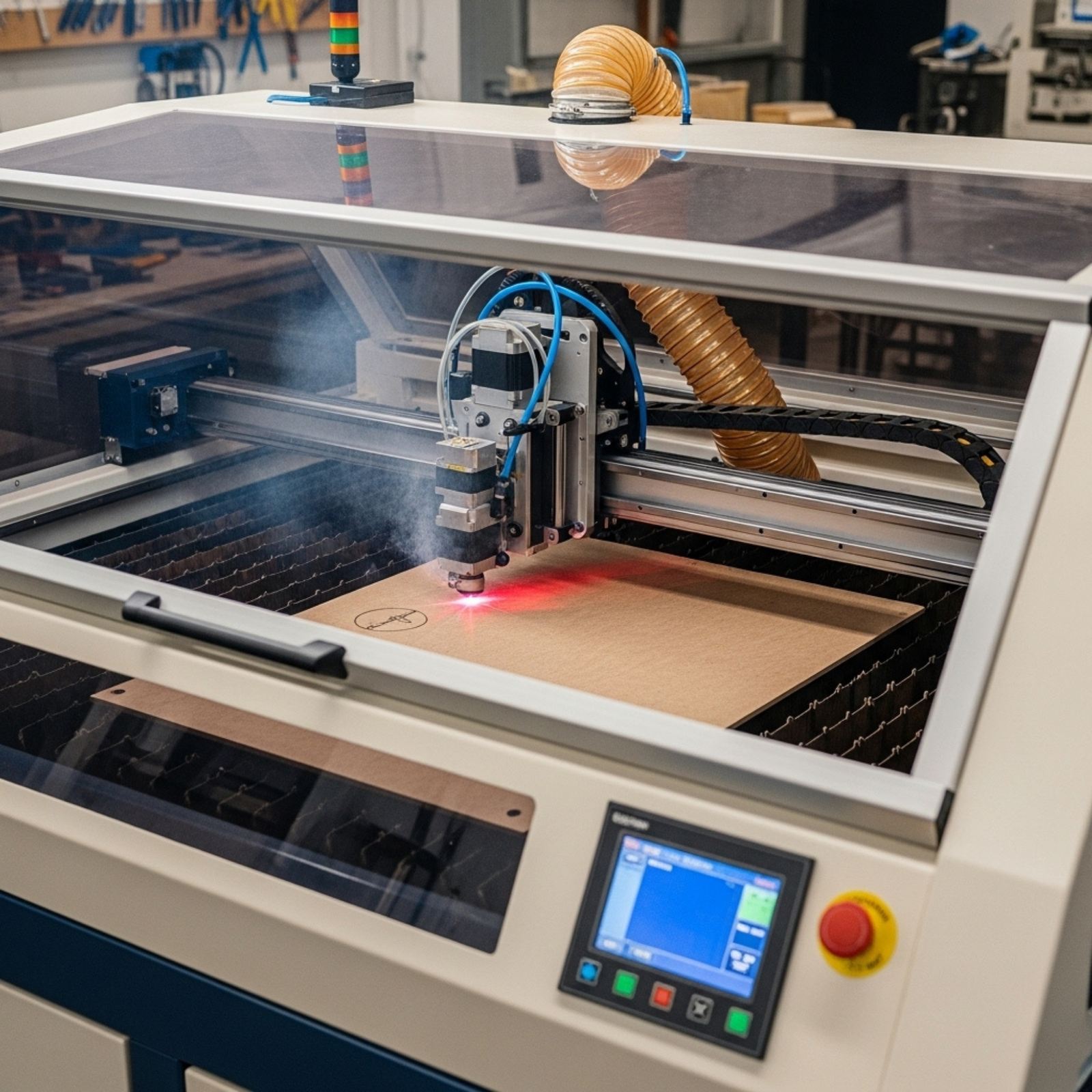
These are the most common for small-to-medium businesses. They use a gas mixture to create a beam that excels at cutting and engraving organic materials.
- Best For: Wood, acrylic, leather, glass, paper, and coated metals.
- Business Use: Signage, custom gifts, architectural models, rubber stamps.
- Limitations: cannot cut bare metal effectively without extremely high power (and high cost).
Fiber Laser Cutters (The Metal Master)
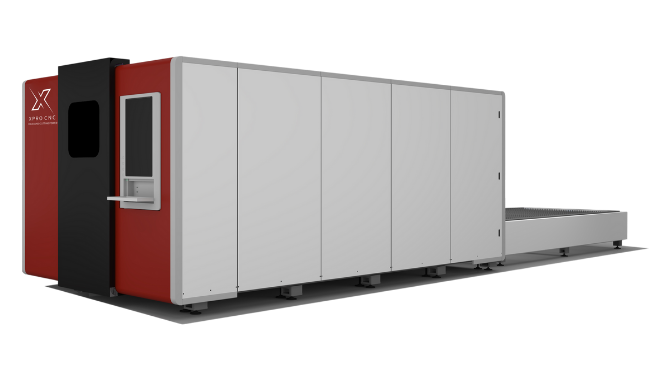
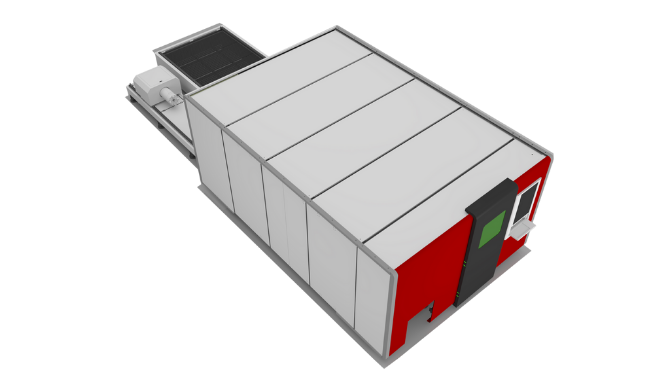
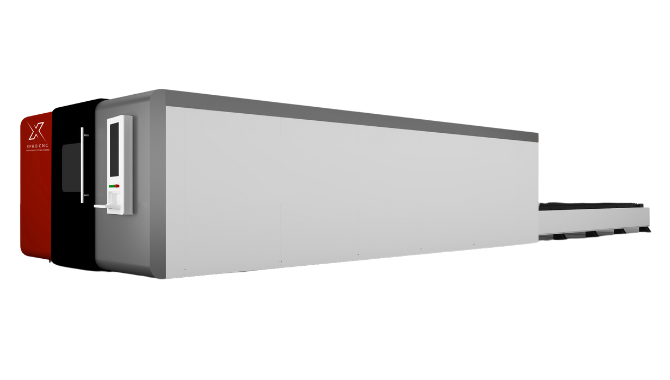
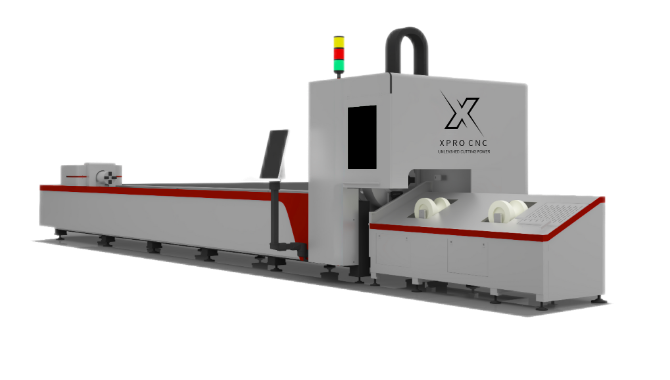
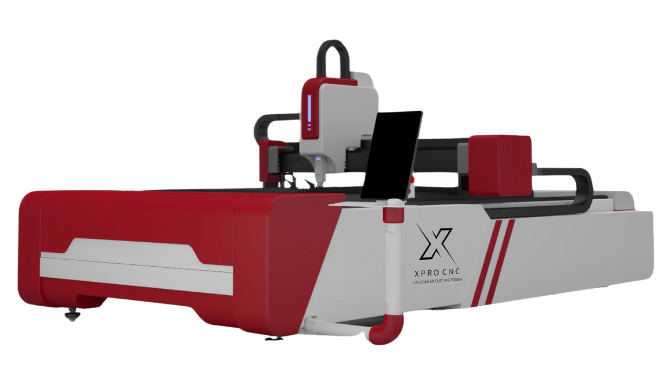
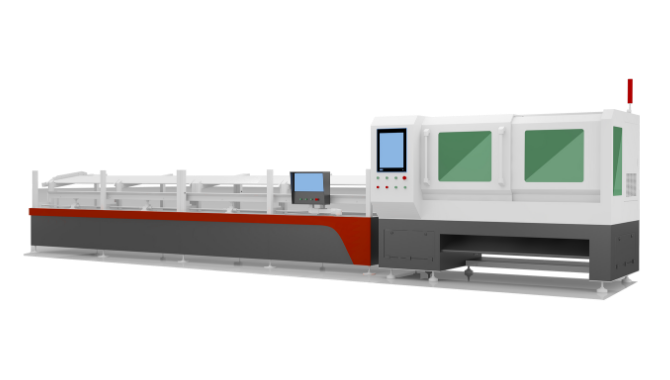
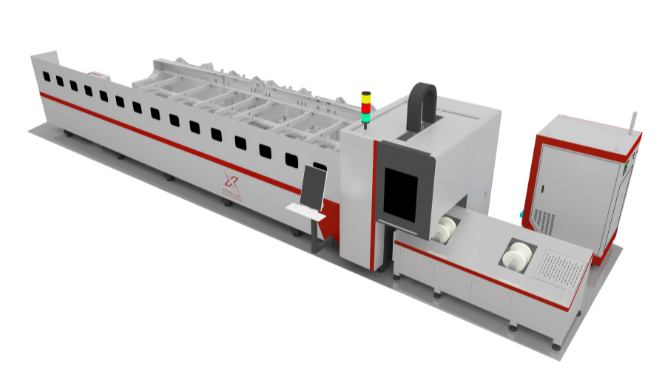
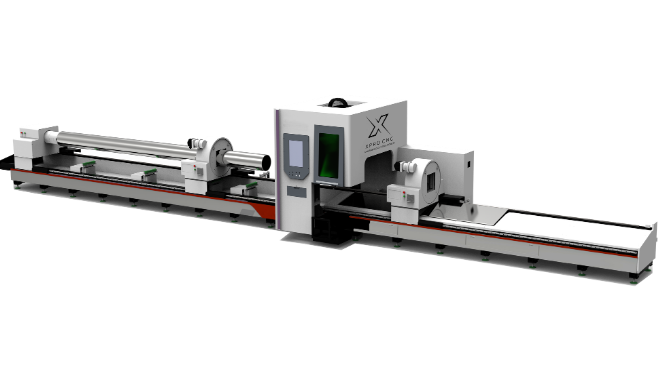
Fiber lasers use optical fibers doped with rare-earth elements. They are solid-state, meaning fewer moving parts and no gas tubes to replace.
- Best For: Stainless steel, aluminum, brass, copper, and other reflective metals.
- Business Use: Industrial part fabrication, automotive components, serial number marking, jewelry.
- Limitations: generally poor at cutting clear acrylic (the beam passes through) or wood (charring).
Diode Lasers (The Entry-Level)
Often found in desktop units. They are cheaper but significantly less powerful.
- Best For: Thin wood, paper, engraving.
- Business Use: Very small batch customization, prototyping.
- Insight: For a serious Canadian manufacturing business, a Diode laser is likely underpowered. Stick to CO2 or Fiber for production speed.
Alt Text: Comparison chart showing the electromagnetic spectrum wavelength differences between CO2 (10,600 nm) and Fiber (1,064 nm) lasers, highlighting material absorption rates.
2. The ROI Calculation & Canadian Business Case
Buying the machine is just the start. You need to calculate your Return on Investment (ROI) based on Canadian market rates.
Speed is Money
A cheap machine might cut at 10mm/s, while a professional laser cutter cuts at 500mm/s. If you are paying an operator $25/hour in Ontario, a slow machine costs you five times more in labor per part.
- Example: A custom acrylic award sells for $150.
- Slow Machine: 20 mins cut time + 10 mins setup = 2 units/hour.
- Pro Machine: 4 mins cut time + 5 mins setup = 6+ units/hour.
Tax Incentives: CCA Class 53
Here is a unique insight for Canadian owners: Do not just expense it as general equipment. Under the CRA’s Capital Cost Allowance (CCA), manufacturing and processing machinery acquired after 2015 often falls under Class 53. This allows for an accelerated write-off rate (often 50% per year on a declining balance), drastically reducing your taxable income in the first few years compared to the standard Class 8 (20%). Always verify with your CPA.
3. Materials Guide: What Can You Actually Cut?
Your material list dictates your machine choice.
| Material | CO2 Laser | Fiber Laser | Notes |
|---|---|---|---|
| Acrylic | Excellent (Polished edge) | Poor (Melts/Passes through) | CO2 leaves a “flame polished” edge, saving finishing time. |
| Wood/MDF | Excellent | Poor (Chars/Burns) | Essential for cabinetry, crafts, and signage. |
| Stainless Steel | No (unless very high power) | Excellent | Fiber cuts clean with no burrs. |
| Aluminum | No | Excellent | Fiber handles the high reflectivity of aluminum. |
| Leather | Excellent | Poor | Great for custom patches and apparel branding. |
| PVC/Vinyl | DANGER | DANGER | NEVER laser cut PVC. It releases chlorine gas, which ruins optics and destroys lungs. |
4. Choosing the Right Machine: Power & Bed Size
Wattage Matters
- 40W-60W: Good for engraving and cutting thin materials (<6mm).
- 80W-130W: The “Sweet Spot” for most job shops. Cuts 12mm acrylic and 6mm wood efficiently.
- 1kW+ (Fiber): Required for industrial metal cutting.
Bed Size Considerations
Do you buy standard 4’x8′ sheets of plywood or acrylic? If so, a machine with a 48″ x 96″ bed saves you from having to pre-cut material on a table saw, saving hours of labor. For smaller shops, a 24″ x 36″ bed is a common standard that fits through double doors.
5. Top Laser Cutter Brands & Distributors in Canada
Buying from a US-only brand can be a nightmare when you need parts shipped through customs. Support local or Canadian-based distributors for uptime security.
- Trotec Laser Canada: Austrian engineering with strong support centers in Mississauga, Calgary, and Vancouver. High price, but incredible speed and reliability.
- Spark & Co: Based in Quebec/BC, they specialize in high-end industrial waterjet and fiber laser solutions.
- Aeon Laser Canada / CanCam: Excellent mid-range machines that bridge the gap between hobbyist and industrial. Known for good customer service.
- Epilog (via Canadian distributors): A US giant with a strong network of Canadian repair techs.
6. Safety & Regulations: The CSA Factor
This is the most critical section for your insurance. In Canada, electrical equipment in a workplace must be approved by an accredited certification body (like CSA, cUL, or Intertek).
- The “China Direct” Trap: If you import a cheap laser directly from overseas, it likely lacks CSA certification. If it causes a fire, your business insurance may void your claim.
- The Solution: Buy from a Canadian distributor who guarantees CSA approval or arranges for a Field Evaluation (SPE-1000) before delivery.
- Laser Safety Officer: For Class 4 lasers (open bed), you may legally need a designated “Laser Safety Officer” on staff to ensure safety protocols are followed.
Alt Text: Close-up of a CSA (Canadian Standards Association) approval label on the back of an industrial laser cutter, signifying compliance with Canadian electrical safety standards.
7. Software & Workflow Integration
The hardware is only as good as the software driving it.
- LightBurn: The industry standard for most CO2 and diode lasers. It costs ~$60 USD but is worth every penny for its nesting features (saving material) and camera integration.
- Proprietary Software: Brands like Trotec (Ruby) and Epilog have their own drivers. Ensure they are compatible with your design software (Adobe Illustrator, AutoCAD, CorelDRAW).
- Workflow:
- Design in CAD/Vector software.
- Import to Laser Software (Set Speed/Power).
- Send to Machine.
8. Maintenance & After-Sales Support
A laser cutter is a consumable-heavy machine.
- CO2 Tubes: Last 2,000–10,000 hours depending on quality. Replacement costs: $500–$2,000.
- Lenses & Mirrors: Must be cleaned daily with alcohol. Smoke residue cracks optics.
- Chillers: You need a high-quality water chiller (like a CW-5200) to keep the tube cool. Overheating kills lasers instantly.
- Canadian Support: When your tube dies on a Tuesday before a deadline, can you get a replacement by Wednesday? A local distributor in Toronto or Vancouver can ship overnight; a supplier in Shenzhen cannot.
9. Ventilation and Fume Extraction
Laser cutting burns material. That smoke is toxic.
- Venting Outside: The cheapest method. Requires a strong inline fan and a short duct run to a window or wall vent.
- Fume Extractors: Essential if you are in an office building or mall where you cannot vent outside. These units (e.g., from Bofa or Filtrabox) use HEPA and activated charcoal to scrub the air. They are expensive ($2k+) but necessary for compliance in many Canadian municipalities.
10. Business Applications & Niche Ideas
Don’t just sell “laser cutting.” Sell solutions.
- Industrial: Cut gaskets, control panel overlays, and serial tags for other manufacturers.
- Weddings: Custom acrylic invites, table numbers, and cake toppers.
- Real Estate: Local closing gifts (engraved charcuterie boards) for agents.
- Education: Prototyping services for engineering students or architectural firms.
11. Financing & Government Grants
Cash flow is king.
- CDAP (Canada Digital Adoption Program): If the laser includes digital control software (CNC), you might argue it aids in digital transformation.
- Regional Grants: Check organizations like FedDev Ontario or Western Economic Diversification Canada for manufacturing modernization grants.
- Leasing: Many distributors offer lease-to-own. This keeps your capital free for materials and marketing.
12. Common Mistakes to Avoid
- Buying Underpowered: A 40W laser cannot cut 1/4″ plywood reliably in one pass. It will char and look amateur.
- Ignoring Door Width: Industrial lasers are huge. Measure your facility’s doors before the truck arrives.
- Overlooking Air Assist: You need an air compressor blowing air at the cut point to prevent flares and clear debris. Never run without it.
13. Used vs. New: Is it Worth the Risk?
- Used: Can save 50%. But, CO2 tubes degrade even when sitting on a shelf. If you buy used, budget $1,500 immediately for a new tube and mirrors.
- New: Includes warranty, training, and clean optics. For a primary business machine, buy new.
14. Future-Proofing Your Purchase
- Rotary Attachments: Ensure your machine supports a “rotary” to engrave round objects like Yeti tumblers or wine bottles. This is a high-margin upsell.
- Pass-Through Doors: Does the machine have doors on the front and back? This allows you to slide a 10-foot board through a 3-foot machine, expanding your capacity without a larger footprint.
15. Conclusion & Action Plan
Investing in a laser cutter places your Canadian business at the intersection of creativity and industrial manufacturing. Whether you choose a high-speed Trotec for volume or a robust fiber laser for metal fabrication, the key is aligning the machine’s specs with your specific market niche.
Remember the “Canadian Trifecta”: CSA Safety, Local Support, and Tax Strategy. Nail these three, and your machine will be a profit generator, not a liability.
Ready to take the next step?
- Define your top 3 materials.
- Calculate your max part size.
- Contact a Canadian distributor for a demo (bring your own file!).
Quick Takeaways
- Match Tech to Material: CO2 for wood/acrylic; Fiber for metal.
- Verify Safety: Ensure the machine is CSA approved or has an SPE-1000 sticker.
- Tax Write-offs: Ask your accountant about CCA Class 53 for manufacturing equipment.
- Ventilation is Key: Budget for a proper exhaust system or high-end fume extractor.
- Support Local: Buying from a Canadian distributor ensures parts and service availability.
- Software: LightBurn is the industry standard; ensure your machine is compatible.
FAQs
1. Do I need a permit to operate a laser cutter in Canada? Generally, you do not need a specific “laser permit,” but the machine must be CSA electrical approved. If you have employees, you must comply with provincial OHS guidelines, which may require a Laser Safety Officer for Class 4 open-bed machines.
2. How much does a decent commercial laser cutter cost? For a reliable CO2 business starter (60W-100W), expect to pay between $8,000 and $15,000 CAD. Industrial Fiber lasers start around $25,000 CAD and go up significantly.
3. Can I run a laser cutter in my home garage? Yes, but you must manage fumes and temperature. Lasers need a stable temperature (above freezing, below 30°C) to function. You also need to vent smoke away from neighbors to avoid bylaw complaints.
4. What is the difference between a “glass tube” and “RF” laser? Glass tubes (DC) are cheaper but slower and wear out faster (2 years). RF (Radio Frequency) metal tubes cost 5x more but engrave much faster, have a finer beam, and can last 5-10 years.
5. Is laser cutting PVC safe?No. Never cut PVC (vinyl). It releases hydrochloric acid gas, which corrodes the inside of your expensive machine and is extremely toxic to humans.
Have you recently purchased a laser for your shop? We’d love to hear about your experience with Canadian distributors! Share your story in the comments below.
References
- Government of Canada, “Classes of Depreciable Property (CCA),” Canada.ca.
- Canadian Centre for Occupational Health and Safety (CCOHS), “Lasers – Health Care and Industrial Safety.”
- Grand View Research, “Laser Cutting Machine Market Size & Trends Analysis Report, 2025.”
- Trotec Laser Canada, “Laser Material Processing Guide.”