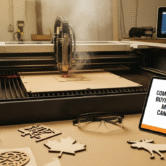


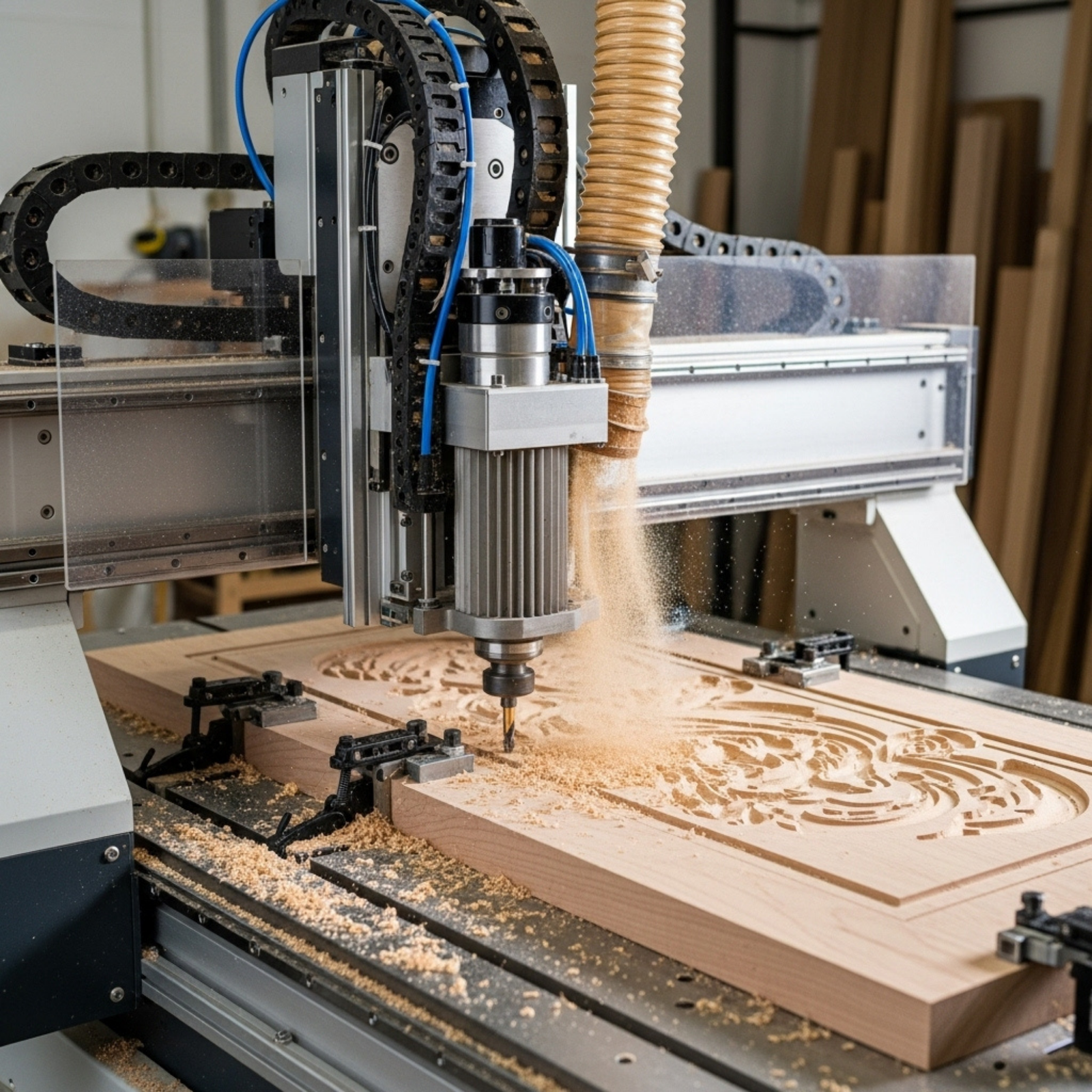

Imagine a machine that can turn a $2 sheet of plywood into a $50 custom “Cottage Life” sign, or a $15 generic tumbler into a $45 corporate branded gift—all while you answer emails. This is the reality of the modern laser engraver. For Canadian business owners, the leap from “hobbyist gadget” to “industrial revenue generator” has never been shorter.
But the landscape is changing. With new Health Canada regulations looming in late 2025 and a shift in how the CRA handles equipment depreciation, buying a laser cutter today is a strategic business decision, not just a hardware purchase.
Whether you run a trophy shop in Toronto, a custom furniture business in Vancouver, or are looking to start a side hustle in Halifax, this guide is your blueprint. We will move beyond the basic specs to discuss ROI, Canadian safety compliance, government grants, and the specific machines that offer the best “bang for your loonie.”
1. Understanding the Technology: CO2, Fiber, or Diode?
Before you spend a dime, you must match the laser source to your business model. In the laser world, one size does not fit all.
The Workhorse: CO2 Lasers
- Best For: Wood, acrylic, glass, leather, paper, and coated metals.
- Business Use Case: Signage, wedding decor, architectural models, and rubber stamps.
- The Reality: If your business plan involves “cutting” (creating shapes out of material), a CO2 laser is non-negotiable.
- Canadian Context: These are the most common units found in Canadian makerspaces and small sign shops.
The Specialist: Fiber Lasers
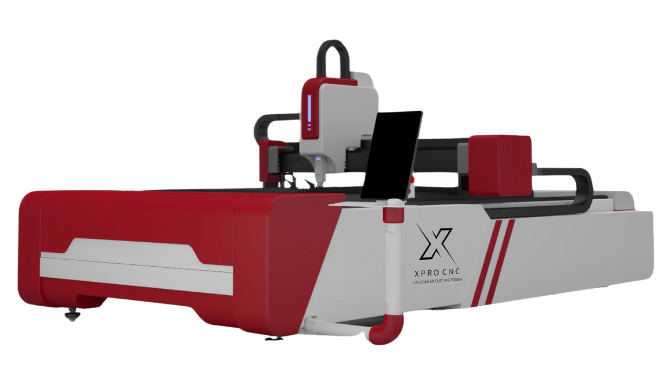
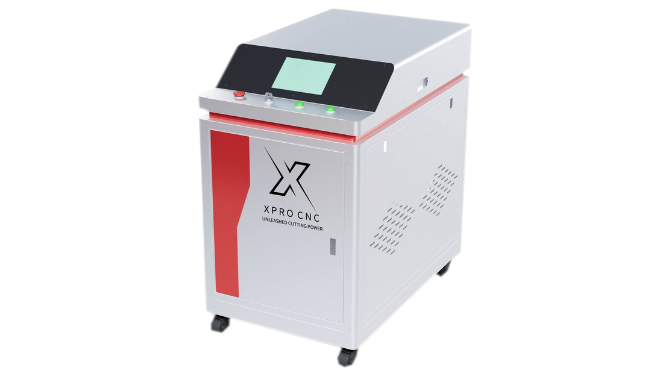
- Best For: Bare metals (stainless steel, aluminum, brass), engineered plastics.
- Business Use Case: Serial number marking, jewelry making, industrial parts identification, cutlery customization.
- The Reality: These machines do not cut wood or clear acrylic. They are for marking hard surfaces with incredible speed.
The Entry-Level: Diode Lasers
- Best For: Wood engraving, thin plywood cutting, opaque acrylic.
- Business Use Case: Hobby-to-business transition, portable on-site engraving (e.g., at craft fairs).
- The Reality: While cheaper, they lack the speed and cutting depth of CO2. Great for a secondary machine but risky as a primary production unit.
Visual Concept 1: The Laser Spectrum Quadrant **
2. The “Canadian Compliance” Factor: New 2025 Regulations
This is the section most salespeople won’t tell you about. Canada has stricter safety standards than the US or China, and they are getting tighter.
The Radiation Emitting Devices Act (REDA) Updates
Effective October 2025, Health Canada is aligning more closely with IEC international standards.
- Bilingual Labeling: All safety warnings on the machine must be in both English and French. If you import a “grey market” machine from overseas that only has English (or Chinese) labels, you are technically non-compliant for resale or employee use.
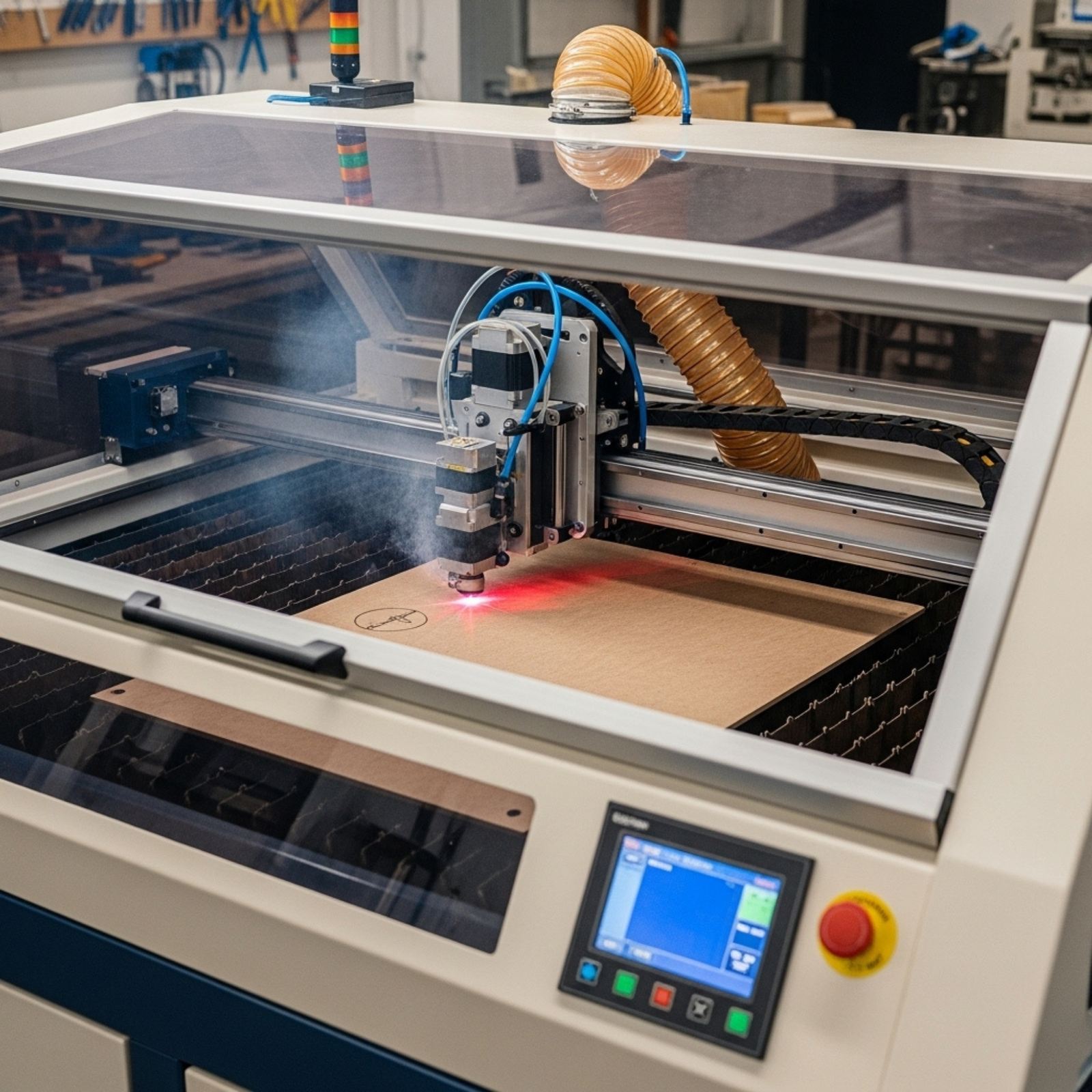
- Interlocks & Safety Classes: Class 4 lasers (open frame) require a designated “Laser Safety Officer” in your workplace. Class 1 lasers (fully enclosed) do not. Tip: For a small business, always buy a Class 1 enclosed machine to avoid skyrocketing insurance premiums.
CSA Electrical Certification
In Canada, any piece of electrical equipment plugged into a commercial outlet must be CSA (or cUL) certified.
- The Risk: If an uncertified laser causes a fire, your commercial insurance provider can deny the claim.
- The Solution: Look for vendors like AEON Laser Canada or Trotec Canada who guarantee CSA compliance on their power supplies and wiring.
3. Top Laser Engraver Brands Available in Canada
We’ve analyzed the market based on local support, parts availability, and reliability.
High-End / Industrial
- Trotec (Mississauga, ON HQ): The “Ferrari” of lasers. Incredible speed, ceramic tubes that last years, and stellar Canadian support.
- Price: $20k – $60k+.
- Best for: High-volume production where downtime costs more than the machine.
- Epilog Laser (Distributors nationwide): US-made, legendary build quality. Their “Fusion” series is a staple in Canadian universities.
- Price: $15k – $50k.
Mid-Range / Small Business
- AEON Laser Canada: A rising star. They offer “all-in-one” units (water cooling and air assist built-in) which saves space—crucial for high-rent Canadian commercial units.
- Price: $7k – $20k.
- Highlight: Excellent local support network and CSA-compliant modifications.
- Thunder Laser Canada: Known for the “Nova” series. They use high-quality stepper motors and offer a great balance of price-to-performance.
- Price: $6k – $18k.
Entry-Level / “Prosumer”
- xTool (Online/Resellers): The xTool P2 (CO2) and F1 Ultra (Dual Fiber/Diode) have disrupted the market. They bring advanced features like curved surface engraving at a fraction of the cost.
- Price: $1.5k – $6k.
- Note: Great for starting out, but ensure you buy the “smoke purifier” add-ons if working indoors.
4. Financials: Grants, Leases, and Taxes
How do you pay for it? The Canadian financial ecosystem offers unique advantages.
Government Grants: Free Money?
While the “Boost Your Business Technology” grant is currently fully subscribed, other avenues exist:
- CDAP “Grow Your Business Online”: Offers up to $2,400 to help you set up an e-commerce shop. If you buy a laser to sell custom goods online, this grant can cover your Shopify/Wix subscription and digital marketing costs, freeing up cash for the machine.
- Alberta Manufacturing Productivity Grant: A pilot program offering up to $30,000 for technology upgrades.
- Regional Development Agencies (RDAs): Agencies like FedDev Ontario or Western Economic Diversification Canada often have specific streams for manufacturing equipment upgrades.
Lease vs. Buy: The Tax Angle
- Buying (Capital Asset): You own the machine. It goes on your balance sheet as Class 53 (Manufacturing & Processing machinery) for CCA purposes. You can write off a portion of the value each year (often accelerated in the first year under the Immediate Expensing rules if eligible).
- Leasing (Operating Expense): If structured correctly, 100% of your monthly lease payment is tax-deductible as a business expense in the year it is paid. This simplifies accounting and keeps the asset off your balance sheet, which can improve your debt-to-equity ratio.
Quick Tip: Canadian suppliers like Joto Imaging Supplies and OneLaser often partner with financing firms (e.g., Affirm or specialized equipment leasers) to offer 0% – 4% financing terms.
5. Profitable Niches for the Canadian Market
Don’t just sell “laser engraving.” Sell a solution. Here are three high-margin niches thriving in Canada right now.
Niche 1: The “Cottage Life” Customizer
- Product: Slate coasters, live-edge wood signs, custom lake maps engraved on birch.
- Why it works: Canadians love their cottages. A custom map of “Lake Muskoka” or “Shuswap Lake” sells for 5x the cost of materials.
- Keywords: Custom cottage signs Ontario, personalized lake maps Canada.
Niche 2: Industrial Identification (UID)
- Product: Stainless steel tags for machinery, electrical panel lamacoids, asset tags.
- Why it works: Every electrician and manufacturer needs these by law. It’s not glamorous, but it’s recurring B2B revenue.
- Machine Needed: Fiber or MOPA laser.
Niche 3: Hockey & Sports Memorabilia
- Product: Engraved pucks for tournaments, personalized stick shafts, team water bottles.
- Why it works: Hockey is recession-proof in Canada. Parents will always spend money on their kids’ travel teams.
6. How to Choose: A Decision Framework
Use the “P.S.M.” (Power, Size, Material) framework to narrow your choice.
Power (Watts)
- 40W-60W: Good for engraving and cutting thin materials (3mm plywood/acrylic). Slow cutting speed.
- 80W-100W: The “Sweet Spot” for business. Cuts 6mm-10mm acrylic in a single pass. Fast engraving.
- 130W+: heavy-duty cutting. Reduces engraving detail (the beam is wider) but slices through thick wood like butter.
Size (Bed Area)
- Desktop (12″ x 20″): Limits you to small items. You will outgrow this if you do signage.
- Standard (24″ x 36″): The industry standard. Fits “quarter sheets” of material easily.
- Large Format (48″ x 96″): Takes full sheets of plywood. immense footprint, requires a warehouse.
Material (Pass-Through Capability)
Does the machine have a “pass-through” slot? This allows you to slide a long board (e.g., an 8-foot dimensional lumber piece) through the machine to engrave it in sections. Crucial for larger signage.
Visual Concept 2: The ROI Calculator Diagram **
7. Laser Safety & Ventilation: The “Silent Killer”
In Canada, venting smoke outside isn’t always legal, especially in shared commercial spaces or condos.
- Exterior Venting: The cheapest option. Requires a powerful inline fan (approx. 400 CFM). Winter Warning: Venting warm air outside at -20°C creates a massive draft. You need a “blast gate” to seal the vent when not in use to prevent freezing your laser tube.
- Fume Extractors: Large filtration units (like Bofa or Purex) that scrub the air and recirculate it. Mandatory for mall kiosks or office buildings. Expect to pay $1,500 – $3,000 CAD for a decent unit, plus $300/year in filters.
8. Sourcing Materials in Canada
Shipping heavy plywood or acrylic from the US kills margins due to brokerage fees. Sourcing locally is vital.
- Plastic/Acrylic: Piedmont Plastics or Polymershapes (locations across Canada). Ask for “cast acrylic” for engraving (frosts white) and “extruded” for cutting (smoother edge).
- Wood: Local lumber yards (e.g., Windsor Plywood in the West) are better than Home Depot. Look for “Baltic Birch” (though supply is tight due to geopolitics; “Russian Birch” is sanctioned).
- Engravables: Canadian Engravers Supply Co. (CESCO) and Joto Imaging are the go-to for trophies, sublimation blanks, and rowmark plastics.
9. Software: LightBurn is King
Forget the proprietary software that comes with some machines. LightBurn is the industry standard.
- Cost: ~$80 CAD (one-time fee).
- Why: It works with 90% of lasers (Ruida controllers). It allows you to design, import vectors, and control laser settings in one interface.
- Feature: It has a “Camera Control” feature that overlays your design onto a live video feed of your material, reducing waste to near zero.
10. Maintenance: Keeping Your Asset Alive
Canadian winters are tough on lasers.
- Coolant: If you use a water-cooled CO2 tube, never use straight tap water. Use distilled water.
- Antifreeze: If your shop drops below freezing at night (garage workshops), you must add laser-safe antifreeze or your glass tube will shatter.
- Optics: Clean your mirrors and lenses every Friday. Wood resin builds up and creates “hot spots” that crack expensive lenses.
11. Marketing Your Laser Business
- SEO: Use those long-tail keywords. “Laser engraving Toronto” is hard to rank for. “Custom engraved electrical tags Mississauga” is easy.
- Local SEO: Claim your Google My Business profile. Upload photos of your machine working—clients love the “behind the scenes” tech.
- B2B Outreach: Walk into local real estate offices. Offer them a free sample closing gift (e.g., a cutting board with their logo). One agent can bring you 20 orders a year.
12. Case Study: “The Northern Maker”
An illustrative example based on typical market data.
Sarah, a graphic designer in Ottawa, purchased a 60W CO2 Laser for $5,500.
- Initial Niche: Custom wedding cake toppers.
- Pivot: She realized the market was saturated. She switched to B2B, contacting local craft breweries to make custom tap handles and flight paddles.
- Outcome: Breweries order in batches of 50. Her setup time is minimal. She charges $15 per paddle (Material cost: $3).
- Annual Revenue: Added $45,000 in revenue with 10 hours of machine time per week.
13. Future Trends: AI and Automation
- AI Design: Tools like Midjourney can generate vector-ready patterns for engraving.
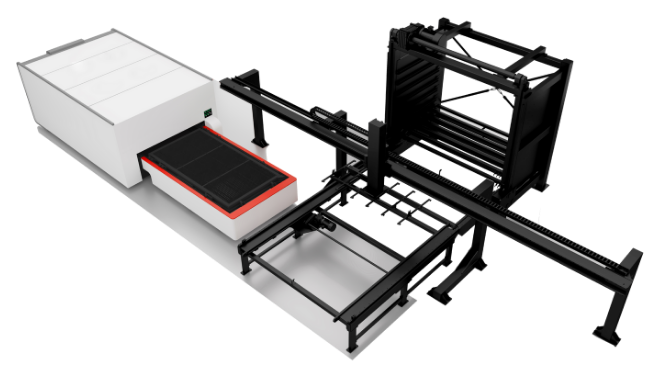
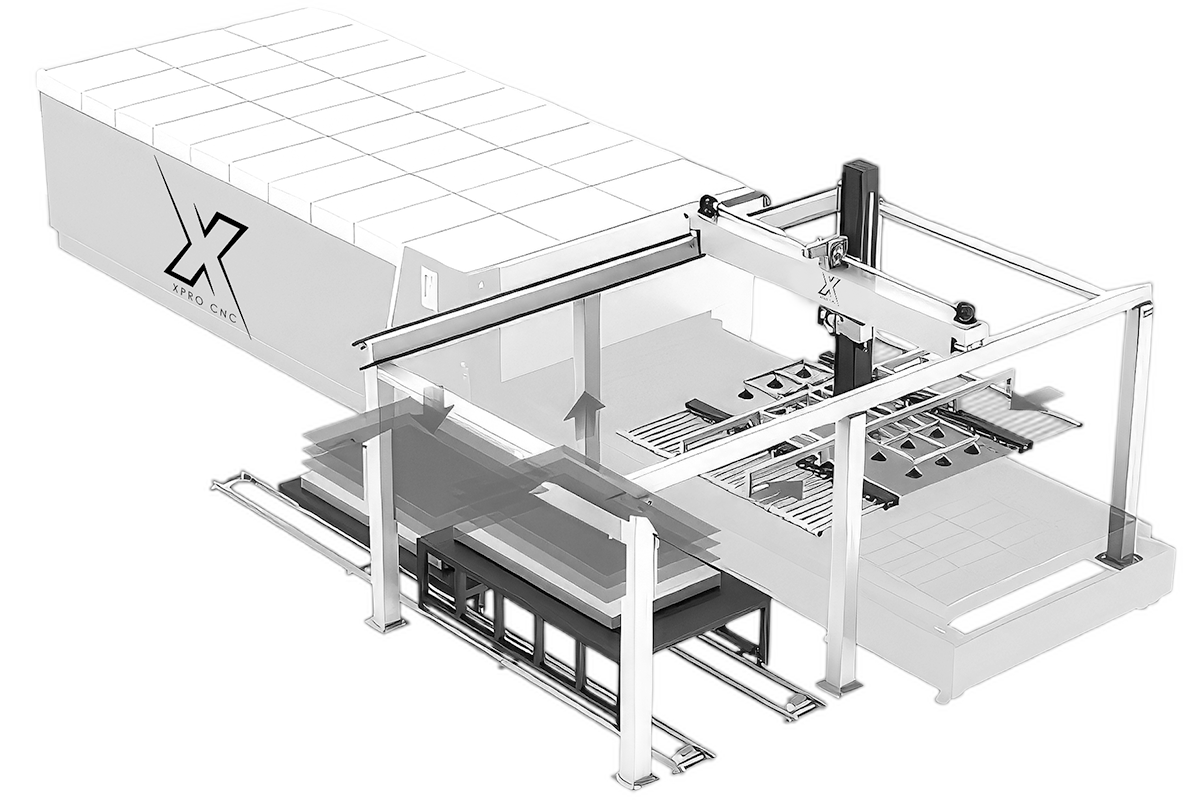
- Batch Processing: New machines like the xTool F1 Ultra have conveyor belts and cameras to auto-detect and engrave items as they move past. This automates the most expensive part of the business: loading and unloading.
14. Common Pitfalls to Avoid
- Underpricing: Don’t forget to charge for “setup time.” If a client wants one $5 item, charge a $20 setup fee.
- Ignoring Material Safety: Never cut Vinyl (PVC). It releases Chlorine gas which turns into Hydrochloric Acid inside your machine, destroying the electronics and damaging your lungs.
- Buying Without Support: That $3,000 eBay laser looks great until the power supply dies and you have to wait 6 weeks for a part from Shenzhen. Buy from a Canadian distributor if you rely on the machine for income.
15. Conclusion & Next Steps
The Canadian market for laser engraving is maturing. The days of the “Wild West” are ending, replaced by a landscape of safety regulations, professional standards, and serious profit potential. Whether you choose a high-speed fiber laser for industrial marking or a versatile CO2 cabinet for custom crafts, the key is treating the purchase as an investment, not an expense.
Your Action Plan:
- Audit Your Space: Do you have 220V power? Can you vent outside legally?
- Define Your Niche: Don’t try to sell everything to everyone. Pick one vertical (Weddings, Industrial, Sports).
- Contact a Distributor: Reach out to AEON, Thunder, or Trotec for a demo. Ask explicitly about CSA certification and bilingual labeling.
Ready to start? The beam is focused, and the potential is limitless.
Quick Takeaways: Key Points Summary
- Profitability: Margins of 40-80% are standard for customized goods.
- Regulation: Ensure your machine meets Health Canada’s Oct 2025 REDA updates (bilingual labels, safety interlocks).
- Certification: Only buy CSA/cUL certified machines to ensure insurance coverage.
- Machine Type: CO2 for wood/acrylic; Fiber for metals; Diode for hobby/entry-level.
- Financing: Look for “Lease-to-Own” options for tax benefits; check for CDAP grant eligibility for your web store.
- Software: Standardize on LightBurn for efficiency and camera integration.
- Safety: Never cut PVC/Vinyl. Invest in proper fume extraction (HEPA filters) if venting indoors.
Frequently Asked Questions (FAQ)
Q1: Do I need a license to operate a laser engraver in Canada?
- A: Generally, no. However, if you are operating a Class 4 laser (open bed, high power) in a workplace with employees, you are required by provincial occupational health and safety laws to have a designated Laser Safety Officer and proper signage. Class 1 (enclosed) machines do not require this.
Q2: Can I run a laser engraving business from my home in Canada?
- A: Yes, but check your municipal zoning by-laws regarding “home manufacturing.” Also, verify your home insurance policy. Most standard policies will void coverage if they discover an industrial machine. You will likely need a small commercial rider (costing ~$50-$100/month).
Q3: What is the best laser engraver for a small startup budget (under $5k CAD)?
- A: The xTool P2 (55W CO2) is currently the category leader for enclosed, safe, and powerful desktop lasers. For metal marking, the xTool F1 or ComMarker B4 are excellent entry points.
Q4: How much does it cost to ship laser materials in Canada?
- A: It can be expensive due to weight. We recommend finding a local supplier (like Polymershapes or a local lumber mill) where you can pick up materials. If shipping, try to order in bulk (skids) to reduce the per-unit shipping cost.
Q5: Is the “Canada Digital Adoption Program” (CDAP) still available for laser businesses?
- A: The “Boost Your Business Technology” stream is fully subscribed, but as of early 2025, the “Grow Your Business Online” stream (up to $2,400 micro-grant) is often still available through local service providers to help you set up the e-commerce side of your laser business.
We Want to Hear From You!
Are you running a laser business in Canada? Have you navigated the new CSA requirements or found a unique supplier for local wood? **Share your story in the comments below or tag us on social media!**What’s the one material you wish you could source locally but can’t? Let’s build a resource list together.
References
- Health Canada. (2024). Guidance for laser products: Labelling and information requirements. [Government of Canada Website].
- University of Toronto. (2025). Guidelines for Purchasing, Modifying, and Transferring Laser Products. Environmental Health & Safety.
- Canada Revenue Agency (CRA). (2024). Classes of depreciable property (Class 53).
- Canadian Engravers Supply Co. (CESCO). Product Catalog & Industry Standards.
- Trotec Laser Canada. Industrial Laser Safety & CSA Compliance Guide.