


If you are a Canadian manufacturer, sign maker, or custom fabricator, you already know that precision equals profit. A high-quality laser cutting machine is no longer just a “nice-to-have” tool—it is the backbone of modern, agile manufacturing. whether you are looking to bring prototyping in-house to Toronto or scale up production in a Calgary workshop, the right equipment can dramatically reduce lead times and open new revenue streams.
However, the Canadian market presents unique challenges and opportunities. From navigating CSA safety standards to leveraging federal tax incentives like the Capital Cost Allowance (CCA), buying a machine here requires more than just comparing wattage. This guide goes beyond the basic specs. We will explore the top machines available in Canada, break down the real “landed” costs, and reveal how to maximize government grants to offset your investment.
Understanding the Technology: CO2 vs. Fiber Lasers
Before writing a cheque, you must ensure the technology aligns with your business goals. The two dominant technologies in the Canadian market are CO2 and Fiber lasers.
CO2 Laser Cutting Machines
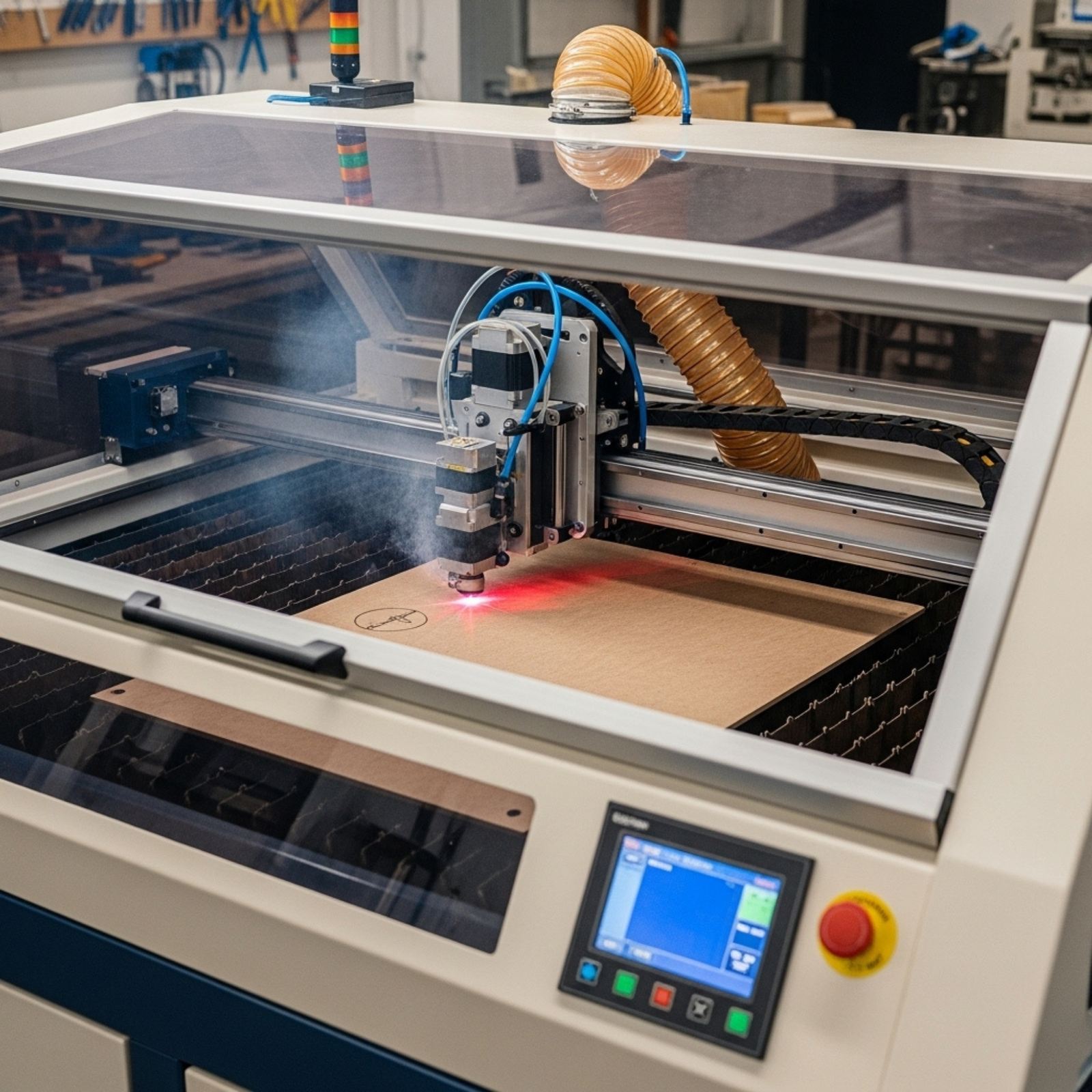
CO2 lasers use a gas mixture (carbon dioxide, nitrogen, helium) to create a beam. They are the workhorses for organic materials.
- Best For: Wood, acrylic, leather, glass, paper, and some coated metals.
- Ideal Business Use: Signage shops, architectural modeling, custom gift fabrication, and education.
- Pros: Incredible versatility; generally lower initial cost.
- Cons: Higher maintenance (mirrors and tubes degrade); slower cutting speeds on metal.
Fiber Laser Cutting Machines
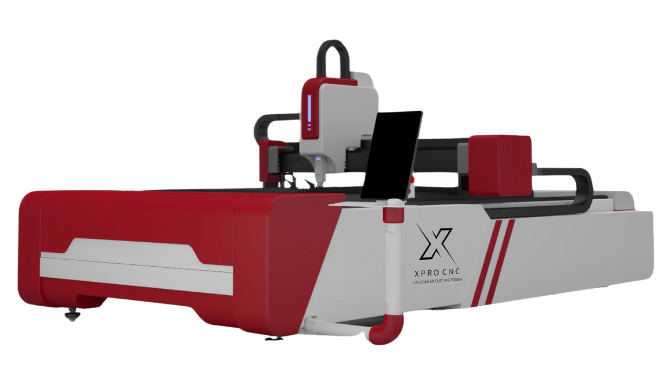
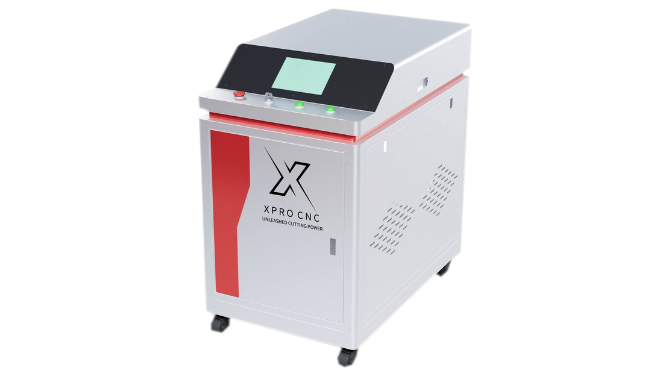
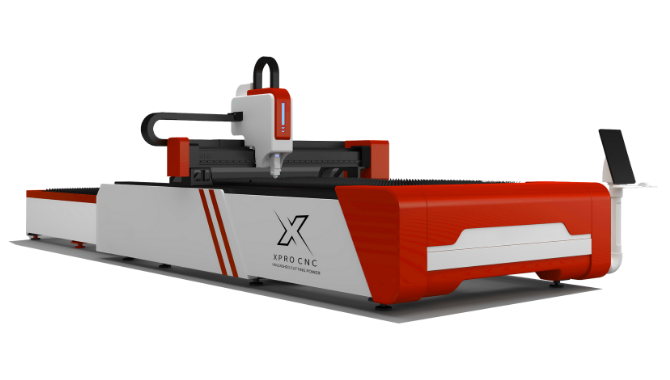
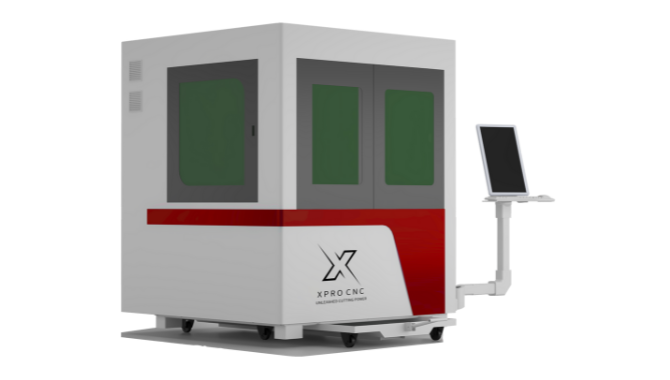
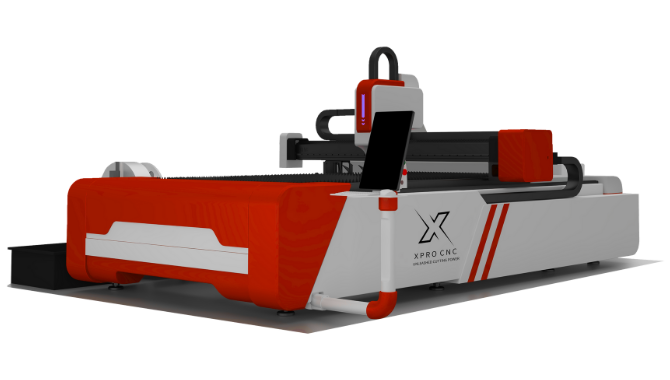
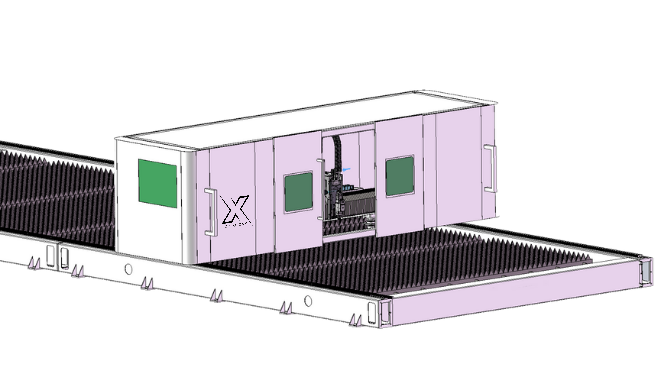
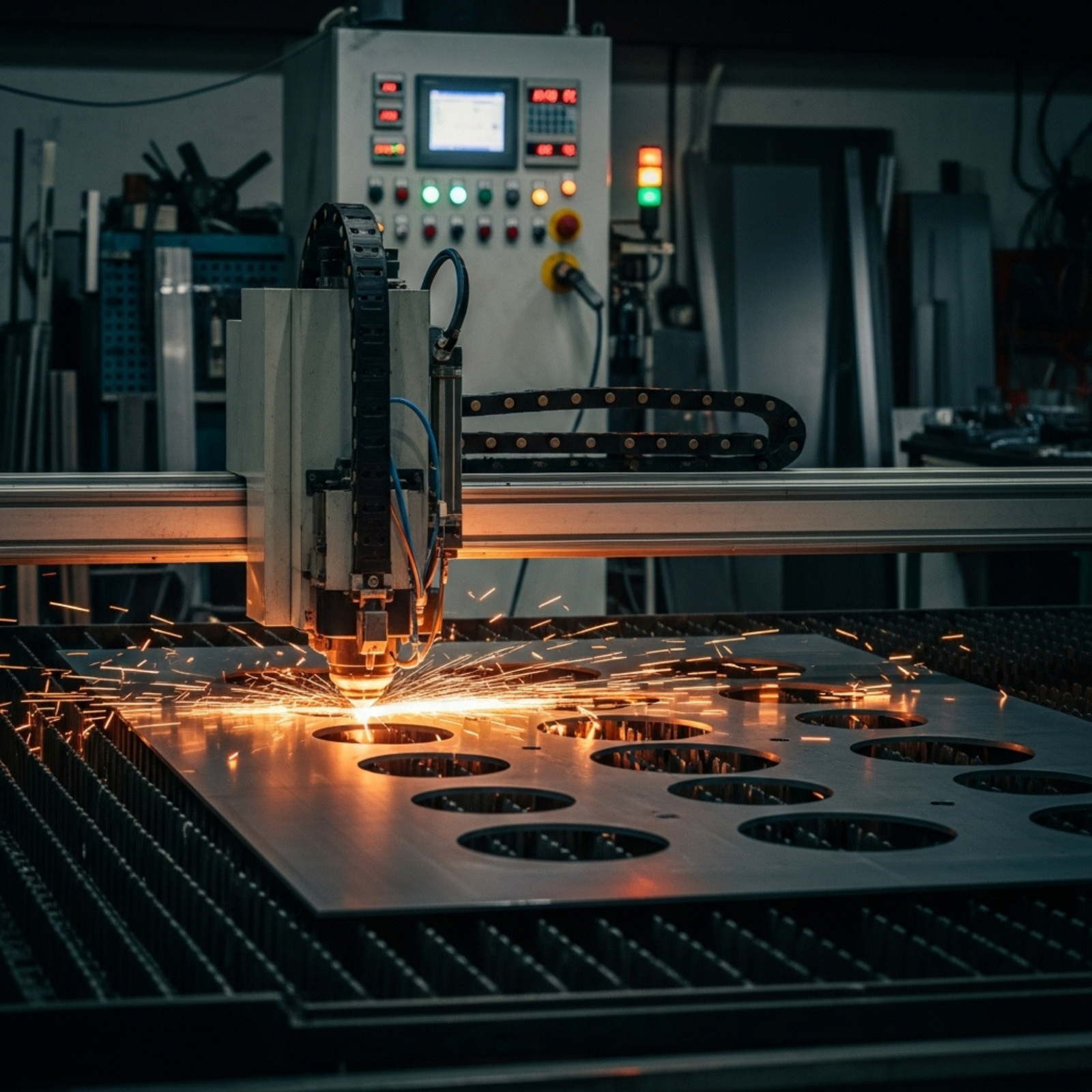
Fiber lasers generate a beam using an optical fiber doped with rare-earth elements. They are solid-state machines designed for speed and power.
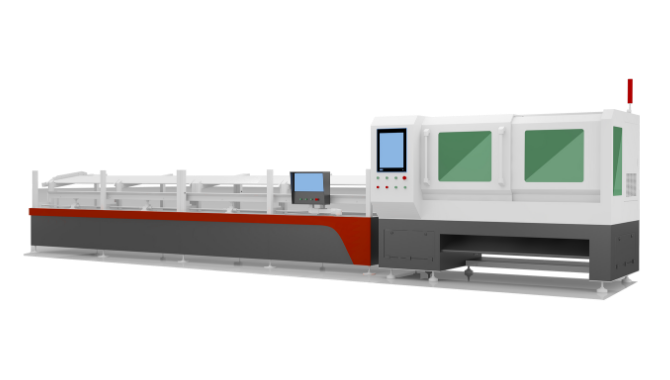
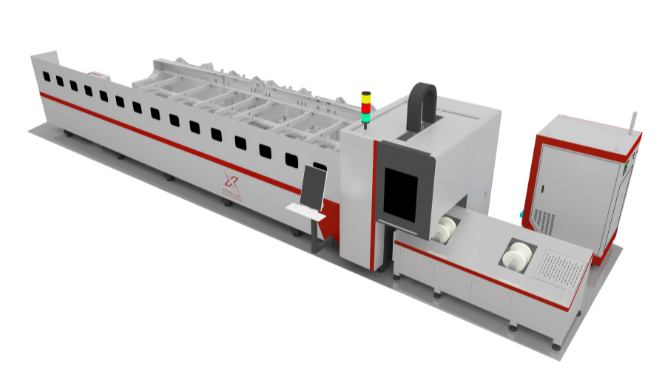
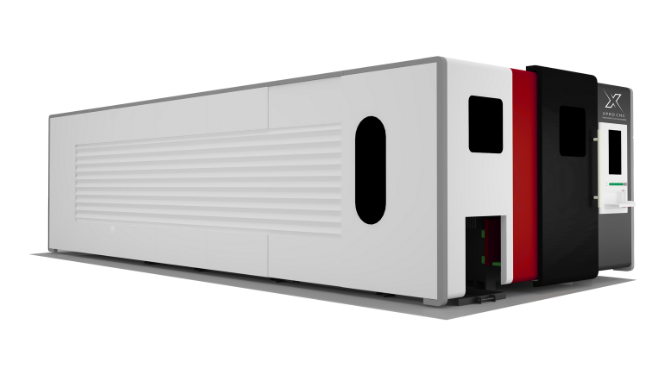
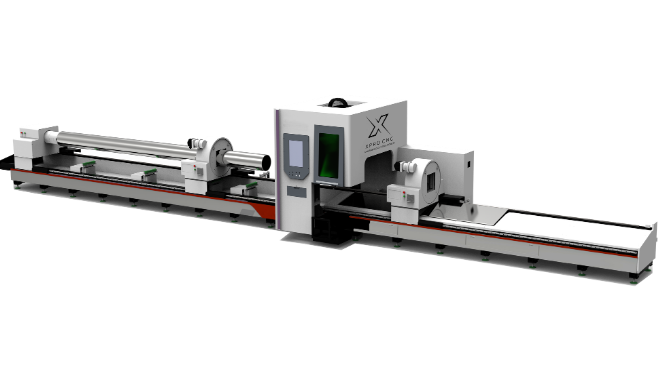
- Best For: Metals (stainless steel, carbon steel, aluminum, brass, copper).
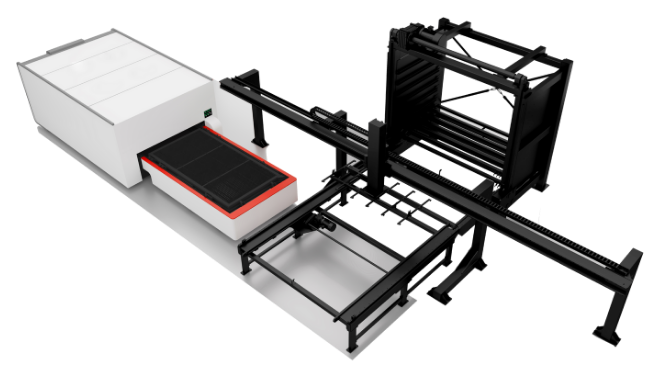
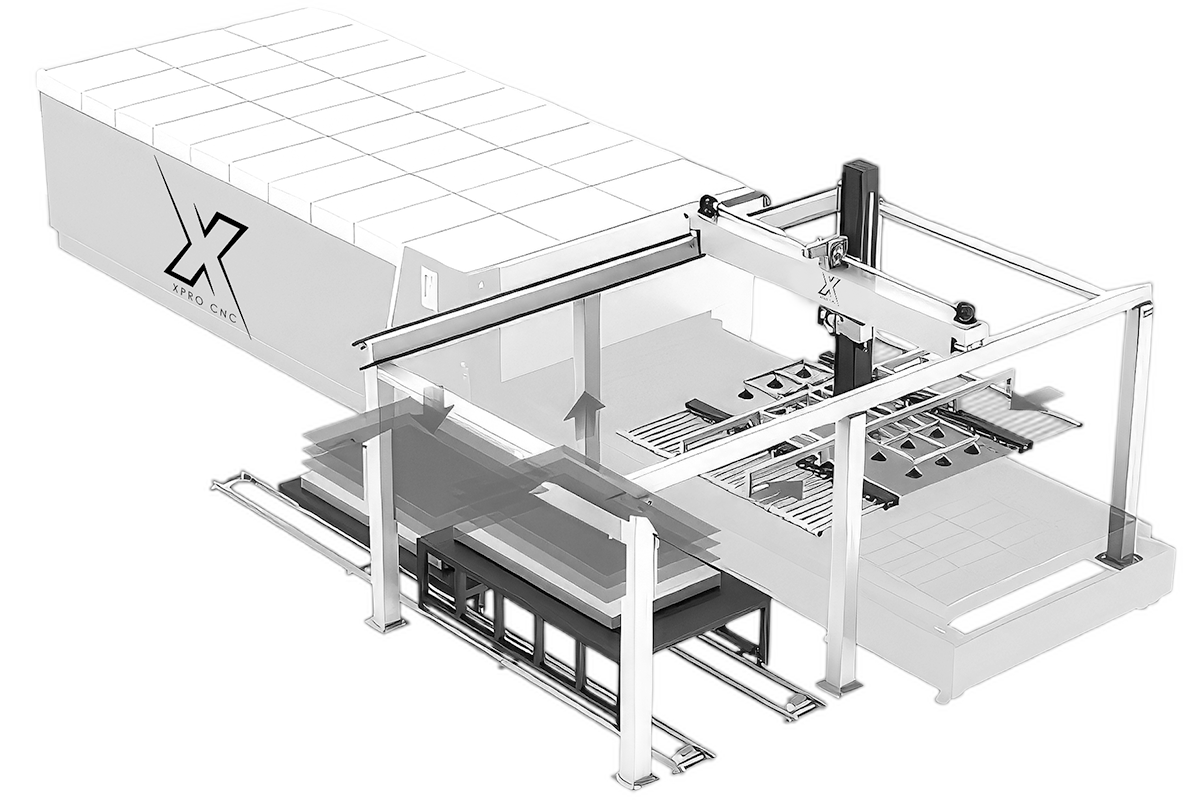
- Ideal Business Use: Sheet metal fabrication, automotive parts, aerospace components, and industrial manufacturing.
- Pros: Extremely energy efficient (up to 3x more than CO2); virtually maintenance-free solid-state source; blazing fast cutting speeds on thin metal.
- Cons: Higher upfront cost; generally cannot cut transparent materials like acrylic (the wavelength passes right through).
Pro Tip: If your business does 80% metalwork and 20% acrylic, buy a Fiber laser for the metal and outsource the acrylic—or buy a small, dedicated desktop CO2 unit. “Hybrid” machines exist but often compromise on performance for both materials.
Description: A comparative spectrum chart showing the wavelength differences between CO2 (10,600 nm) and Fiber (1,064 nm) lasers. The graphic visually demonstrates how the Fiber wavelength is absorbed readily by metals, while the CO2 wavelength interacts with organic molecules. Alt Text: Diagram comparing wavelengths of CO2 and fiber laser cutting machines for material absorption.
Top Laser Cutting Machines Available in Canada (2025)
The Canadian market has moved beyond just importing generic unbranded units. Several manufacturers now have established Canadian support networks, which is critical for minimizing downtime.
1. Aeon Laser (Mira & Nova Series)
Aeon has gained massive traction in Canada for their “Clean Pack” design, where rails and bearings are enclosed to protect against dust—a huge plus for shops cutting wood or MDF.
- Key Model: Aeon Mira 9. It’s a desktop-friendly CO2 powerhouse that fits through a standard door but offers a generous bed size.
- Why it ranks: Excellent Canadian dealer support (e.g., CanCam) means you aren’t waiting on parts from overseas.
2. Thunder Laser (Nova & Bolt Series)
Thunder Laser is often cited as the “best bang for the buck” for small to medium businesses. They bridge the gap between expensive Western brands and budget imports.
- Key Model: Thunder Nova 51. A dual-pass-through CO2 machine perfect for feeding full 4×8 sheets of material (with some maneuvering).
- Why it ranks: Their RF (Radio Frequency) metal tubes are known for longevity compared to standard glass tubes.
3. Trotec (Speedy Series)
For businesses where speed and precision are non-negotiable, Austrian-engineered Trotec is the gold standard.
- Key Model: Speedy 400.
- Why it ranks: Their JobControl software is industry-leading. While the price point is premium, the throughput speed can effectively replace two slower machines, justifying the ROI for high-volume shops.
4. xTool (P2 & S1)
For home-based businesses or micro-enterprises starting out, xTool has revolutionized the entry-level market.
- Key Model: xTool P2. A 55W CO2 desktop cutter with built-in cameras for drag-and-drop positioning.
- Why it ranks: It lowers the barrier to entry, allowing a business to start offering laser services for under $7,000 CAD.
The True Cost of Ownership: A Canadian Price Guide
When budgeting, the sticker price is just the beginning. Canadian business owners must account for the “landed cost” to avoid shock.
Initial Investment Tiers (CAD)
- Entry-Level (Hobby/Micro-Business): $2,500 – $8,000
- Examples: xTool P2, Glowforge (Pro), OmTech (low-end).
- Expect: Glass tubes (consumable), slower speeds, basic software.
- Mid-Range (Small Business/Education): $12,000 – $25,000
- Examples: Aeon Mira, Thunder Laser Nova.
- Expect: RF tubes (longer life), faster servo motors, reliable local support.
- Industrial (Manufacturing): $40,000 – $150,000+
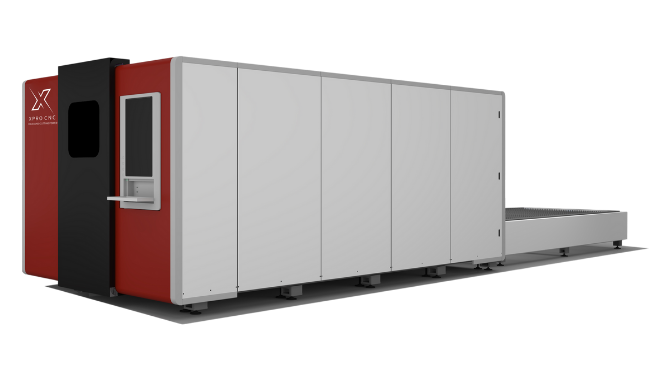
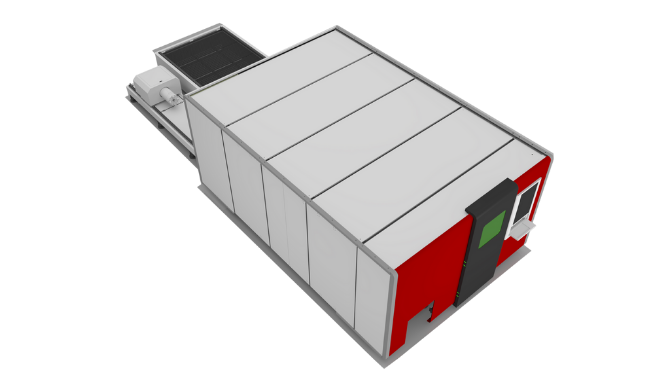
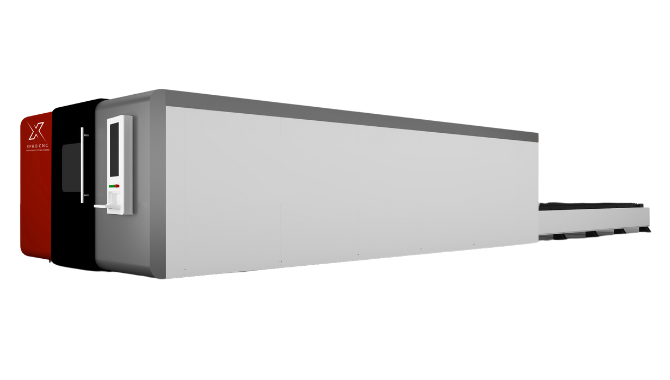
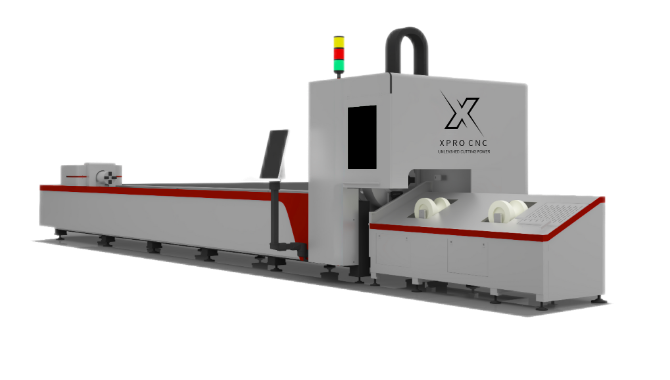
- Examples: Trotec, Epilog, High-power Fiber lasers (Bodor, Trumpf).
- Expect: 24/7 operation capability, negligible maintenance, high resale value.
Hidden Costs to Watch For
- Shipping & Rigging: Getting a 1,000lb machine from the port or warehouse to your shop floor can cost $500–$2,000.
- Fume Extraction: You cannot simply vent smoke into a Canadian winter. You either need a high-end filtration unit ($2,000+) or a complex HVAC setup to vent outside without losing all your shop’s heat.
- Chillers: CO2 tubes need active cooling. An industrial water chiller (like a CW-5200) is mandatory for stability.
- Air Assist: A dedicated air compressor is needed to blow debris away from the cut site and prevent flaming.
Financial Incentives: Tax Breaks & Grants for Canadian Manufacturers
This is where you can gain a competitive edge. Canada offers specific incentives to encourage businesses to modernize their equipment.
Capital Cost Allowance (CCA) Class 53
For the 2024 and 2025 tax years, the federal government has incentivized manufacturing.
- The Benefit: Class 53 covers machinery and equipment used in manufacturing and processing.
- Immediate Expensing: Historically, you could write off a significant portion (often 100% or 75% depending on the specific phase-out year) of the machine’s cost in the very first year, rather than depreciating it slowly over a decade.
- Impact: If you buy a $20,000 machine, you may be able to deduct $15,000+ from your taxable income immediately, significantly lowering your tax bill. Always consult your CPA for the exact current rates.
Regional Grants (CDAP, FedDev, NOHFC)
- Canada Digital Adoption Program (CDAP): While primarily for software, if your laser cutter includes advanced CNC software integration that digitizes your workflow, you may be eligible for grants or 0% interest loans.
- Regional Agencies: Agencies like FedDev Ontario or the Northern Ontario Heritage Fund Corporation (NOHFC) frequently offer non-repayable contributions (grants) covering 35-50% of equipment costs for businesses expanding production or creating jobs.
Safety & Compliance: Navigating CSA Standards
Importing a cheap laser directly from overseas can be a liability nightmare. Canadian electrical code is strict.
CSA Approval is Mandatory
In Canada, any electrical equipment plugged into a commercial outlet must be certified by an accredited body (CSA, cUL, cETL).
- The Risk: If an uncertified machine causes a fire, your commercial insurance will likely deny the claim.
- The Solution: Only buy from reputable Canadian dealers who ensure their machines are “intertek” or CSA inspected. If you import directly, you must hire a field inspector (e.g., from ESA in Ontario) to sticker the machine, which costs nearly $1,000.
Laser Safety Classifications
- Class 1: Fully enclosed. Safe for operation without protective gear (like a microwave). Recommended for schools and open shops.
- Class 4: Open bed or passthrough slots active. The beam is exposed. Requires a designated Laser Safety Officer (LSO), warning signage, and mandatory safety eyewear for everyone in the room.
Material Guide: What Can You Actually Cut?
Understanding material interaction is key to quoting jobs accurately.
The “Do Not Cut” List
Never cut these materials. They release toxic gases that destroy your machine and your lungs.
- PVC (Vinyl): Releases Chlorine gas. It creates hydrochloric acid that corrodes the machine instantly.
- Polycarbonate (Lexan): Melts poorly and produces thick, yellow smoke.
- Carbon Fiber: Releases conductive dust that can short out electronics.
The “Yes” List
| Material | CO2 Laser | Fiber Laser | Notes |
|---|---|---|---|
| Acrylic | Excellent (Polished Edge) | No | Cast acrylic creates a “frost” look when engraved; Extruded cuts cleaner. |
| Wood/MDF | Excellent | No (scorches) | Air assist is crucial to prevent charring. |
| Stainless Steel | No (unless O2 assisted high power) | Excellent | Requires Nitrogen gas assist for a clean, oxide-free edge. |
| Anodized Aluminum | Engrave Only | Cut & Engrave | CO2 removes the coating; Fiber cuts the metal. |
| Glass | Engrave Only | Engrave Only | Uses heat to fracture the surface (wet paper towel trick helps). |
Maintenance for Longevity
A laser cutter is not a “set it and forget it” tool. A strictly followed maintenance schedule prevents the dreaded “power fade.”
Weekly Checklist
- Clean Optics: Use high-grade IPA (isopropyl alcohol) and lens wipes. A smoky lens heats up and cracks.
- Check Water Levels: Ensure your chiller has enough distilled water. Conductive tap water can arc your high-voltage tube.
- Lubricate Rails: Use white lithium grease on linear rails to prevent step-skipping.
The “Alignment” Ritual
Mirror alignment is the #1 cause of poor cutting performance. If your laser beam hits the nozzle wall instead of the center of the lens hole, you lose 50% of your power. Train your staff to perform a “tape test” alignment every Monday morning.
Description: A step-by-step schematic showing the path of the laser beam from the tube, hitting Mirror 1, Mirror 2, Mirror 3, and down through the focus lens. It highlights the 3-axis adjustment screws on the mirror mounts. Alt Text: Diagram of laser beam path and mirror alignment for CO2 laser cutter.
Quick Takeaways
- Choose by Application: CO2 for wood/acrylic/signage; Fiber for metal parts/industrial.
- Respect Canadian Code: Ensure your machine bears a cUL, CSA, or Intertek sticker to satisfy insurance and safety inspectors.
- leverage Tax Breaks:** Utilize the CCA Class 53 (Manufacturing) tax incentive to write off a significant portion of the machine cost in year one.
- Budget for “Landed” Costs: Add ~20% to the machine price for shipping, chillers, filtration, and air compressors.
- Local Support Matters: Buying from a Canadian dealer (like CanCam or generic distributors with Canadian HQs) saves weeks of downtime compared to ordering direct from overseas.
- Safety First: Appoint a Laser Safety Officer if you operate a Class 4 (open bed) machine.
- Don’t Cut PVC: It releases chlorine gas which is dangerous to humans and fatal to machines.
Conclusion
Investing in a laser cutting machine is a transformative move for any Canadian business. It insulates you from supply chain delays by bringing manufacturing in-house and allows for rapid prototyping that can outpace competitors. Whether you opt for a versatile Aeon CO2 laser for custom signage or a high-speed Fiber laser for industrial parts, the ROI potential is immense—provided you buy the right machine.
Don’t let the technical jargon overwhelm you. Focus on your primary materials, budget for the “hidden” ancillaries like fume extraction and safety compliance, and take full advantage of Canadian government manufacturing incentives.
Would you like me to help you draft a specific ROI calculation based on your shop’s hourly rate and material costs?
FAQs
1. Can I operate a laser cutting machine in an unheated garage in Canada? It is risky. CO2 laser tubes are water-cooled. If the water inside the glass tube freezes, the tube will shatter instantly. If you must operate in an unheated space, you need a high-quality industrial chiller with an antifreeze capability or a dedicated heater for the laser housing.
2. What is the difference between “Glass Tube” and “RF Metal Tube” lasers? Glass tubes are DC-excited and are cheaper “consumables” that last 1-2 years. RF (Radio Frequency) metal tubes are air-cooled, last 5-7 years, can be refilled, and offer much higher engraving precision (finer dot size). RF is better for business; Glass is better for budget.
3. Do I need a permit to own a laser cutter in Canada? Generally, you do not need a municipal permit to own one, but you must comply with Occupational Health and Safety (OHS) regulations. This includes proper ventilation (not venting smoke onto a neighbor’s property) and having a designated Laser Safety Officer if using Class 4 equipment.
4. Can a CO2 laser cut metal if I use oxygen assist? Technically, yes, some high-wattage (150W+) CO2 lasers can cut thin steel with Oxygen assist, but it is slow and leaves a rough edge. It is rarely efficient for a business. If you need to cut metal commercially, a Fiber laser is the correct tool.
5. How much power (Wattage) do I need for my small business? For CO2: 60W-80W is the “sweet spot” for cutting 1/4″ wood and acrylic efficiently. 100W-130W is needed for 1/2″ materials. For Fiber: 1kW (1000W) is the entry-level for thin sheet metal. 3kW+ is standard for industrial fabrication.
We’d love to hear from other Canadian business owners! Have you utilized the CDAP or other grants for your equipment? Share your experience in the comments below or tag us on social media.
References
- Canada Revenue Agency (CRA). (2024). Capital Cost Allowance (CCA) Rates for Class 53 (Manufacturing and Processing). Retrieved from Canada.ca.
- Canadian Standards Association (CSA). CSA Z386-20: Safe Use of Lasers in Health Care and Industrial Applications.
- WorkSafeBC. (2024). Laser Safety in the Workplace: Hazards and Controls. Retrieved from worksafebc.com.
- Aeon Laser Canada. (2025). Mira and Nova Series Technical Specifications and CSA Compliance Data.
- Government of Canada. Canada Digital Adoption Program (CDAP) Eligibility Guidelines.