


For Canadian business owners, the decision to invest in a laser cutter is rarely just about buying a tool—it is about unlocking a new tier of production capability, precision, and profitability. Whether you are running a custom signage shop in Toronto, a manufacturing facility in Alberta, or a boutique design studio in Vancouver, the right laser cutter can drastically reduce lead times and open revenue streams that were previously outsourced.
However, the market is flooded with options ranging from budget-friendly desktop diodes to six-figure industrial fiber systems. Navigating this landscape requires more than just comparing wattage; it demands a clear understanding of Total Cost of Ownership (TCO), Canadian safety regulations (including the crucial REDR updates), and the logistical realities of operating high-powered machinery in our climate.
This comprehensive guide will walk you through everything you need to know to purchase and operate a laser cutter in Canada. We will move beyond the basics to discuss ROI, supply chain reliability for parts, and the specific nuances of the Canadian market that manufacturers’ brochures often leave out.
1. Understanding the Core Technologies: CO2, Fiber, and Diode
Before discussing brands or prices, you must match the laser source to your business model. The “best” laser is entirely dependent on your material list.
CO2 Lasers: The Versatile Workhorse
- Mechanism: Uses a gas mixture (carbon dioxide, nitrogen, helium) electrically stimulated to produce a beam.
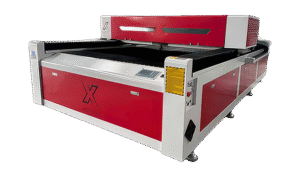
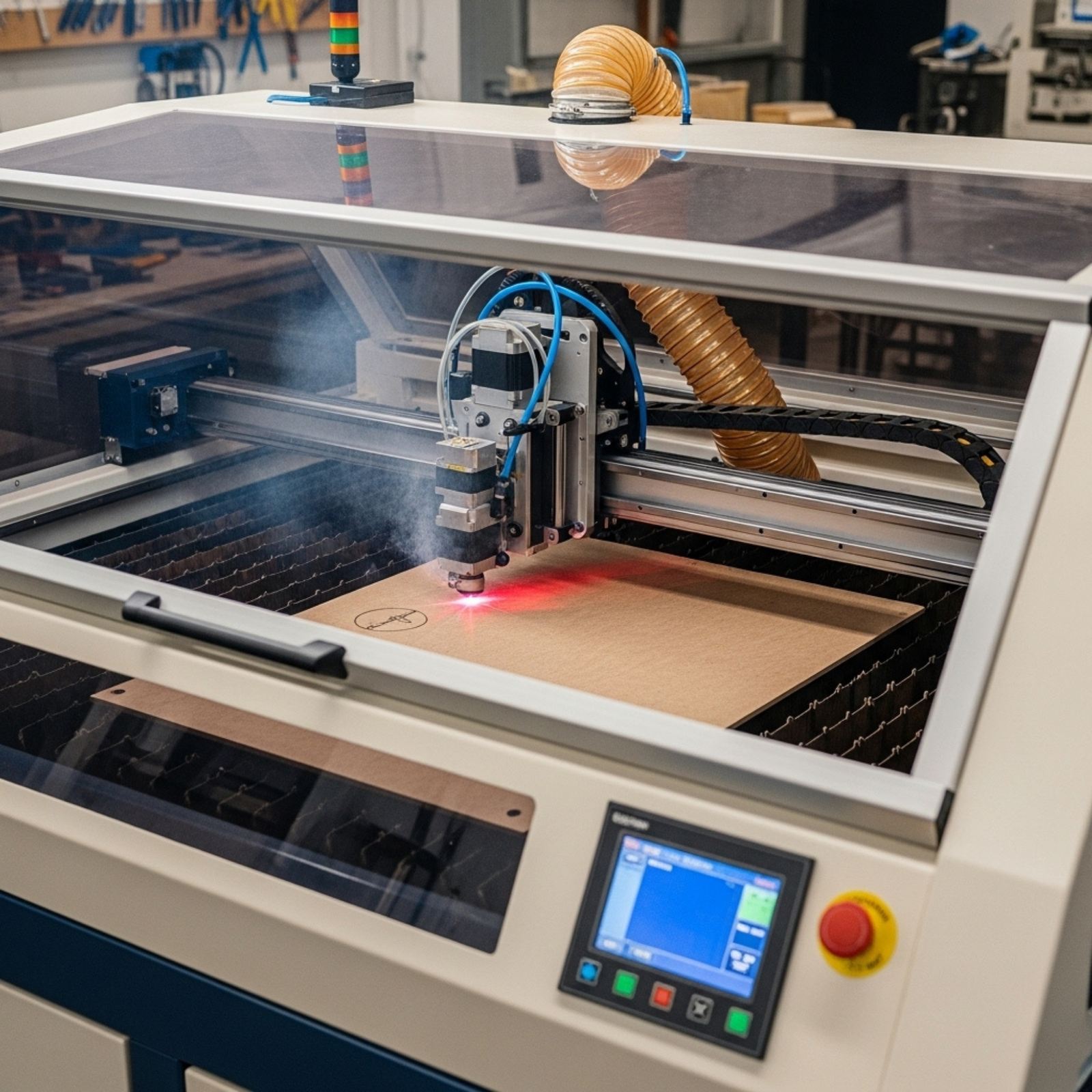
- Best For: Organic materials. Cutting wood, acrylic, leather, paper, and engraving coated metals or glass.
- Business Case: Ideal for signage, architectural models, personalized gifts, and wedding decor industries.
- Limitation: cannot cut bare metal efficiently without oxygen assist or extremely high wattage.
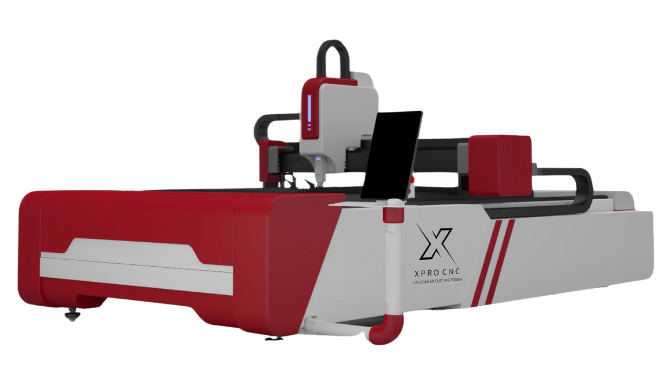
Fiber Lasers: The Metal Master
- Mechanism: Creates a beam using an optical fiber doped with rare-earth elements (like ytterbium).
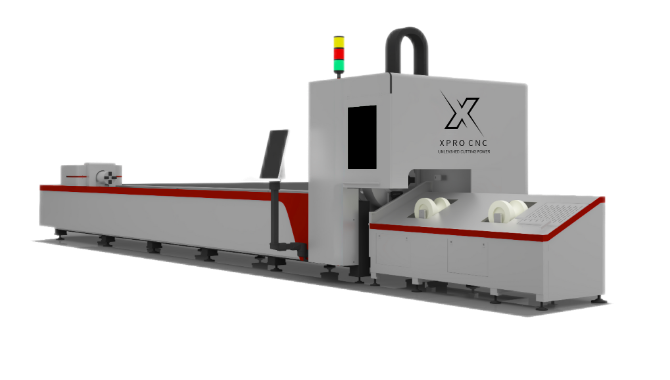
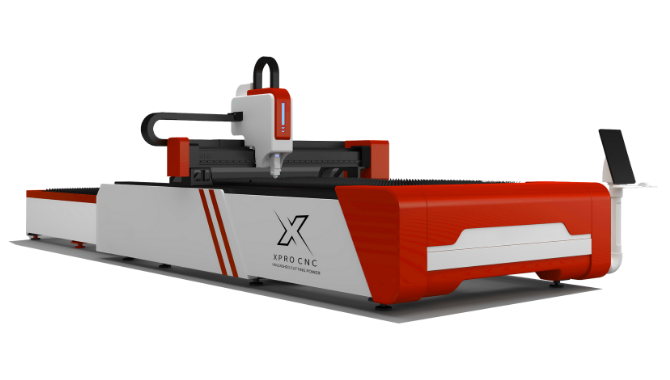
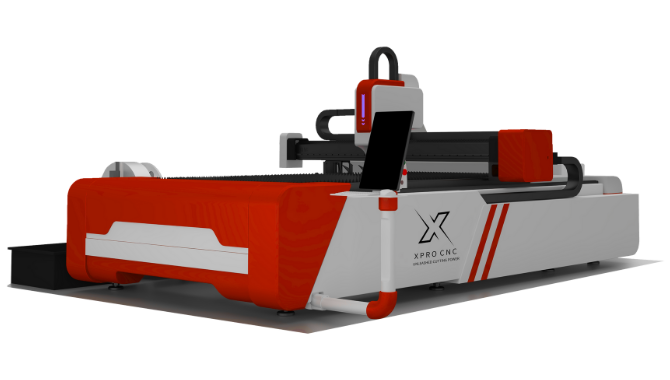
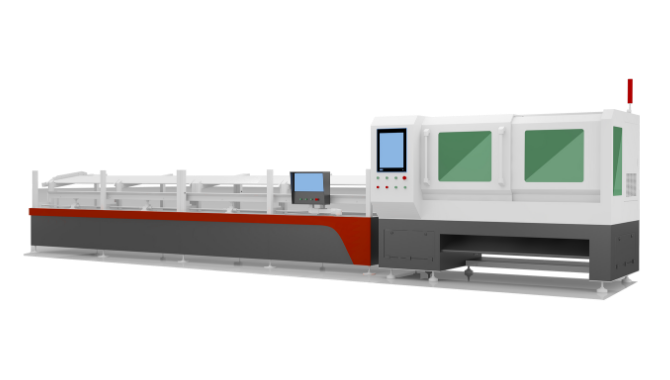
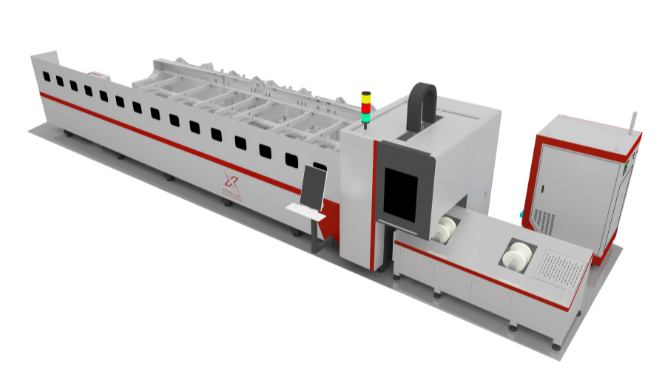
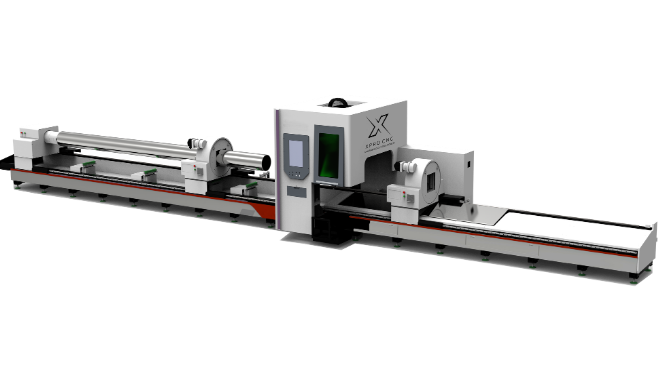
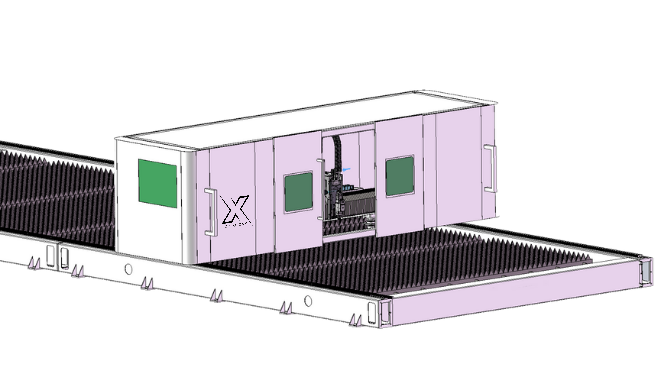
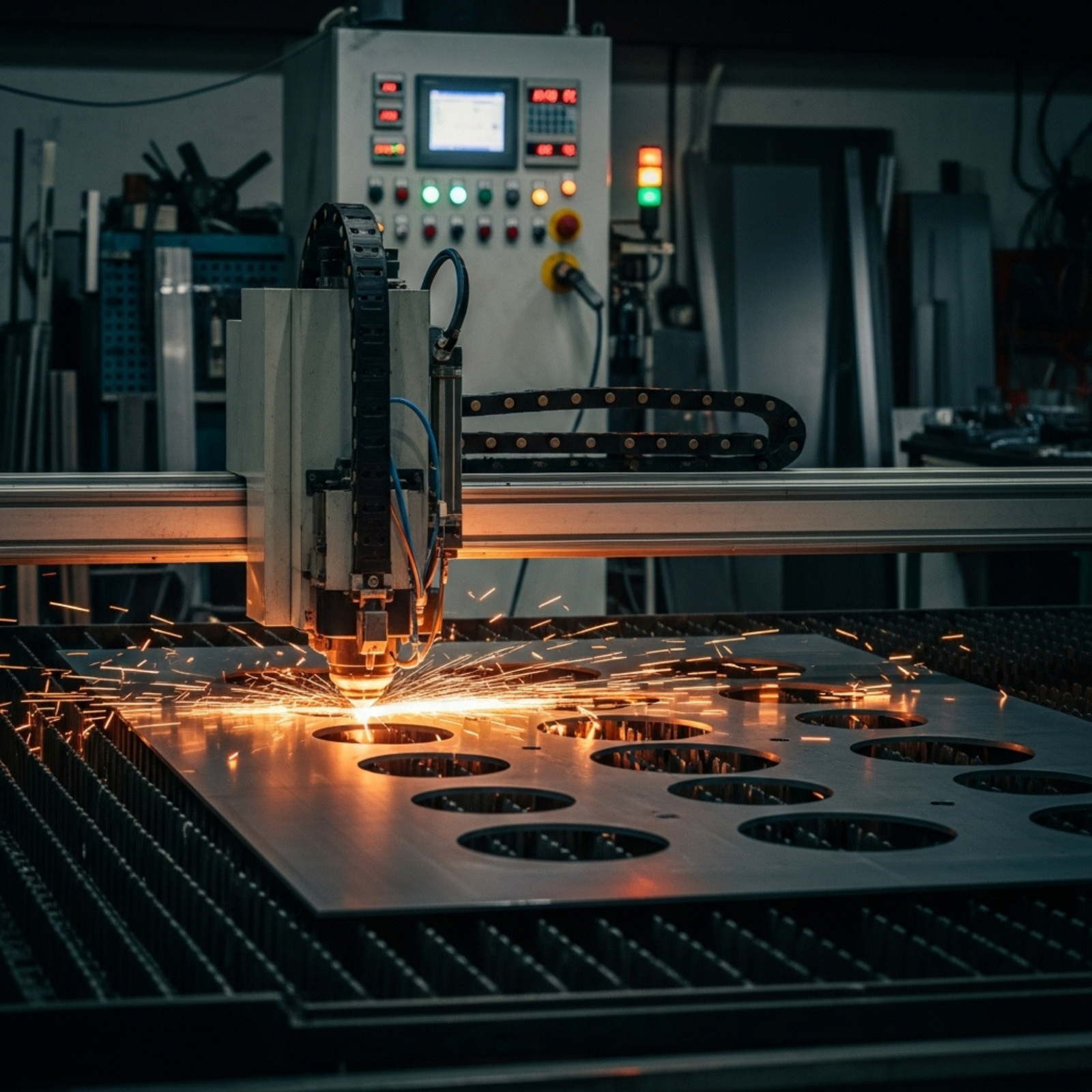
- Best For: Metals. Cutting stainless steel, aluminum, brass, and copper; marking industrial plastics.
- Business Case: Essential for industrial manufacturing, serialization (barcoding), automotive parts, and jewelry.
- Limitation: Generally poor at cutting transparent materials like acrylic (the beam passes right through).
Diode Lasers: The Entry Point
- Mechanism: Semiconductor technology, similar to an LED.
- Best For: Light engraving and cutting thin materials (3mm wood/plywood).
- Business Case: valid only for very small “side hustle” businesses or prototyping. rarely robust enough for high-volume commercial production.
Visual Concept 1: The Wavelength Spectrum An infographic comparing the wavelength of CO2 (10,600 nm) vs. Fiber (1,064 nm). The visual shows the CO2 beam bouncing off a metal surface (reflection) but absorbing into wood, while the Fiber beam absorbs into the metal lattice. Alt Text: Diagram showing how CO2 laser wavelengths react to organics vs metals compared to fiber laser wavelengths.
2. Why Laser Cutting is a Profitable Move for Canadian Businesses
Investing in this technology offers a tangible ROI, often realized within 12 to 18 months for active shops.
- In-Housing Production: Many Canadian firms outsource cutting to job shops. By bringing this in-house, you reclaim the markup (often 30-50%) and gain control over priority scheduling.
- Waste Reduction: Unlike CNC routers, which require spacing for the drill bit (kerf), lasers have an incredibly narrow kerf (0.1mm – 0.3mm). This allows for “nesting” parts closer together, saving 15-20% on expensive material costs like cast acrylic.
- Inventory Agility: You can switch from cutting gaskets to engraving award plaques in minutes. This agility is crucial for Canadian businesses that experience seasonal shifts in demand.
3. Top Applications in the Canadian Market
Based on current market trends in Ontario, BC, and Quebec, here are the high-growth sectors:
Custom Signage & Point of Sale (POS)
Acrylic fabrication is huge. Laser cutters produce “flame-polished” edges on acrylic instantly, eliminating the need for manual sanding—a massive labor saver.
Industrial Identification (UID)
With stricter regulations in aerospace and automotive sectors (prominent in Quebec and Ontario), permanent, non-removable marking on parts using Fiber lasers is a growing service requirement.
Personalized Home Decor
The “Made in Canada” brand is strong. Businesses producing laser-cut maps of Canadian lakes, cottage signs, and holiday ornaments are seeing consistent growth on platforms like Etsy and local markets.
4. Key Features to Look For: Beyond Wattage
When reading a spec sheet, look for these business-critical features:
- Bed Size: A “24×12” bed is a hobbyist size. For commercial efficiency, aim for at least 24″ x 36″ or 36″ x 48″. This allows you to buy standard material sheets (often 4’x8′ cut in half or quarters) without pre-cutting them down.
- Pass-Through Doors: Essential. These allow you to slide a long sheet of material (e.g., an 8-foot board) through the machine to cut it in sections. Without this, you are strictly limited to the box size.
- Z-Axis Depth: If you plan to engrave tall items (like wine bottles or pre-assembled boxes), you need a deep motorized bed (6-8 inches or more).
- Cooling System: Avoid “bucket” water cooling. Ensure your quote includes a CW-5000 or CW-5200 industrial chiller. In Canadian summers, ambient heat can kill a laser tube if not actively cooled.
5. The “Made in Canada” vs. Import Debate
This is the most common dilemma. Should you buy a $5,000 import directly from China or a $15,000 unit from a local dealer?
The Import Route (OMTech, generic eBay/Alibaba):
- Pros: Significantly cheaper hardware.
- Cons: You are the tech support. Shipping damage is common. Parts may take weeks to arrive. Electrical certification (CSA/UL) is often missing, which can void your business insurance (see section 10).
The Local Dealer Route (Trotec, Epilog, Aeon Canada, Thunder Laser Canada):
- Pros: On-site training, CSA-approved electrical components, overnight parts shipping from Toronto or Calgary.
- Cons: Higher upfront capital.
Verdict: If downtime costs you more than $100/hour, buy local. The support contracts from companies like Trotec or Thunder Laser Canada are insurance against production stoppages.
6. Top Brands & Suppliers in Canada
Based on service reputation and market presence:
- Trotec Laser Canada: The “Mercedes” of the industry. Austrian engineering, incredibly fast ceramic tubes. Expensive, but high throughput.
- Epilog Laser: US-based, widely distributed in Canada (e.g., via Synergy Products). excellent metal RF tubes that last years without recharging.
- Thunder Laser Canada: A strong mid-range contender. Known for excellent customer support (based in Calgary) and reliable “Bolt” and “Nova” series machines.
- Aeon Laser Canada: Popular for their “Mira” all-in-one desktop units. Great for space-constrained shops.
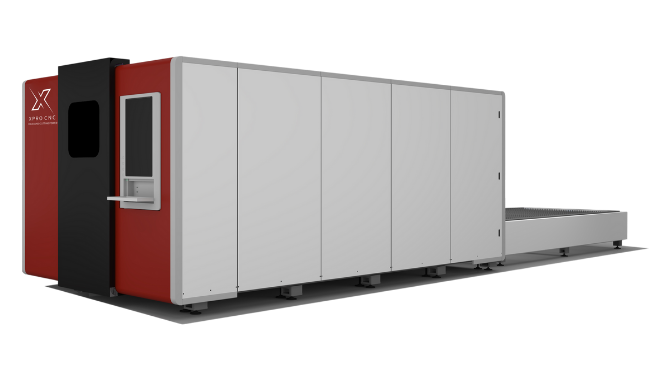
- Alpha Lazer: Based in Quebec, they specialize in high-power fiber lasers for metal fabrication.
7. Price Guide: What to Expect in CAD
Budgeting in Canadian Dollars (CAD) requires accounting for import duties if buying direct, or distributor markups.
- Entry-Level Business (Glass Tube CO2): $6,000 – $11,000 CAD.
- Example: Thunder Laser Bolt, Aeon Mira 7.
- Mid-Range Production (RF Tube CO2): $15,000 – $35,000 CAD.
- Example: Epilog Fusion, Trotec Speedy 300.
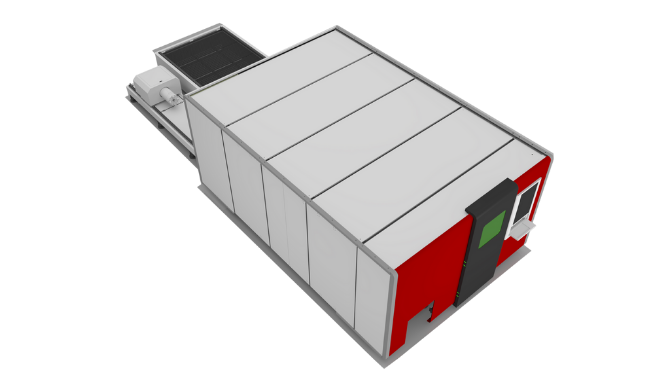
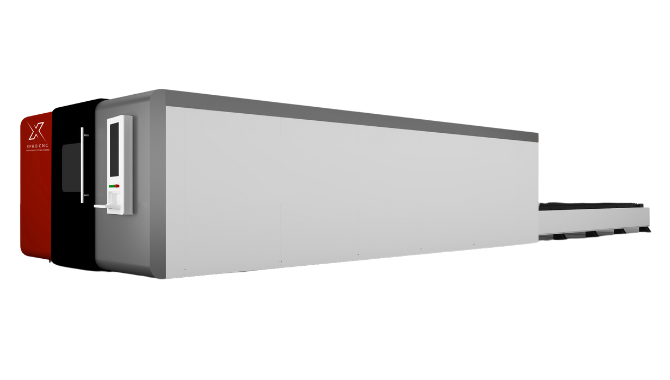
- Industrial Metal Cutting (Fiber 1kW+): $40,000 – $150,000+ CAD.
- Example: Alpha Lazer, FC Consumer industrial units.
8. Financing & Leasing Options
Cash flow is king. Most Canadian equipment suppliers partner with leasing firms (like CWB National Leasing or struggle-free manufacturer financing).
- Lease-to-own: Allows you to expense the monthly payments as an operating cost (OpEx) rather than a capital expenditure (CapEx), which can have tax advantages.
- Grants: Look for the CDAP (Canada Digital Adoption Program) if the laser integrates with digital inventory systems, or regional manufacturing grants in Southern Ontario and Quebec.
9. Safety Regulations: The REDR & Bill C-21 Context
Crucial Update: As of October 2025, Health Canada updated the Radiation Emitting Devices Regulations (REDR).
- Bilingual Labeling: All machines sold in Canada must have safety warning labels in both English and French.
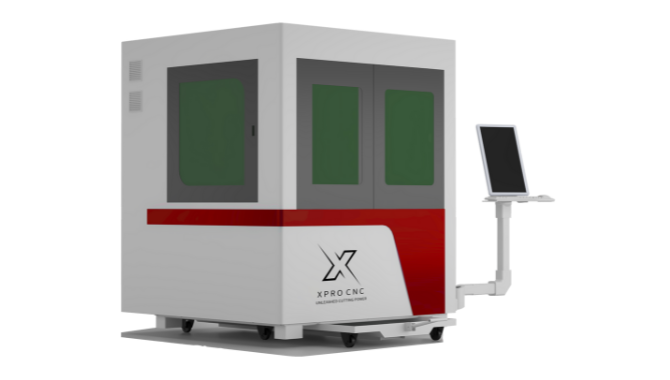
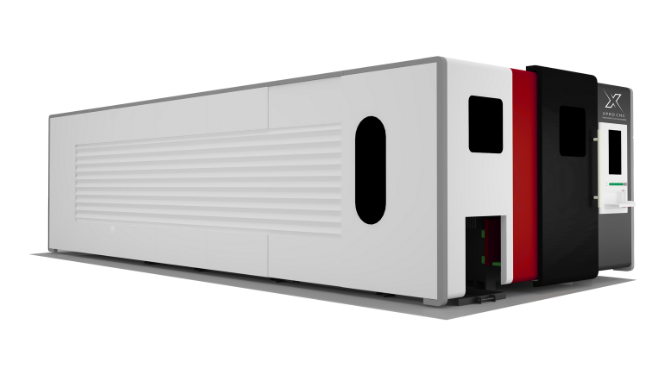
- Interlocks: Class 4 lasers (open bed) are heavily regulated. Most businesses should aim for Class 1 devices (fully enclosed, safety interlocks that kill the beam if the lid opens).
- CSA/ULC Approval: Your business insurance may deny a fire claim if the machine is not CSA (Canadian Standards Association) or ULC approved. Many grey-market imports lack this.
10. Maintenance & Running Costs
Visual Concept 2: The Iceberg of Ownership An infographic showing the “Machine Price” above the water. Below the water are “Tube Replacements,” “Lenses/Mirrors,” “Electricity,” and “Ventilation Heating Loss.” Alt Text: Iceberg infographic illustrating hidden costs of laser cutter ownership including maintenance and energy.
- Tube Life: Glass CO2 tubes last 2-3 years (cost: $500-$1,200 CAD to replace). RF Metal tubes last 5-7 years (cost: $3,000+ to recharge).
- Optics: Lenses and mirrors are consumables. Expect to spend $200-$400 annually.
- Electricity: A laser pulls significant power, especially the chiller and extraction fan.
- Heating Loss: Unique Canadian Insight. Laser cutters vent air outside. In January, you are sucking your shop’s expensive heated air and blasting it outdoors. You may need a heavy-duty Make-Up Air Unit (MAU) to balance the pressure, or your heating bill will skyrocket.
11. Software & Compatibility: The “LightBurn” Standard
Historically, lasers ran on terrible proprietary software. Today, the industry standard is LightBurn.
- It costs roughly $80-120 CAD.
- It works on Windows, Mac, and Linux.
- Advice: If a machine is not compatible with LightBurn (like some Glowforge or Muse models that require cloud internet), be very wary. Business continuity requires software that works offline.
12. Installation & Workshop Requirements
- Venting: You need a short, straight run of rigid ducting to the outdoors. Flexible dryer vent hoses reduce airflow and trap flammable lint/dust—avoid them for long runs.
- Ambient Temperature: Lasers hate freezing temperatures. If your shop drops below 15°C at night, the water in a glass tube can freeze and crack the tube. You must keep the shop heated or use antifreeze (specifically rated for lasers) in the chiller.
- Power: Most 100W+ lasers run on standard 110V, but the chiller and fan often need their own circuits. Industrial fibers will need 220V single or 3-phase.
13. Training & Support: The Hidden Value
The learning curve is not in running the machine; it’s in materials science.
- What speed/power settings cut 6mm Baltic Birch without charring?
- How do I stop acrylic from smelling?
- Why is my engraving banding?
Good Canadian suppliers offer “Applications Support.” They have technicians who can give you the starting parameters for specific materials, saving you hours of trial and error.
14. Future Trends: AI and Automation
- Camera Integration: Cameras inside the laser (like on the Thunder Bolt or Glowforge) allow you to drag and drop your design onto the material on your screen. This reduces waste significantly.
- AI Design: Using tools like Midjourney to generate vector patterns for engraving is becoming a standard workflow.
- Eco-Friendly Lasers: Filtration units (Fume Extractors) are becoming mandatory in urban shared workspaces to scrub the exhaust before venting.
15. Conclusion
For Canadian business owners, a laser cutter is a high-leverage asset. It allows for rapid prototyping, high-margin personalization, and supply chain independence. However, the purchase decision must be strategic. Do not be seduced by the lowest sticker price. Factor in the “Canadian cost of business”—including shipping, heating loss, CSA compliance, and local support.
Call to Action: Ready to integrate laser technology into your workflow? Start by requesting material samples from the top 3 Canadian vendors (Trotec, Epilog, Thunder). Send them your specific file and material, and compare the edge quality and cycle time. The machine that cuts your product best is the one you should buy.
Quick Takeaways
- Buy Local for Support: Dealing with a Canadian distributor saves downtime during repairs.
- Check CSA Labels: Insurance may not cover fires from non-certified imported machines.
- Ventilation Matters: In Canada, venting air outside increases heating bills; consider air makeup units.
- LightBurn is King: Ensure your machine is compatible with LightBurn software.
- Wattage equals Speed: For business, 80W-100W is the sweet spot for cutting 1/4″ materials efficiently.
- Chillers are Mandatory: Never run a glass tube laser without an active chiller (CW-5000+).
Frequently Asked Questions (FAQs)
1. Can I operate a laser cutter in an unheated garage in Canada? It is risky. If the temperature drops below freezing, the water inside the laser tube and chiller will freeze and shatter the glass components. You must keep the area heated above 10°C or use specific laser-safe antifreeze and keep the unit insulated.
2. What is the difference between a “Glass Tube” and “Metal/RF Tube”? Glass tubes are cheaper but slower and need replacement every 2-3 years. Metal (RF) tubes (common in Epilog/Trotec) cost more upfront but provide a finer beam spot (better engraving), cut faster, and can last 5-10 years before needing a gas recharge.
3. Do I need a permit to own a laser cutter in Canada? generally, no permit is needed to own one, but if you have employees, you must comply with provincial OHS (Occupational Health and Safety) guidelines regarding ventilation, eye protection (OD+ rated glasses), and fire safety training.
4. How much does a laser cutter add to my electricity bill? A standard 100W CO2 laser setup (Machine + Chiller + Exhaust Fan) draws about 15-20 amps. If running 4-5 hours a day, expect an increase of $30-$60/month in hydro, varying by province rates. The hidden cost is the heating bill increase from venting warm air outside.
5. Can a fiber laser cut wood? No. Fiber lasers (1064nm) pass harmlessly through organic materials like wood and clear acrylic. They can burn or char it, but they will not cut it cleanly. If you need to cut both metal and wood, you need two separate machines or a specialized “hybrid” head (though hybrids are often finicky).
References
- Government of Canada. (2025). Radiation Emitting Devices Regulations (REDR) Updates. Health Canada.
- Health Canada. (2024). Safety Guidelines for Industrial Laser Equipment.
- Trotec Laser Canada. (2024). The ROI of In-House Laser Processing.
- Epilog Laser. (2023). CO2 vs Fiber Laser Source Guide.