

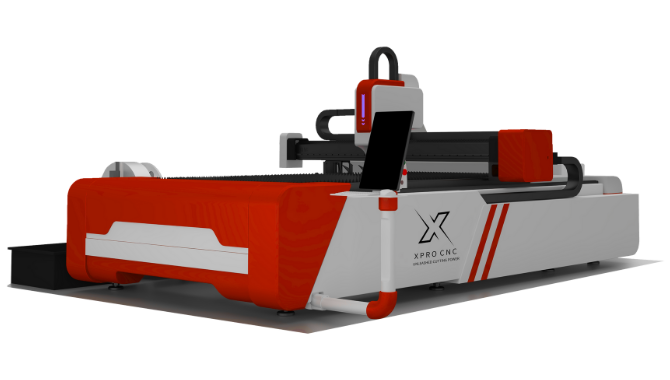
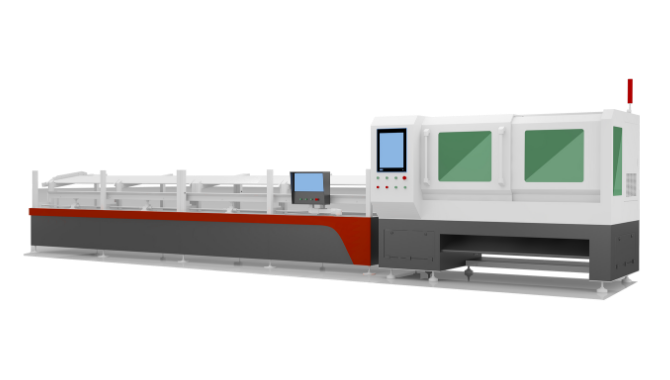
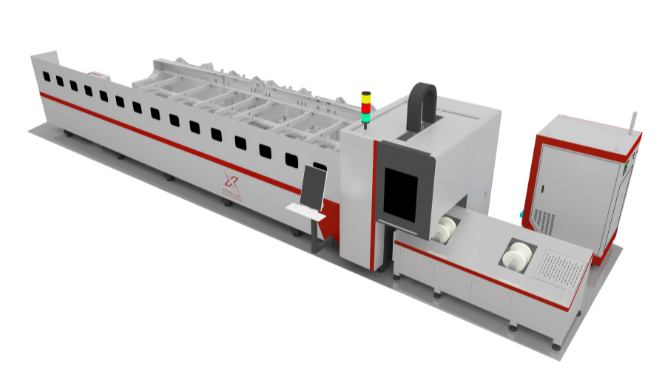
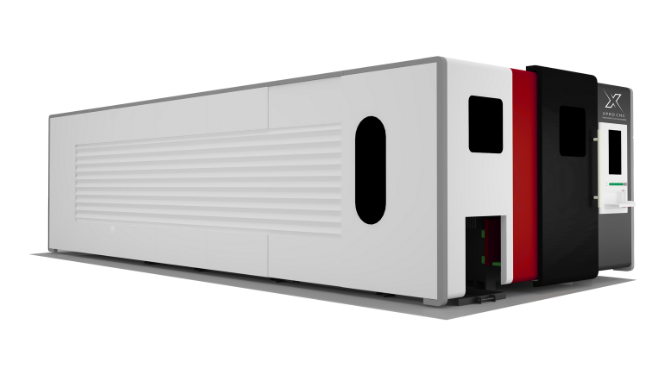
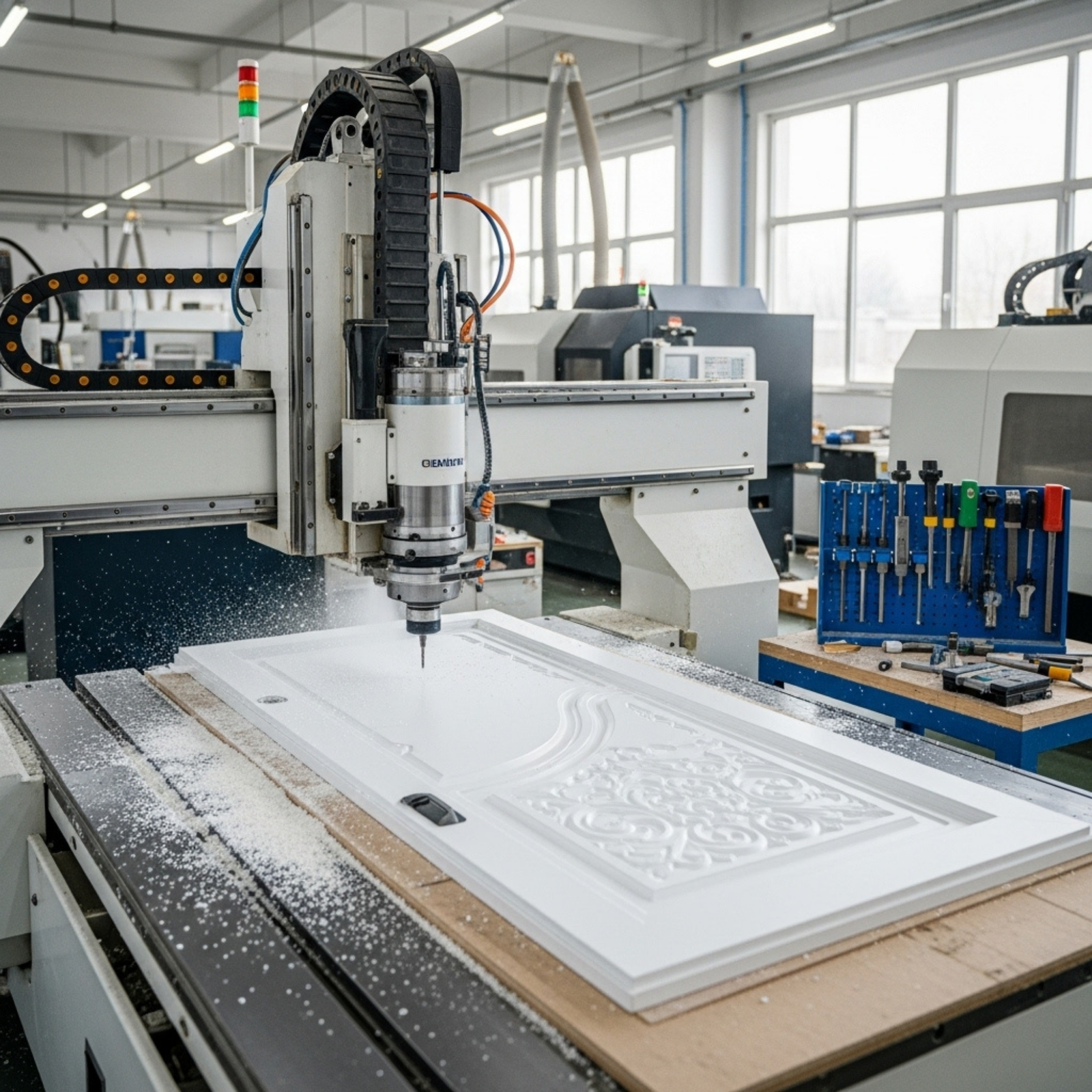
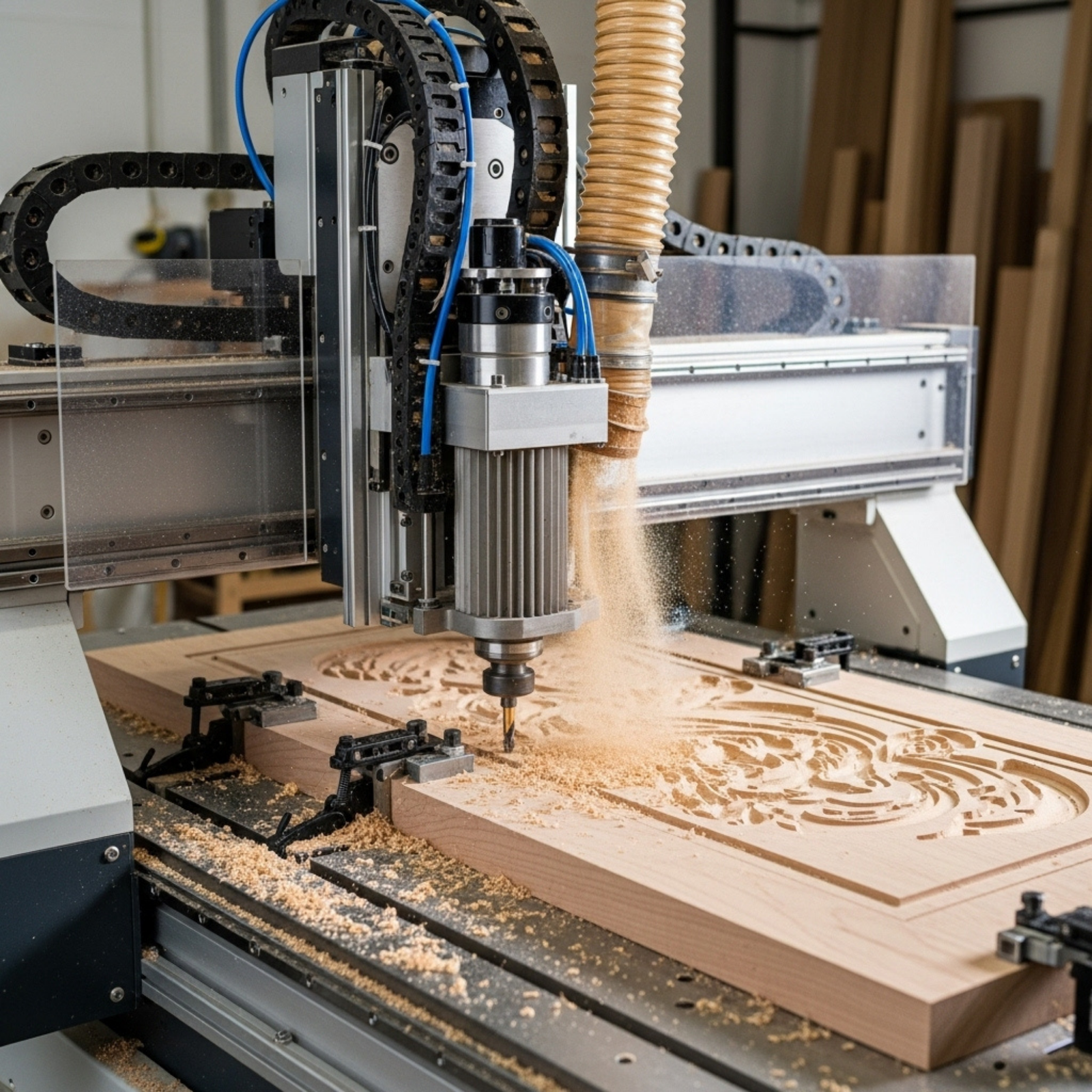
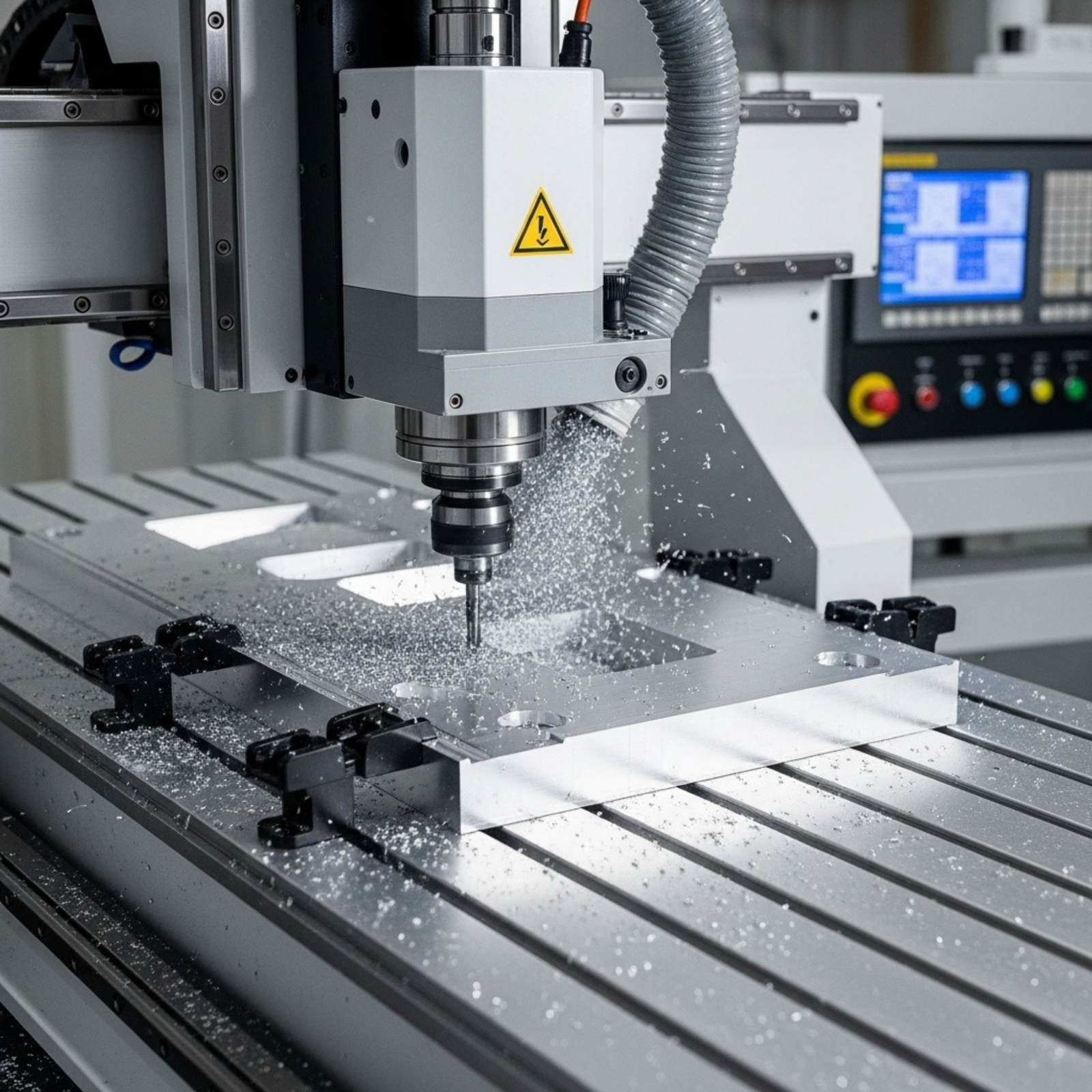
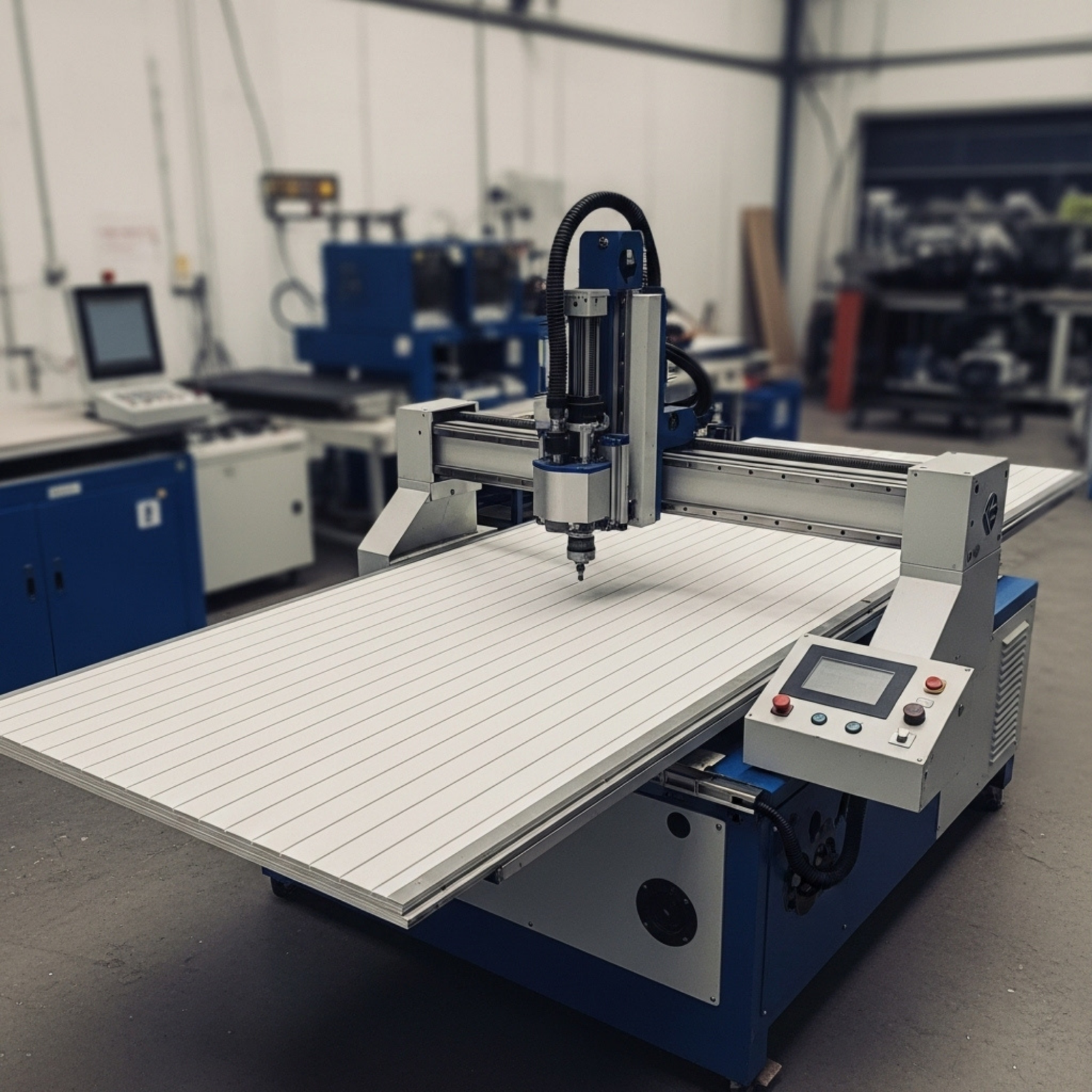
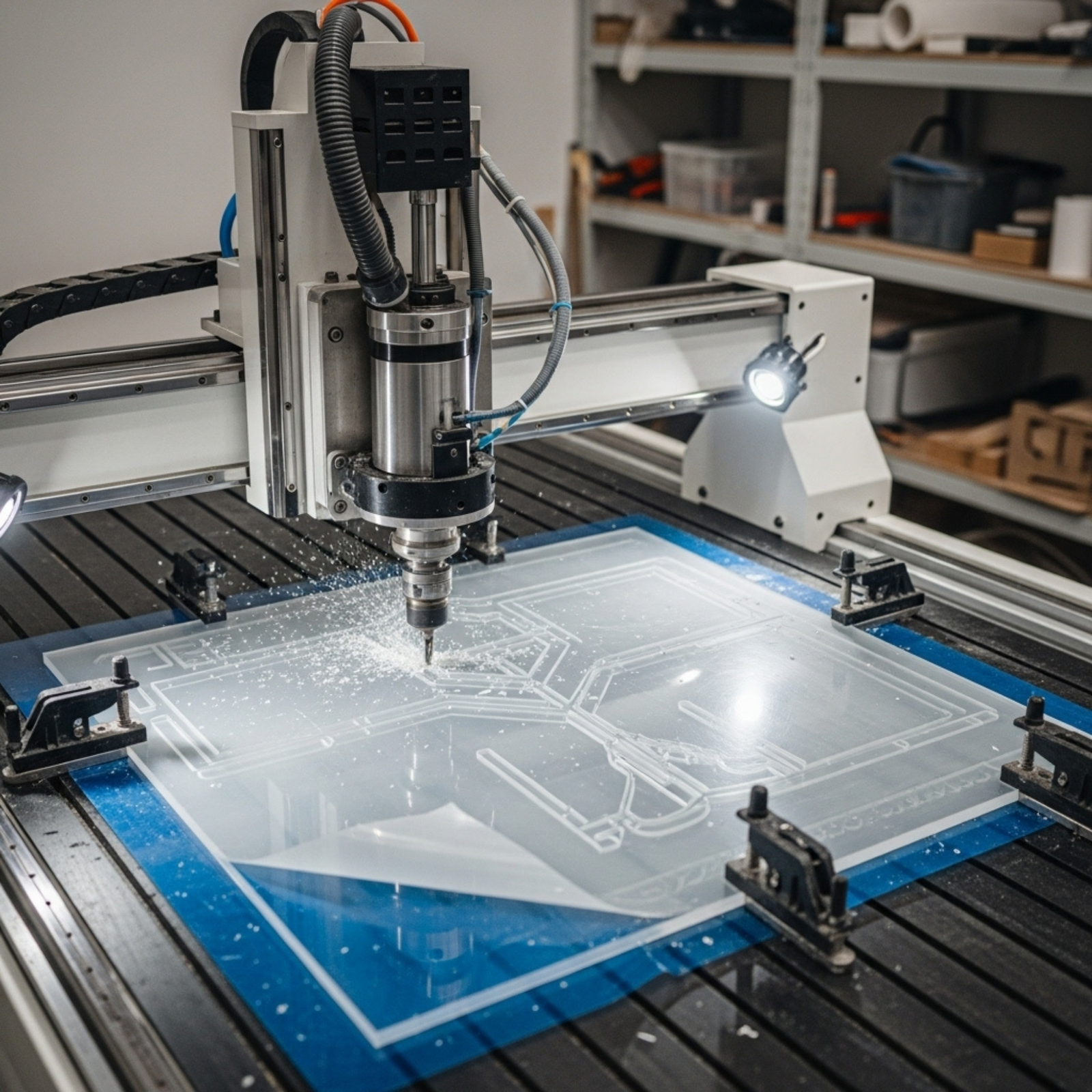


As any shop owner in Canada knows, winter brings a unique set of challenges. While we often focus on heating the shop or clearing the driveway, it is easy to overlook the impact that dropping temperatures have on precision machinery. Your CNC router is a complex ecosystem of metal, electronics, and lubricants—all of which react differently when the mercury dips.
Ignoring the effects of cold weather can lead to poor cut quality, premature wear, or even catastrophic failure. To ensure your production stays on track through 2025, we have compiled the essential maintenance strategies for operating in cold climates.
- Master Your Shop’s Climate
The first line of defence against winter wear is environmental control. CNC routers operate best in a stable environment, typically between 18°C and 22°C (64°F – 72°F).
When the temperature fluctuates effectively—like when you turn the heat down at night—metal components expand and contract. This thermal instability can affect the geometry of your machine, throwing off your tolerances.
- Maintain Stability: Try to keep your shop temperature consistent, even during off-hours. If you must lower the heat, ensure you bring the shop back up to operating temperature at least one hour before running the machine.
- Monitor Humidity: Winter air is dry. Aim for a relative humidity of 40% to 60%. Low humidity increases the risk of static electricity, which can fry sensitive control boards or cause dust collection fires.
- Lubrication: The Lifeblood of Your Machine
Cold weather turns standard grease into a waxy sludge. If your lubrication is too thick, it won’t flow into the linear bearings or ball screws properly, leading to metal-on-metal friction.
- Switch to Low-Temp Grease: If your shop regularly drops below 10°C, consider using a synthetic grease with a lower viscosity rating.
- Clean Before You Grease: Old, dust-filled grease hardens faster than fresh grease. Before applying new lubricant, wipe down your rails and screws to remove any contaminated build-up.
- Automated Systems: If your machine has an auto-luber, check the lines. Cold oil moves slowly and may trigger “pressure timeout” alarms. You may need to adjust the timer settings or manually prime the system on particularly cold mornings.
- The Vital Spindle Warm-Up Routine
You wouldn’t sprint a marathon without stretching, and you shouldn’t run your spindle at 18,000 RPM while it’s stone cold. The bearings in your spindle are precision-engineered; when cold, the races are tight, and the grease is stiff.
The Golden Rule: Always run a warm-up routine if the machine has sat idle for more than 4 hours.
A Simple 10-Minute Warm-Up Routine:
- 3 Minutes: Run at 6,000 RPM (or 25% max speed).
- 3 Minutes: Increase to 12,000 RPM (50% max speed).
- 4 Minutes: Finish at 18,000 RPM (75% max speed).
This process generates internal heat, allowing the bearing races to expand evenly and the grease to reach its optimal viscosity. Many controllers allow you to write a simple macro to automate this. - Pneumatics and Air Supply
Compressed air is often the unsung hero of a CNC system, powering tool changers and balance cylinders. In winter, moisture in your air lines is your enemy. As the warm air from the compressor hits the cold lines running to the machine, condensation forms. If this water freezes, it can block valves and damage seals.
- Drain Daily: Drain your compressor tank daily to remove accumulated water.
- Install a Dryer: Ensure your air dryer is functioning correctly. A refrigerated air dryer is highly recommended for Canadian climates.
- Check Alcohol Drippers: Some systems use alcohol drippers to prevent freezing; ensure these are topped up with the correct antifreeze agent.
- Electronics and Cables
While we often worry about mechanical parts, electrical components are also vulnerable.
- Cable Brittleness: Plastic cable chains and wire insulation become brittle in freezing temperatures. Sudden, fast movements on a cold morning can cause cables to crack. Allow the shop to warm up before executing rapid-traverse moves.
- Cabinet Filters: Keep your electrical cabinet filters clean. Even in winter, components generate heat. If filters are clogged with dust, the temperature inside the cabinet can spike, causing condensation when the machine is turned off and cools down rapidly.
Why Quality Parts Matter
Maintenance is only half the battle; the quality of your components dictates how well they withstand harsh conditions. Upgrading to robust, industrial-grade parts can save you hours of downtime. For high-quality components that stand up to rigorous use, you can explore the options at xprocnc.com.
Information Section:
The information provided in the content of this article is for informational purposes only and constitutes general advice. Every CNC machine is different. Please consult your machine’s specific manual or contact the manufacturer for expert opinion before applying these techniques. We recommend cross-referencing with resources from internationally recognized organizations such as the Make Manufacturing community or standard operating procedures from major manufacturers like Haas Automation.